

Edit a Form
To edit a form, follow the steps below.
-
Go to .
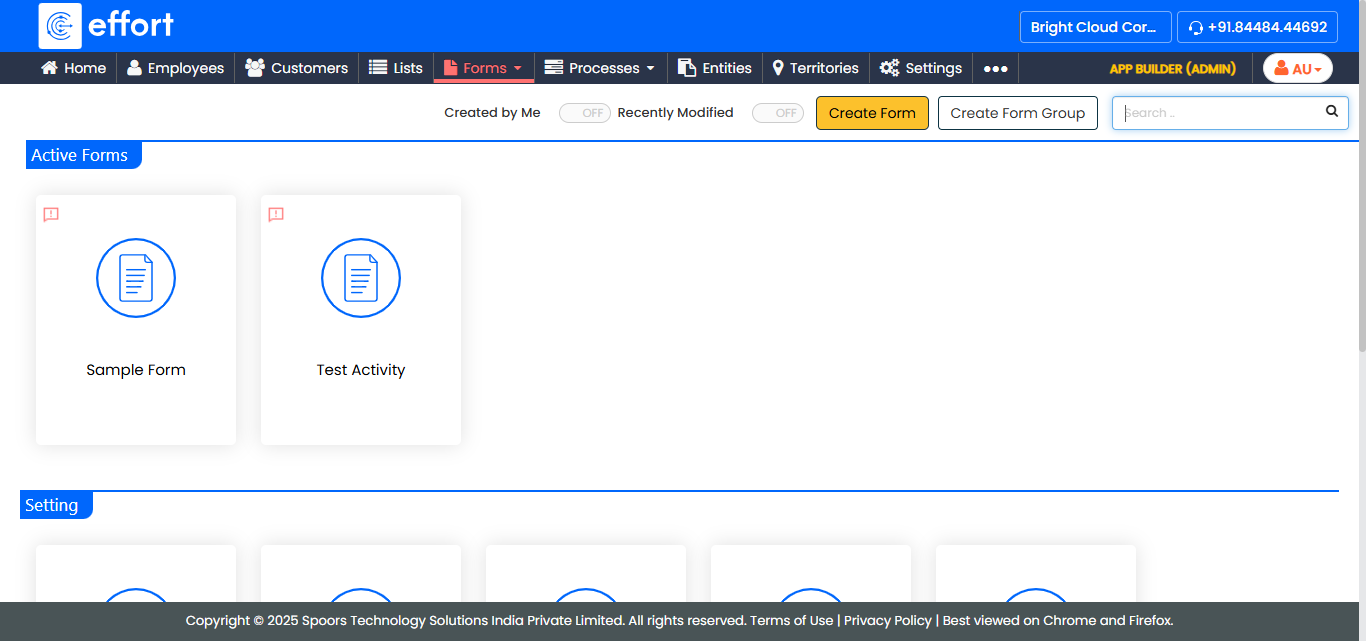
The Forms page appears.
-
Click on the form card that you want to modify.
-
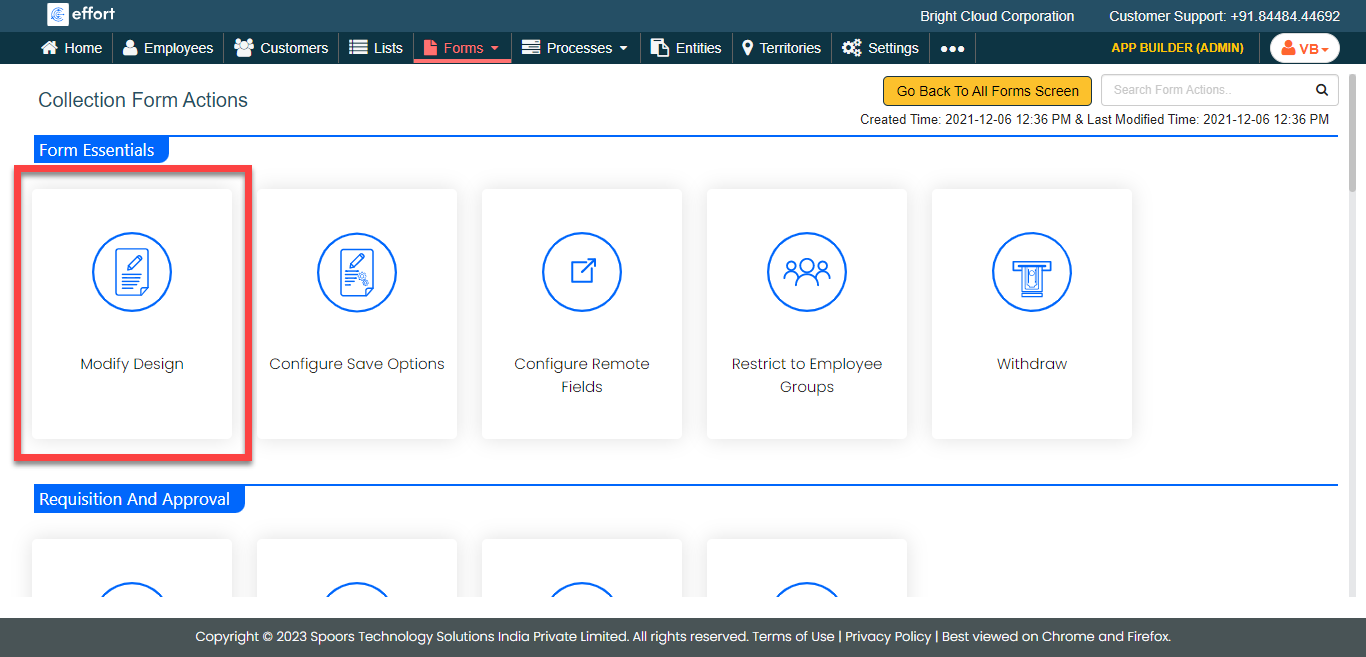
Click the Modify Design card under the Form
Essentials section.
-
Edit the form template depending on your requirement.
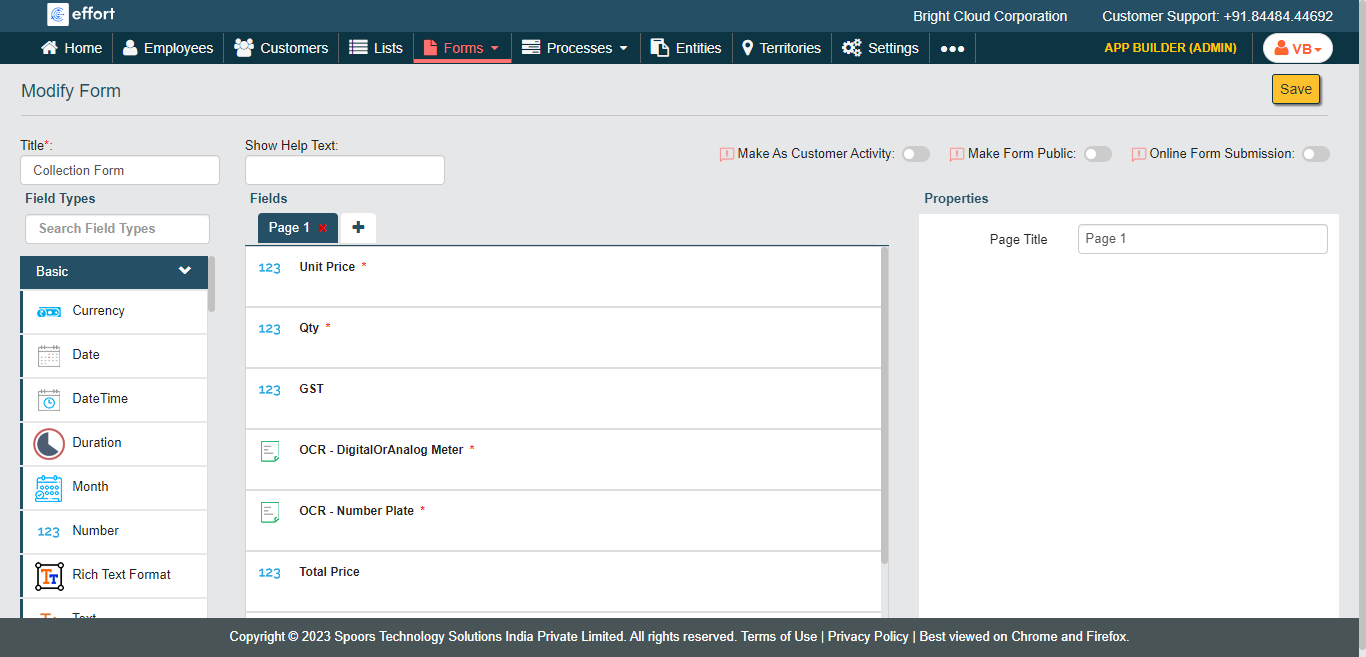
- Click Save.