

Update List Items On Form Submission
To update list items on form submission, follow the steps below.
-
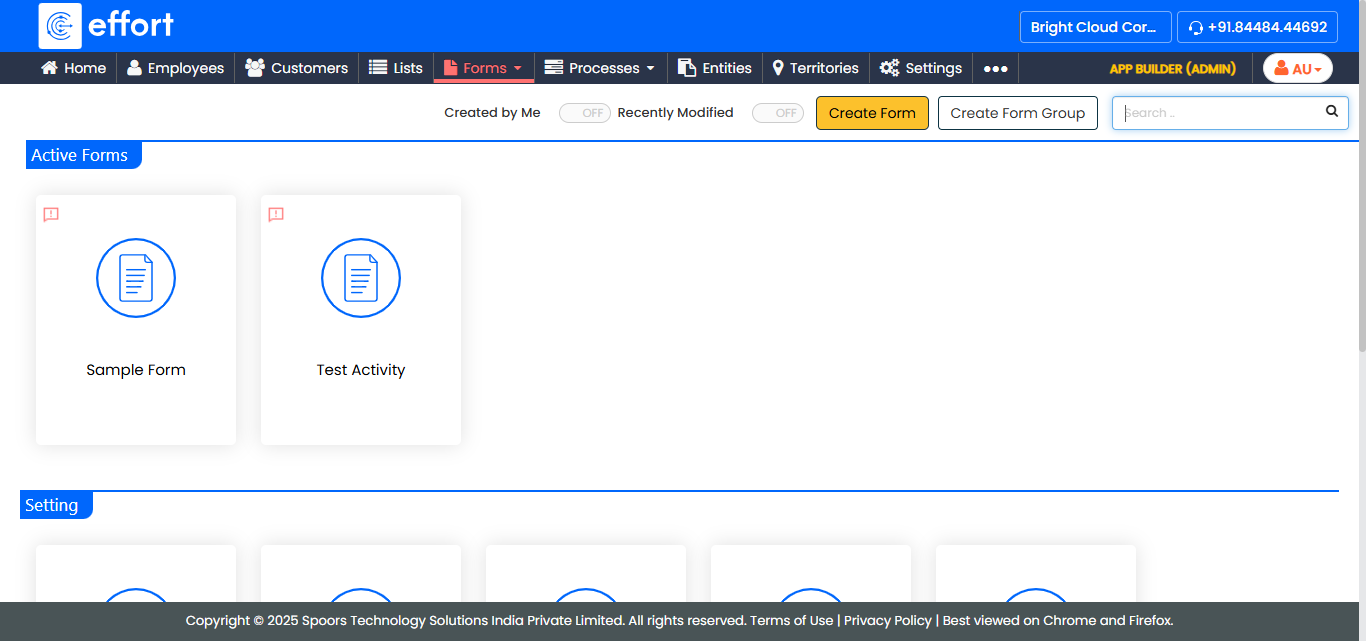
Go to .
The Forms page appears.
-
Select the Form which is having Pick
List data type to view the <Form Name> Actions page.
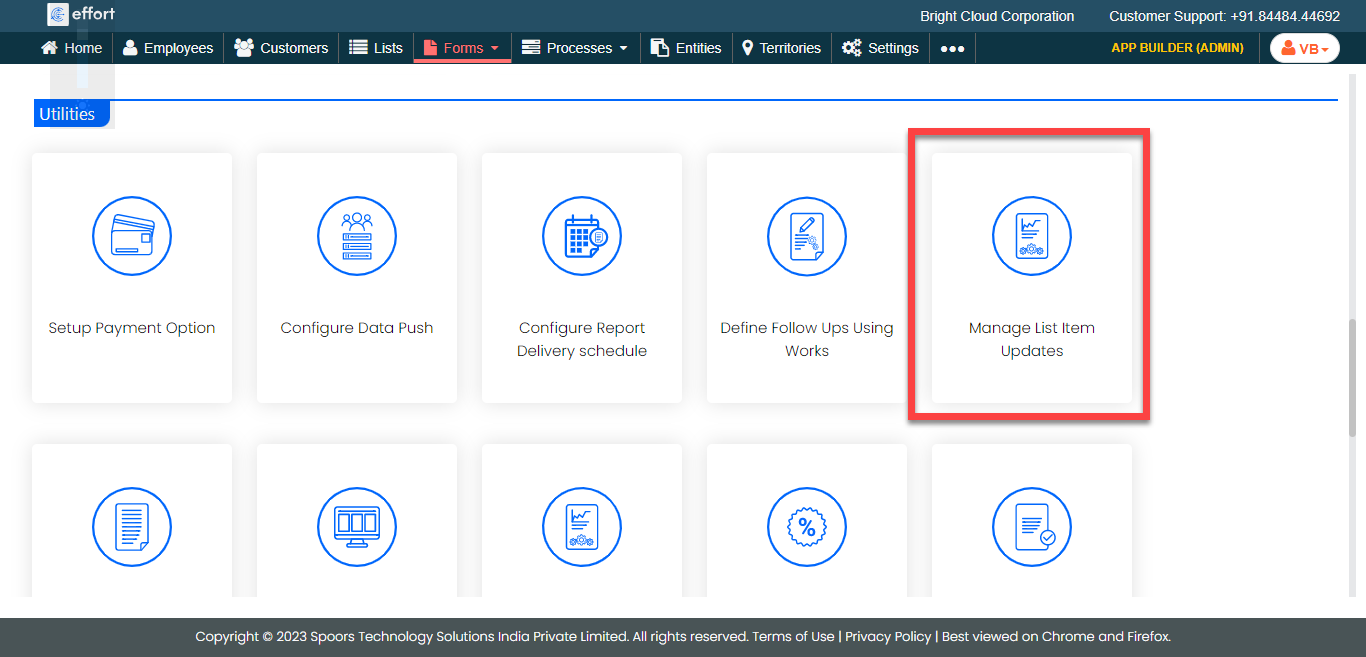
- Scroll down to the Utilities section.
-
Click the Manage List Item Updates card.
-
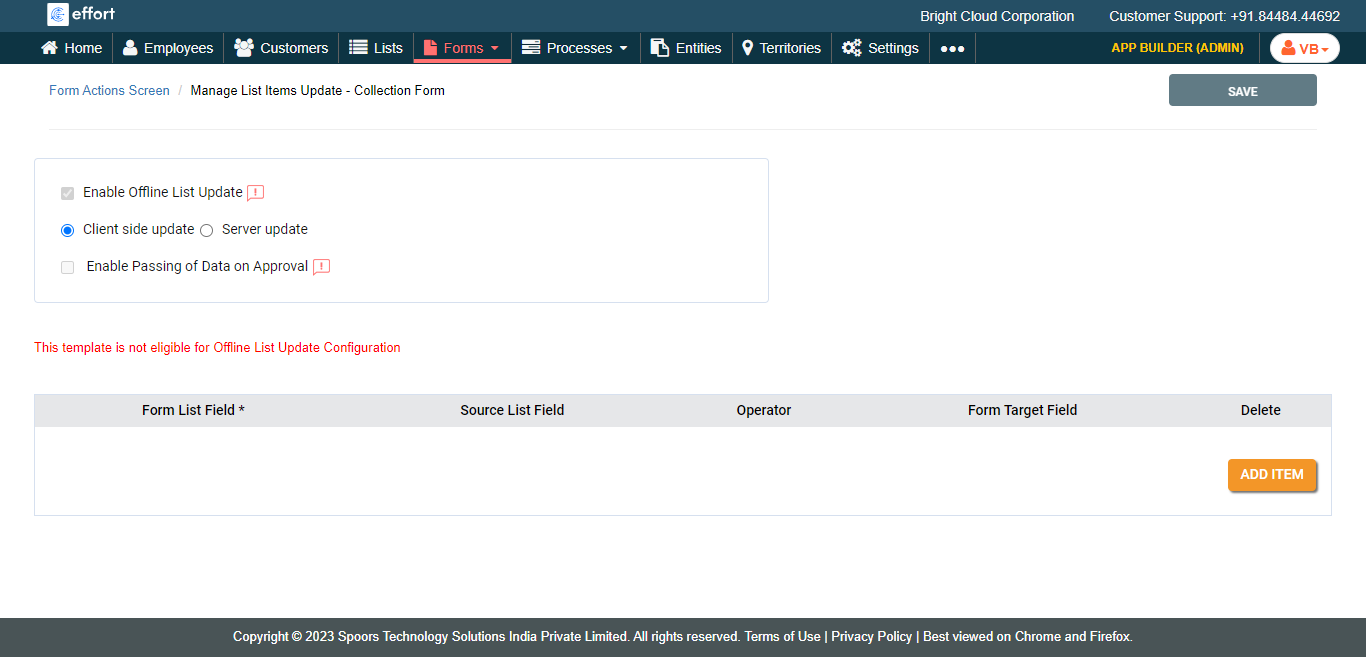
Enable the options as per your requirements.
-
Click the Add Item button to configure the values to the
following fields.
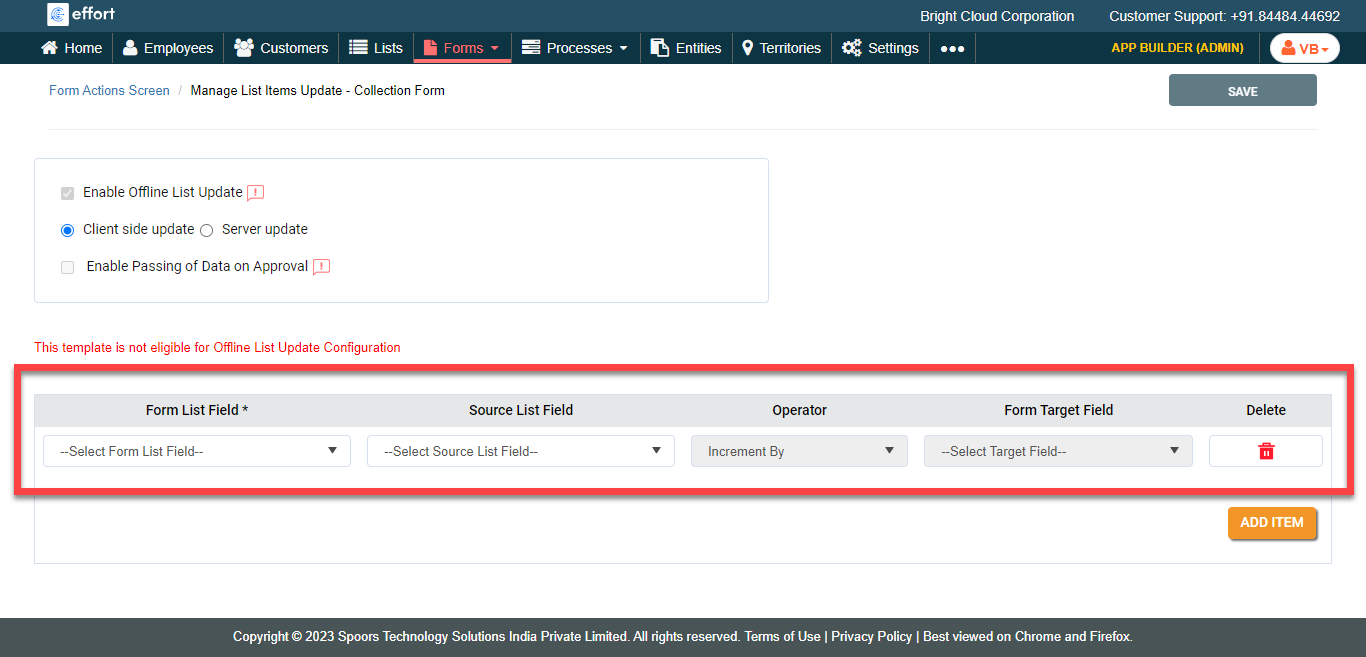
- Form List Field: Allows you to select the list fields which were configured in the form.
- Source List Field: Allows you to select a list field which you want to update.
- Operator: Allows you to select the operation.
- Form Target Field: Allows you to select the form field from which you want to update the list field.
- Click Save.