

Enable Data Clean Up in Mobile App
To enable data clean up in mobile app, follow the steps below:
-
Go to .
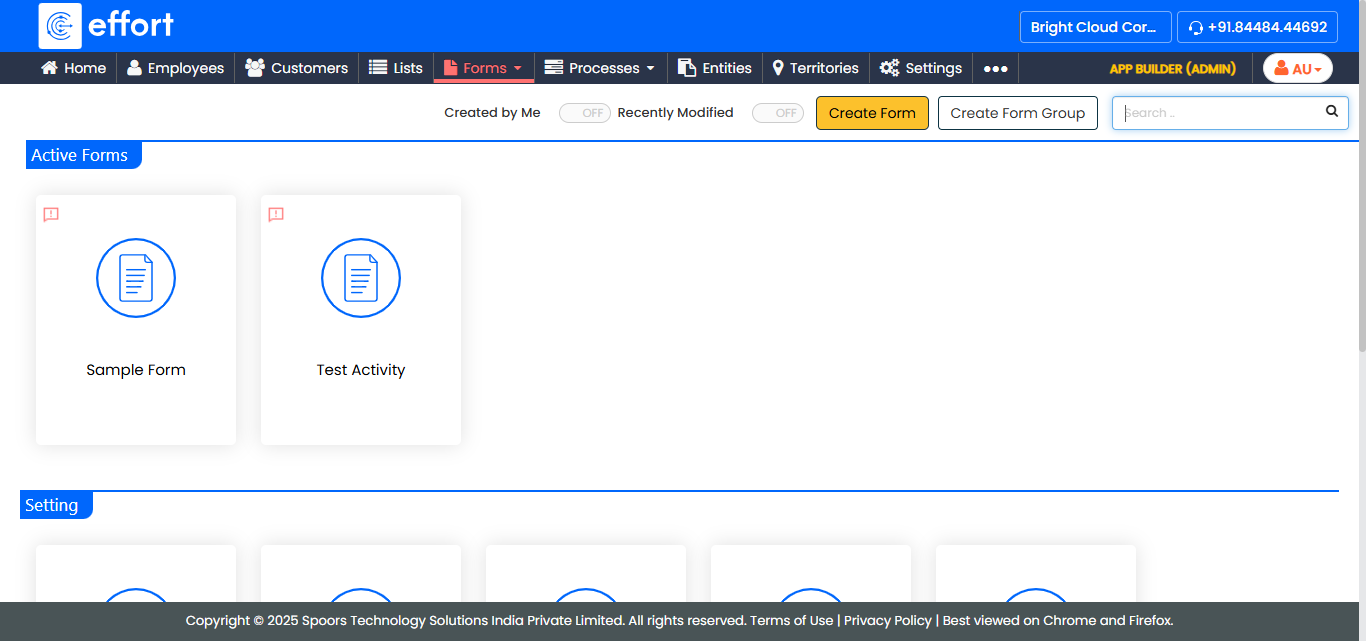
The Forms page appears.
-
Select the form for which you want to configure data clean up.
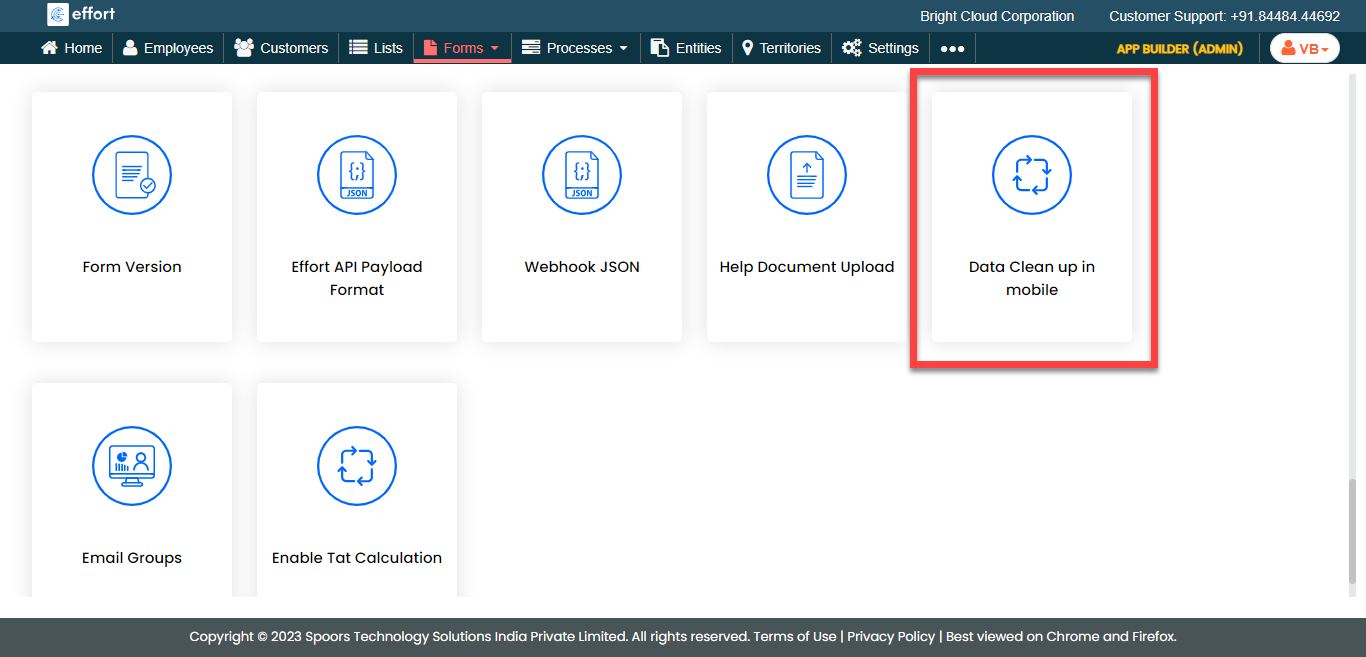
- Scroll down to the Utilities section.
-
Click the Data Clean up in mobile card.
-
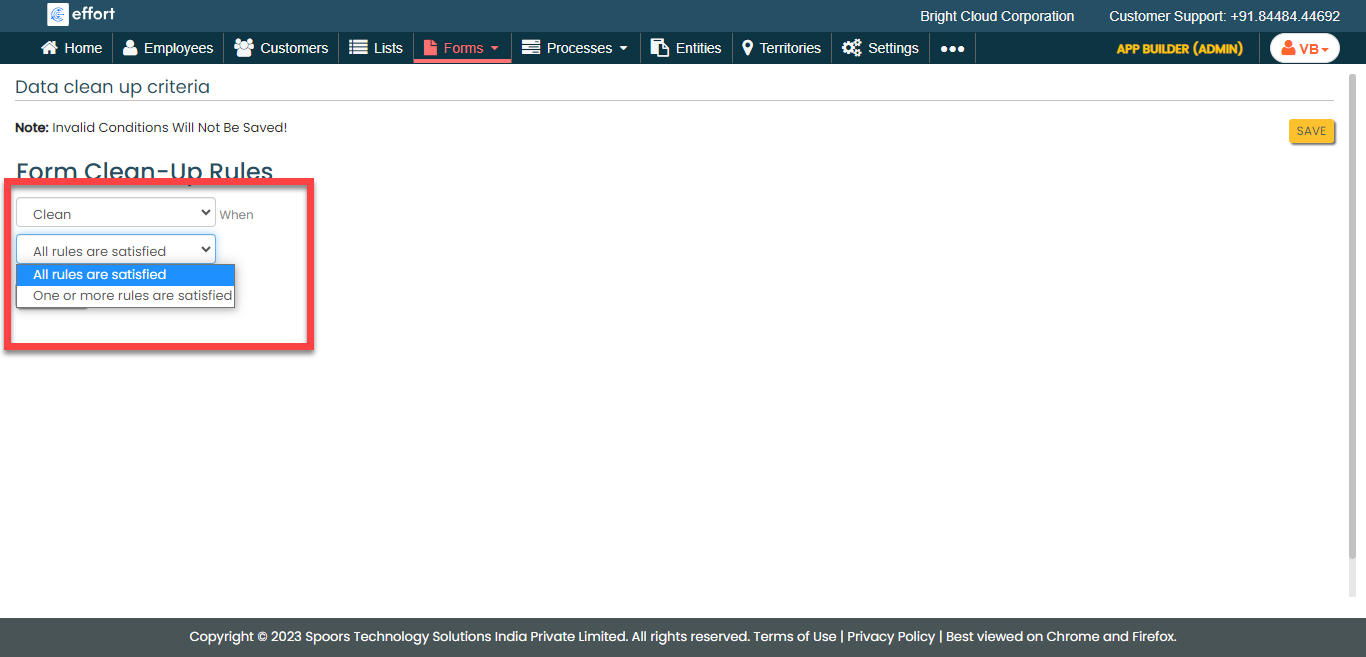
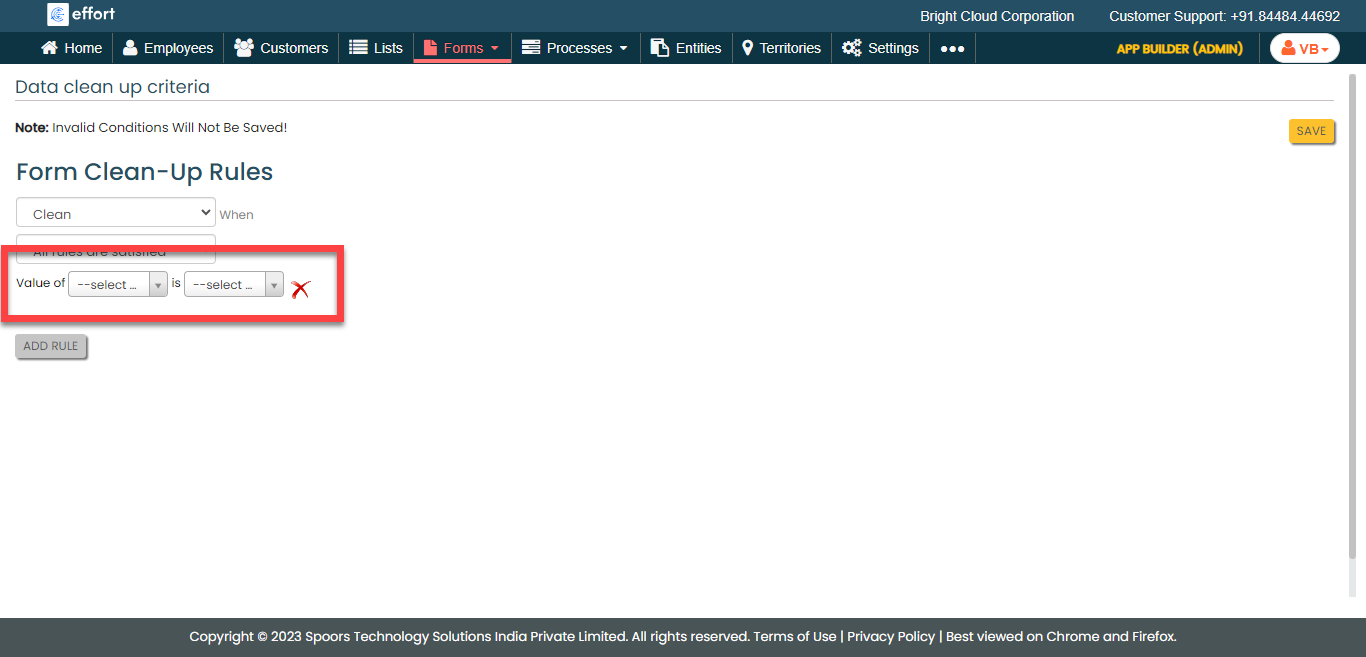
Configure the data clean up rule configuration as per your requirement.
-
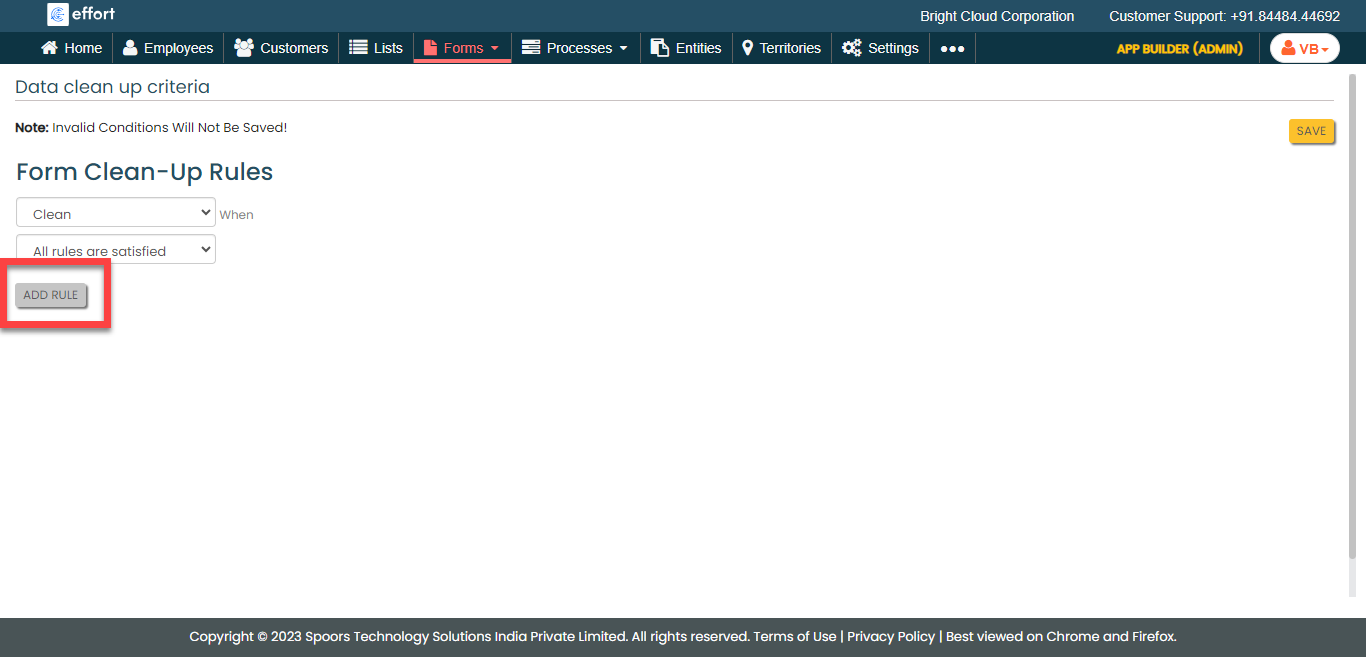
Click the Add Rule button.
-
Configure the rule as per your requirement.
- Click Save.