

Restrict Form to Employee Groups
Make sure that you have already created Employee Groups in the Employees module. To learn more about creating employee groups, refer to the Add Employee Group.
-
Go to .
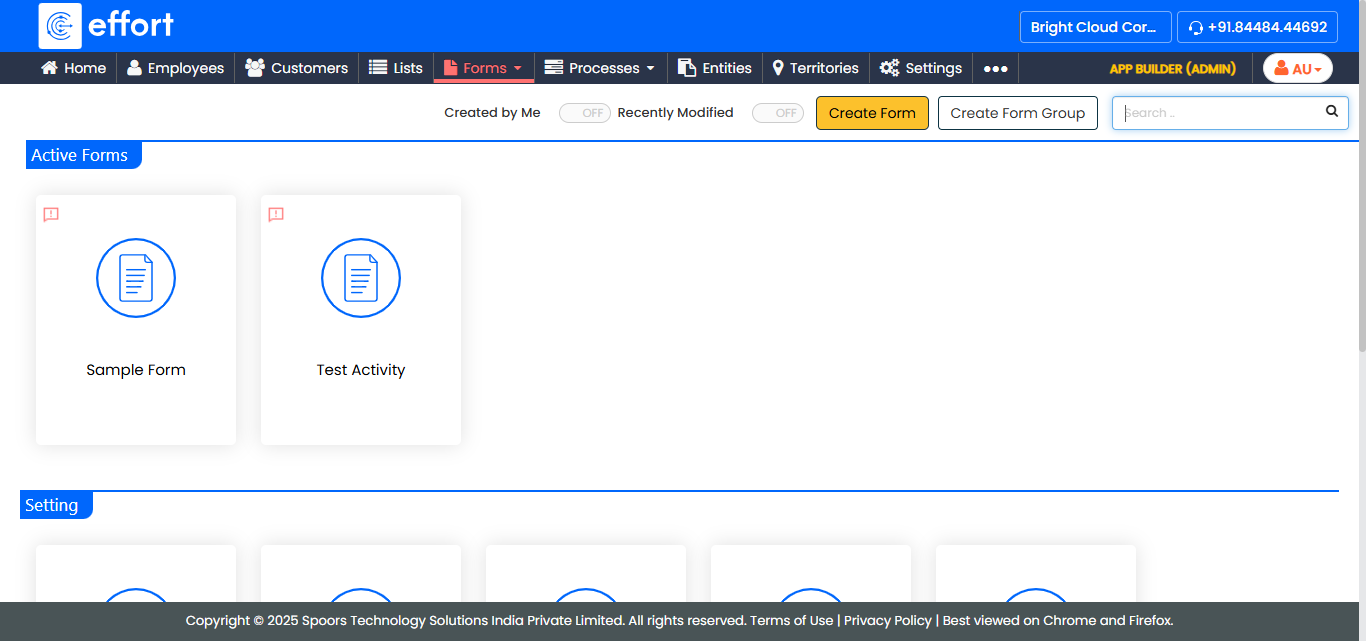
The Forms page appears.
-
Click on the form card that you want to restrict to particular employee
groups.
-
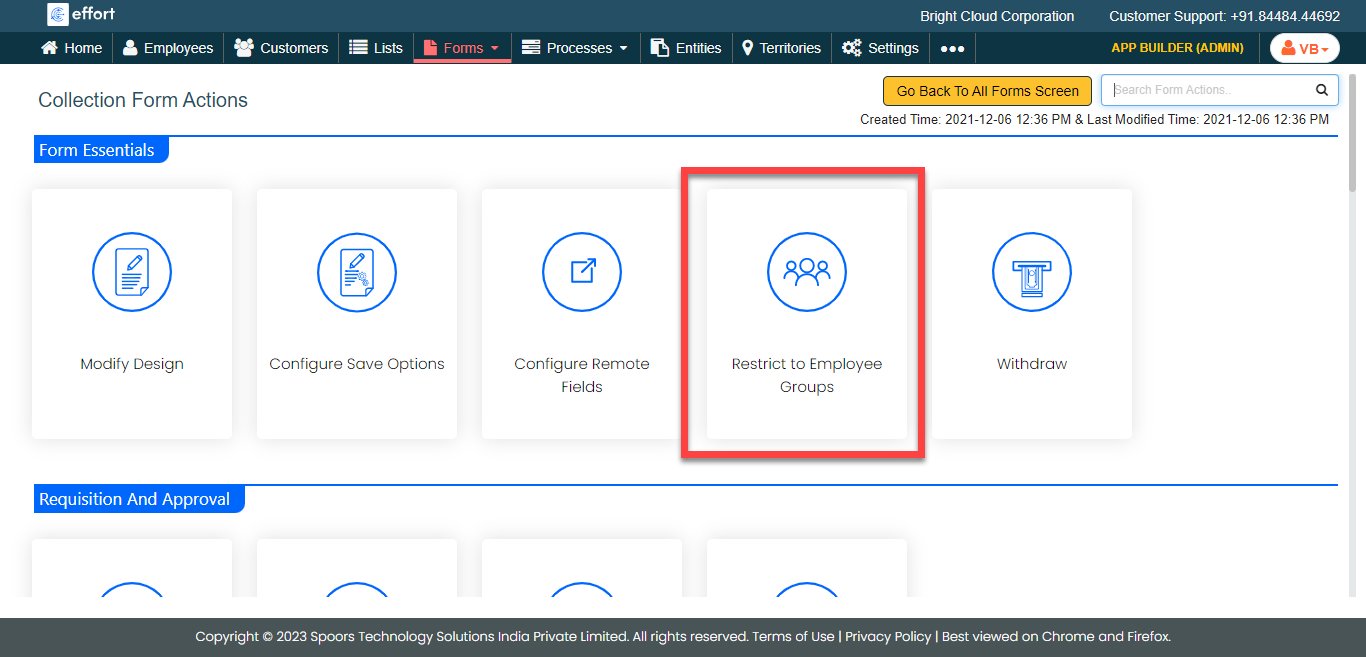
Under the Form Essentials section, click the
Restrict to Employee Groups card.
-
Select the required groups given under the Available
Groups and move them to the Selected
Groups using the arrow buttons.
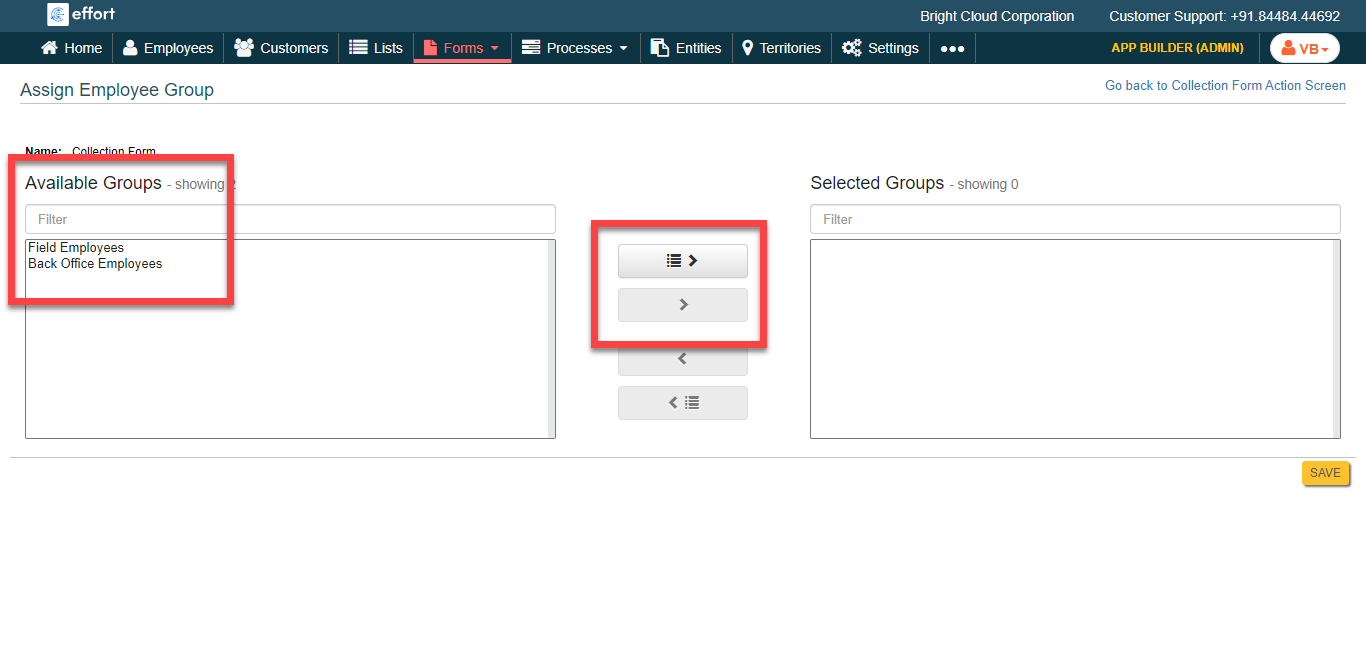
The employee groups under the Selected Groups can access this form template. - Click Save.