

Edit Customer
This topic helps you understand how to edit or update existing customer information in the mobile app.
-
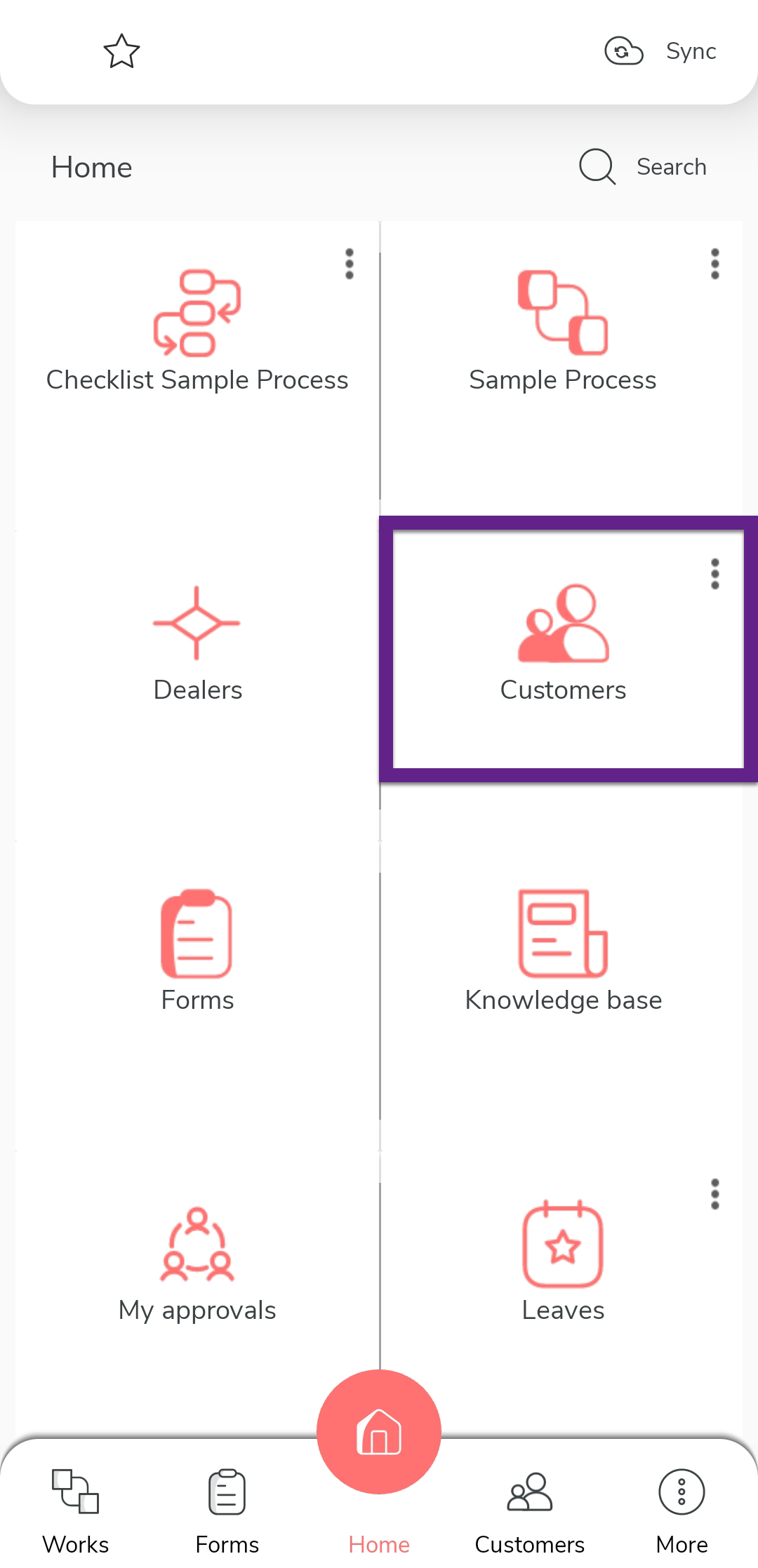
On the home screen or from the navigation drawer, tap Customers.
-
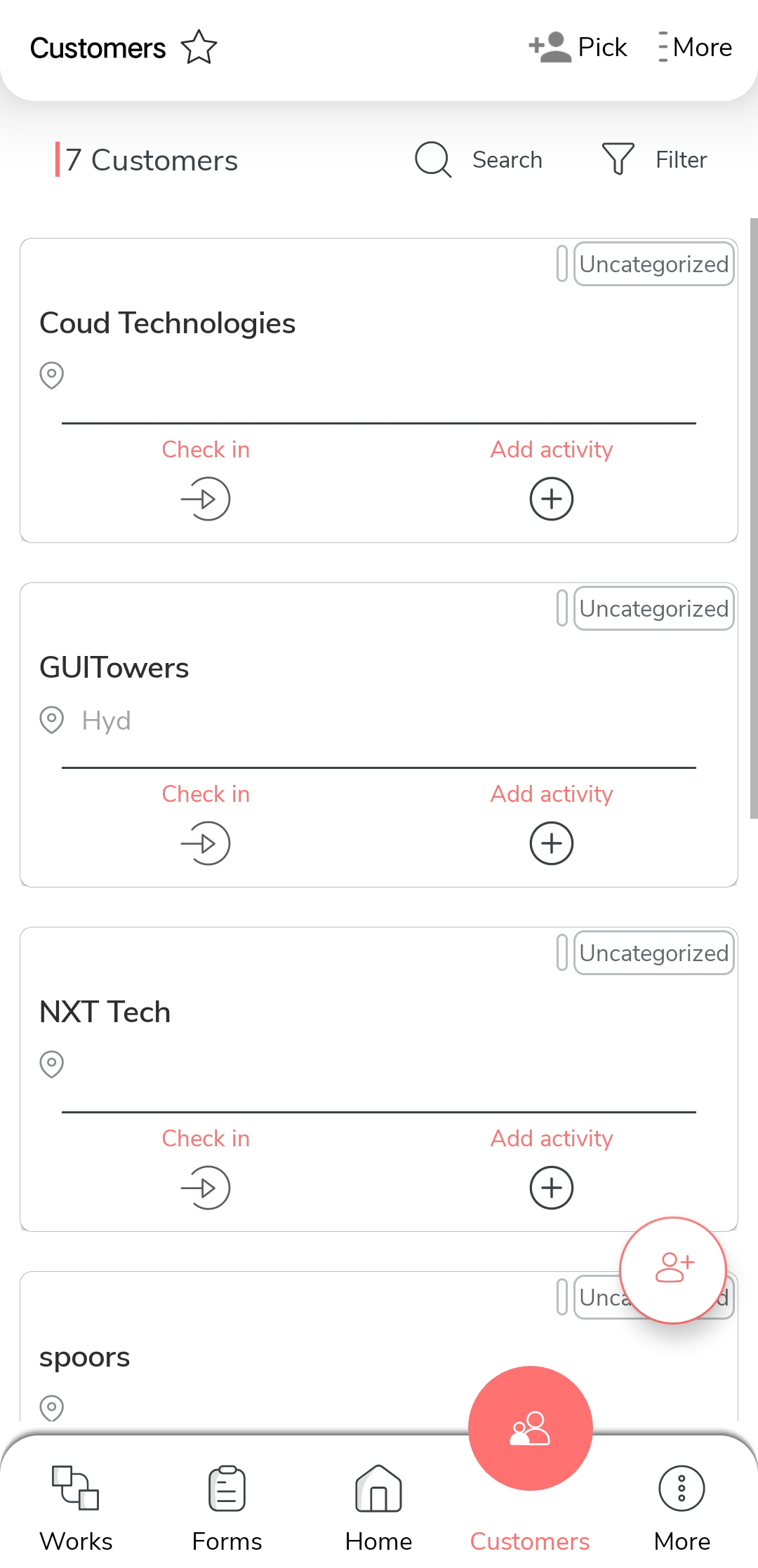
Tap the customer you want to modify.
-
Tap the Edit option.
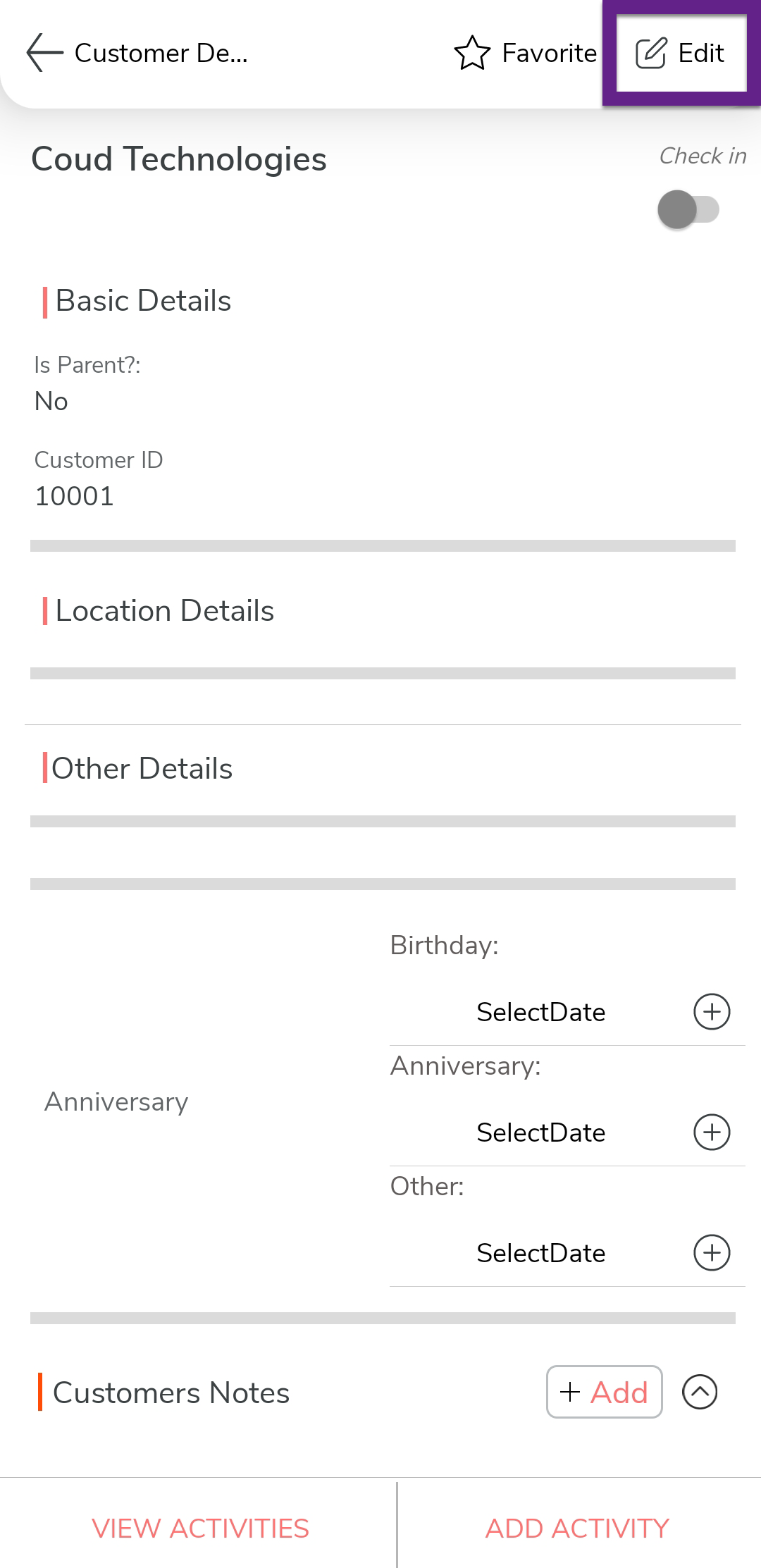
Note:If you do not see the Edit icon, it means you may not have the required permissions. Please contact your admin to request access for modifying customer details.
-
Edit the customer details as per your requirement.
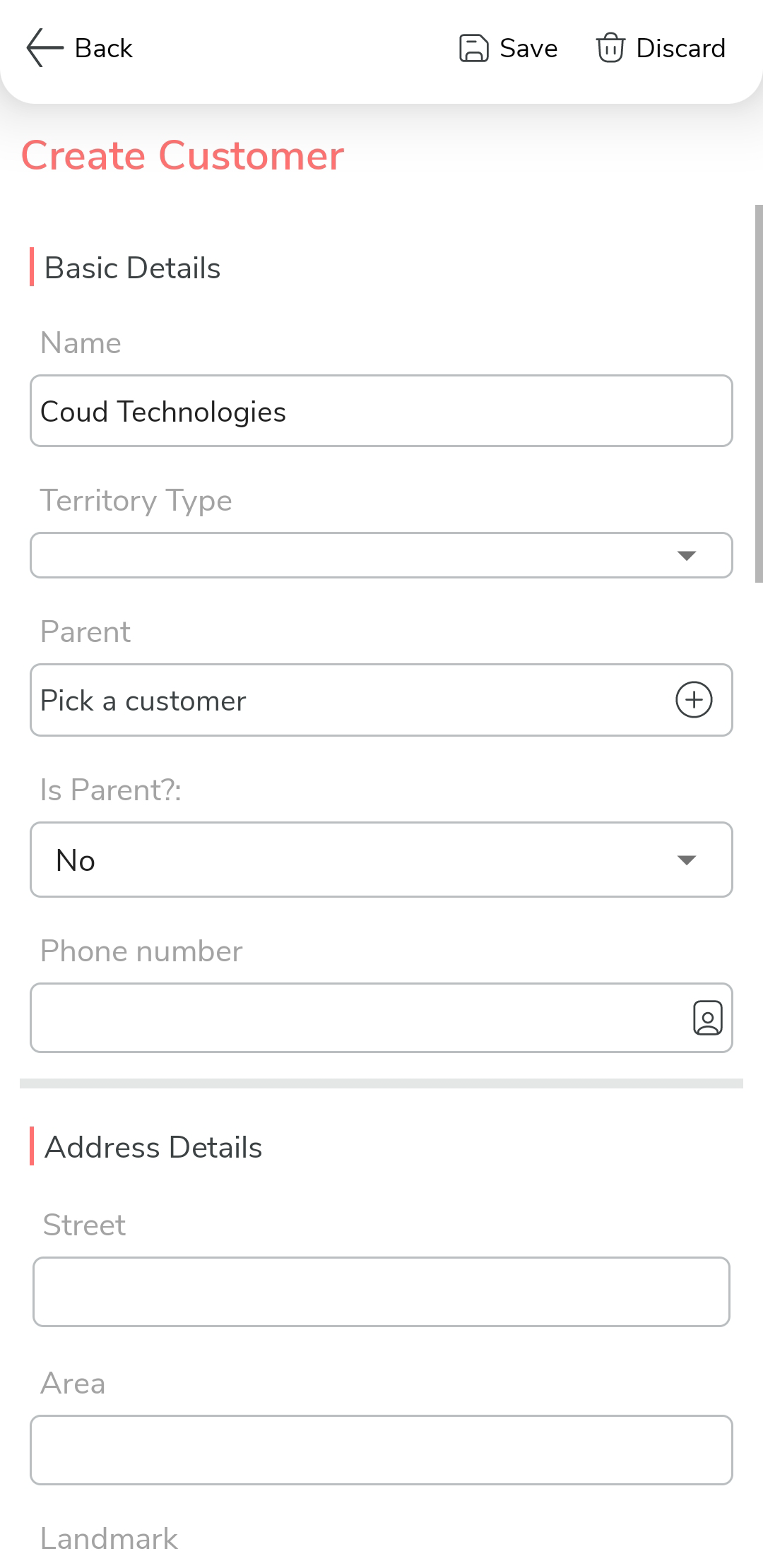
- Tap Save.