

Filter Customers
To update customer number, follow the steps below.
-
Go to .
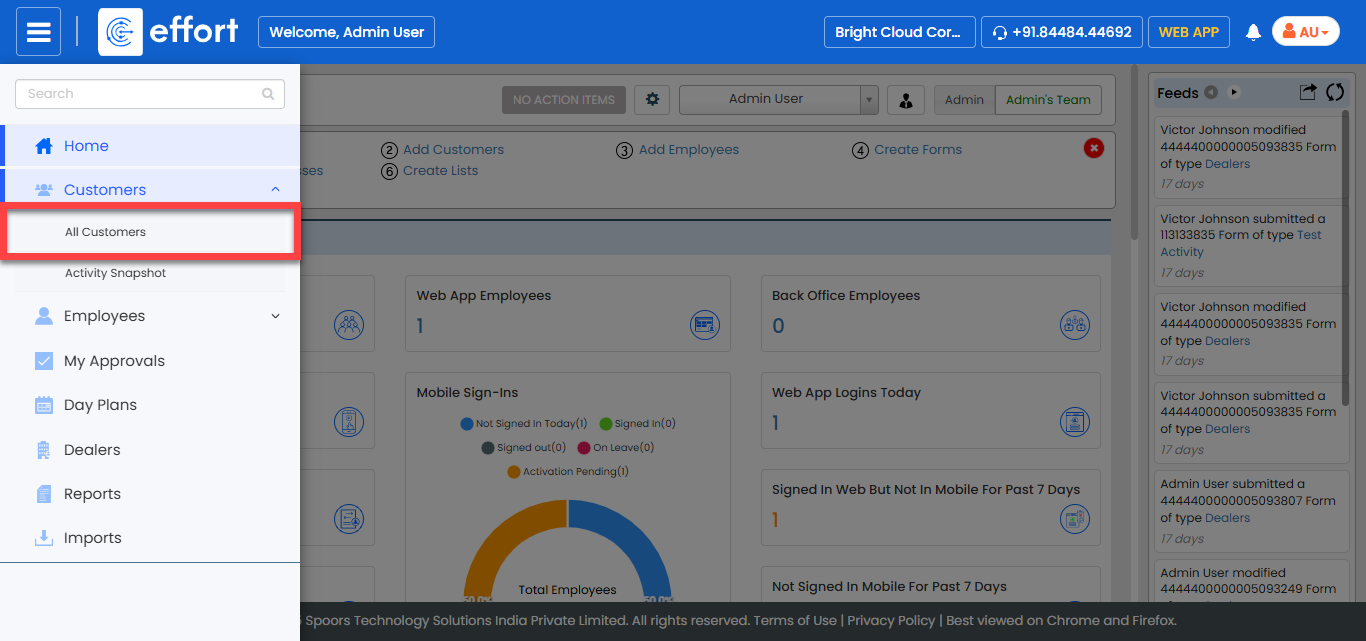
The Customers page appears.
-
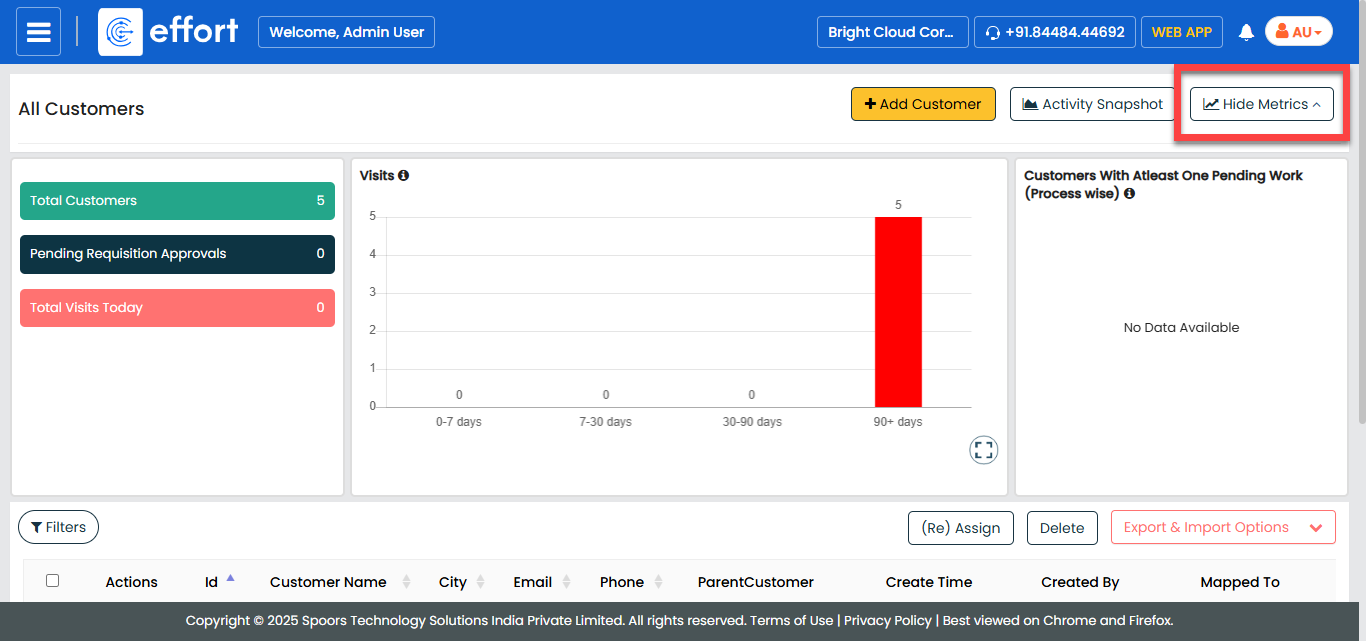
Click the Hide Metrics to view all the customers.
-
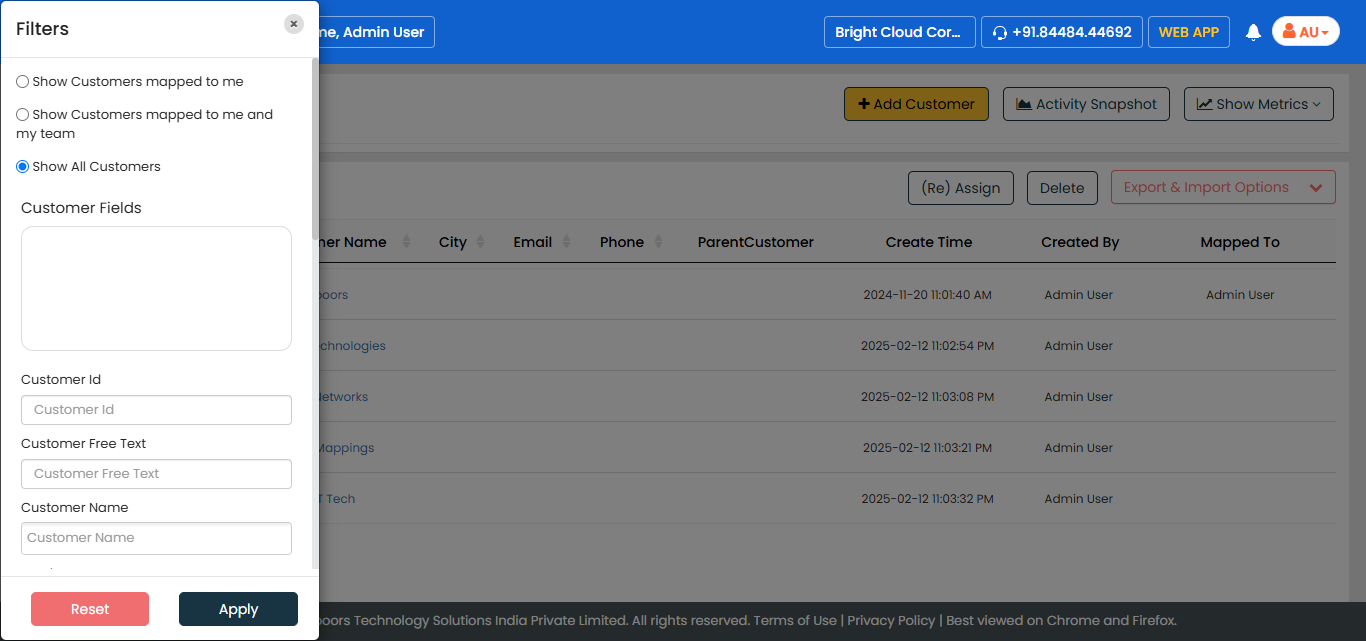
Click the Filters button and apply the filter options to
find the customer you want to edit.
-
Click Apply.
The filtered records are displayed in the right pane.