

Define Sort Criteria
To define sort criteria, follow the steps below.
-
Go to .
Customers page appears
-
Under the Display section, click the Manage
Sorting Options card.
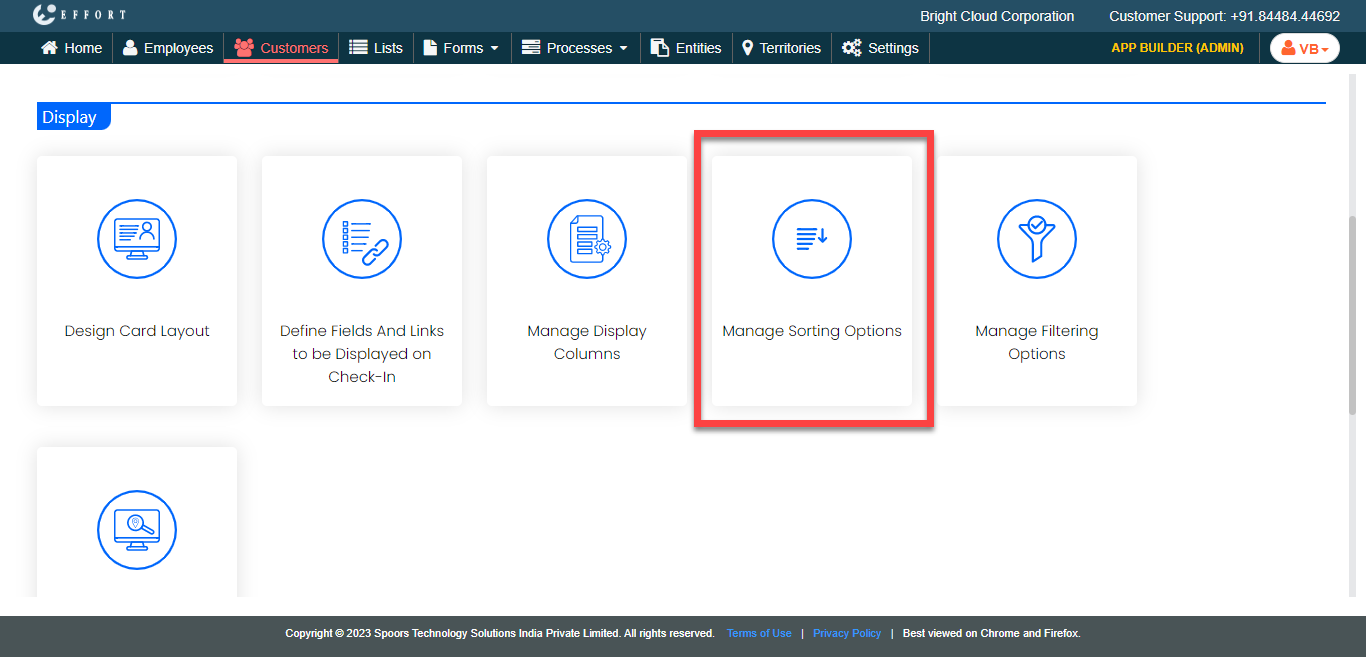
The Manage Sorting Options page appears.
-
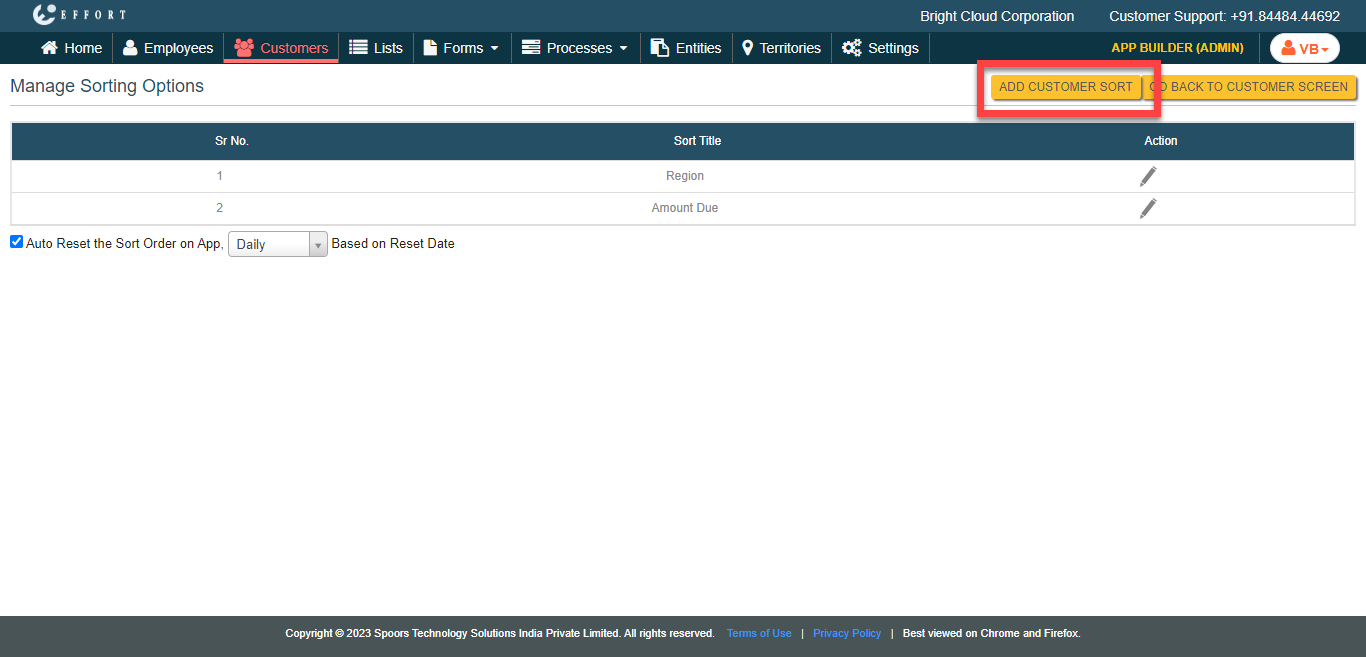
Click the Add Customer Sort button.
-
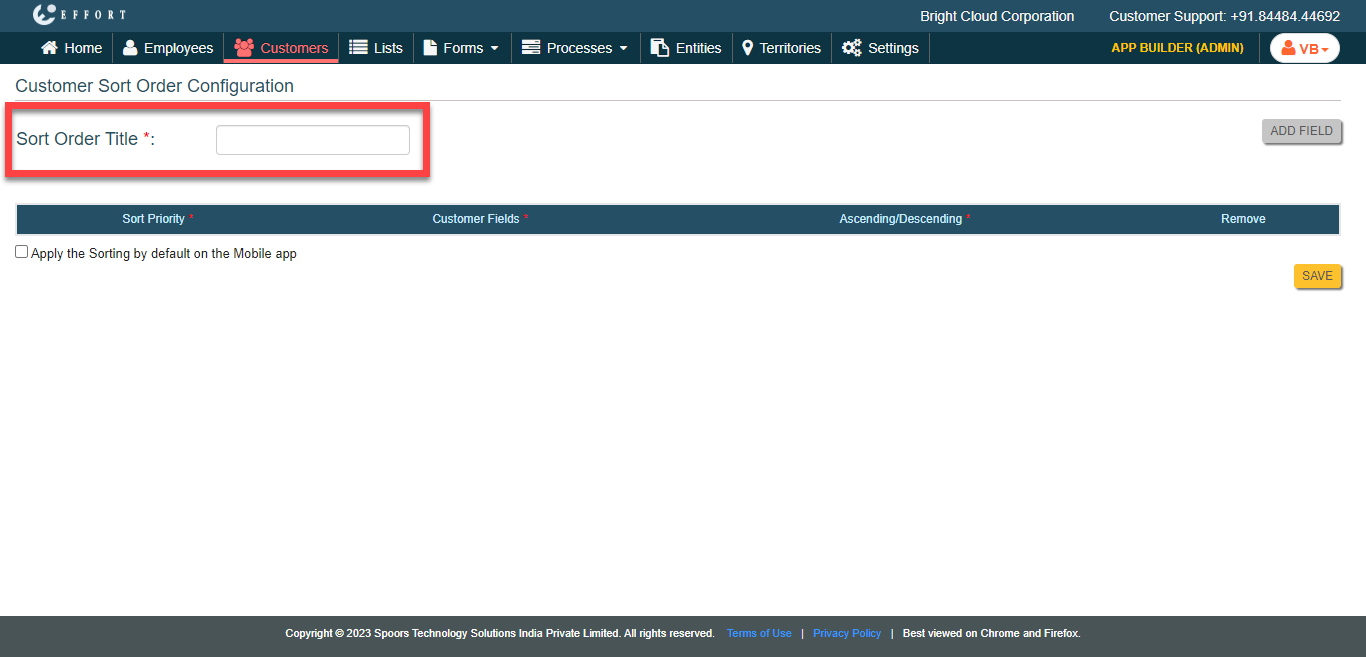
In the Sort Order Title field, enter a name for the sort
option.
-
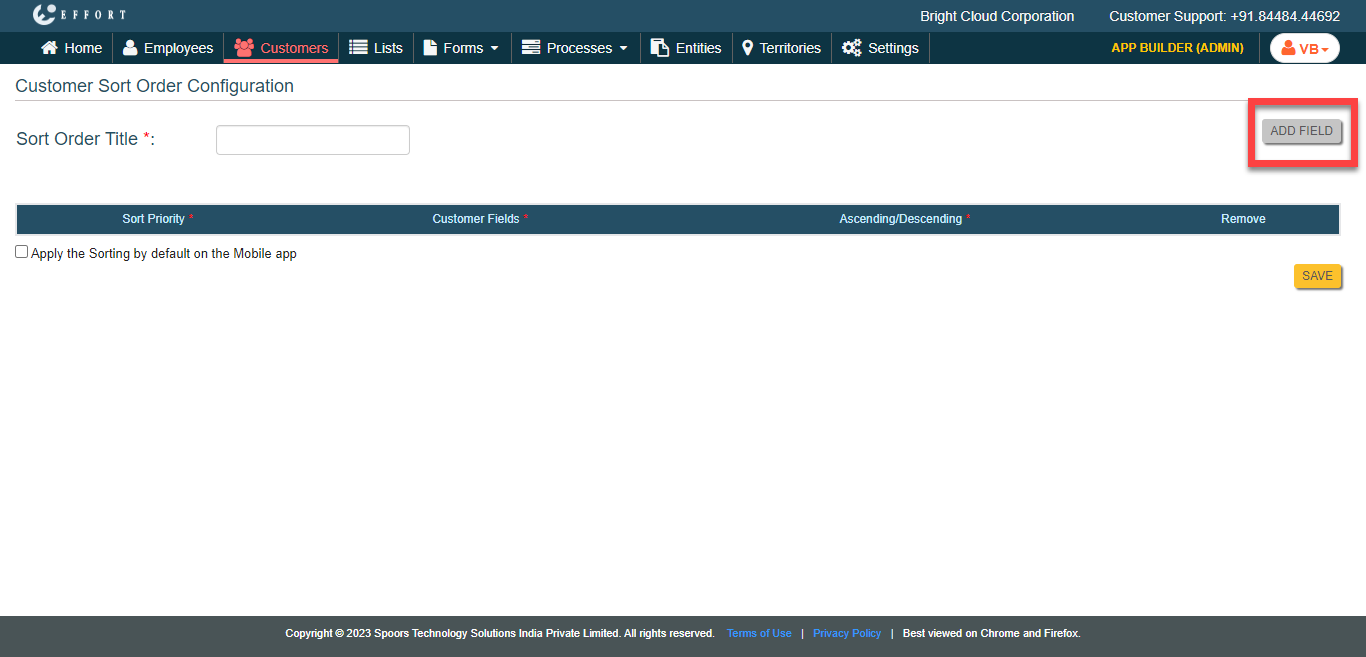
Click the Add Field button.
-
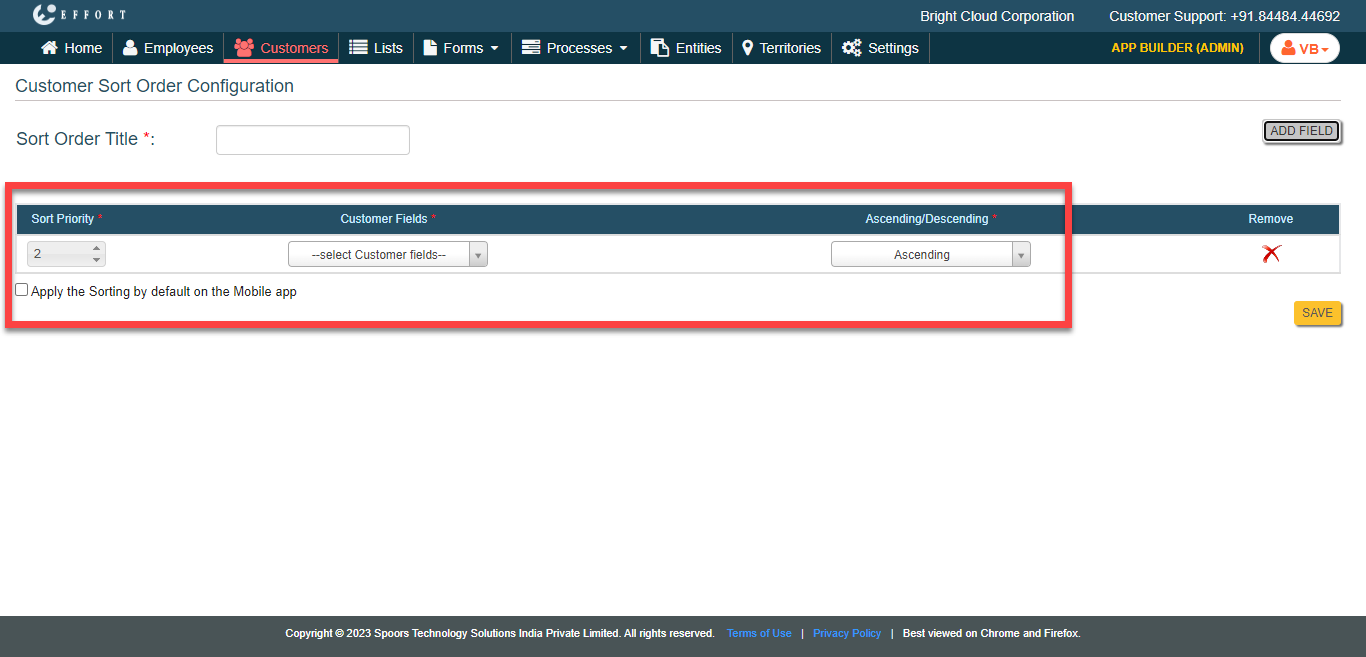
Configure the sort criteria, such as, priority, the fields and order.
-
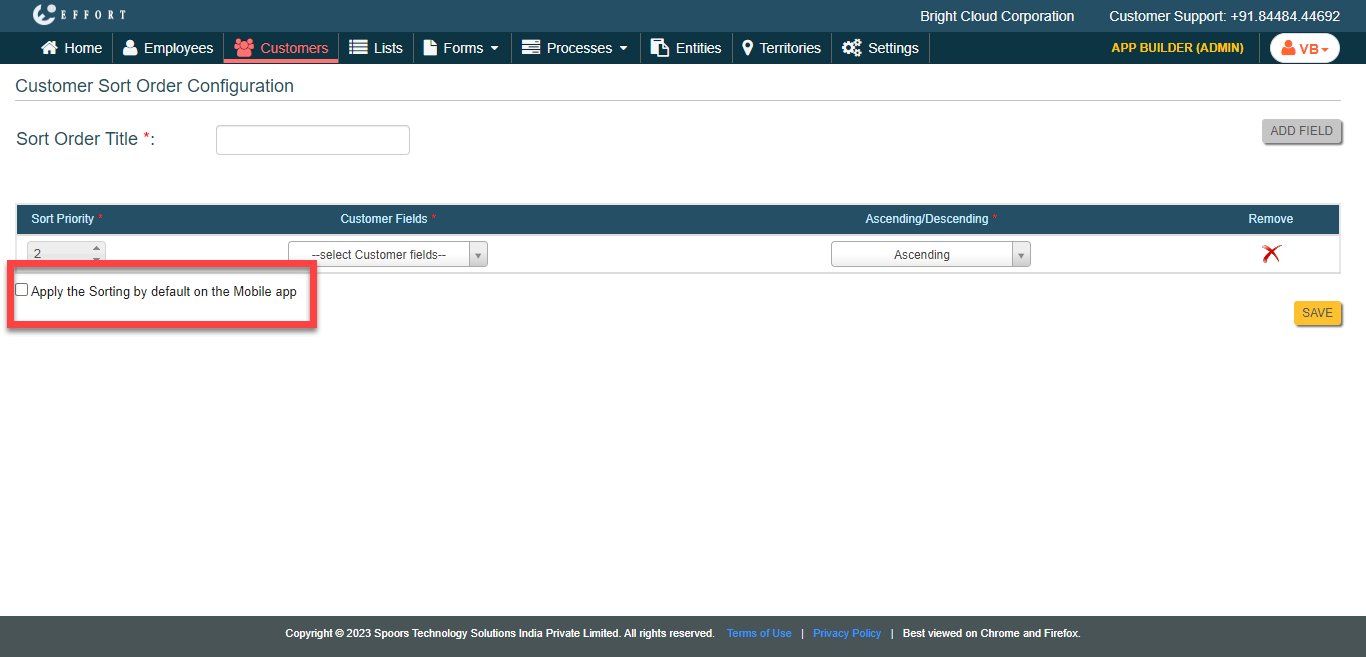
Select the Apply the Sorting by default on the Mobile
App checkbox to make the defined sort criteria as a default
option in the Mobile App Customers module.
- Click Save.