

Create a Form Activity
To create a form activity, follow the steps below.
-
Go to .
The Customers page appears.
-
Under the Essentials section, click the
Manage Form Activities card.
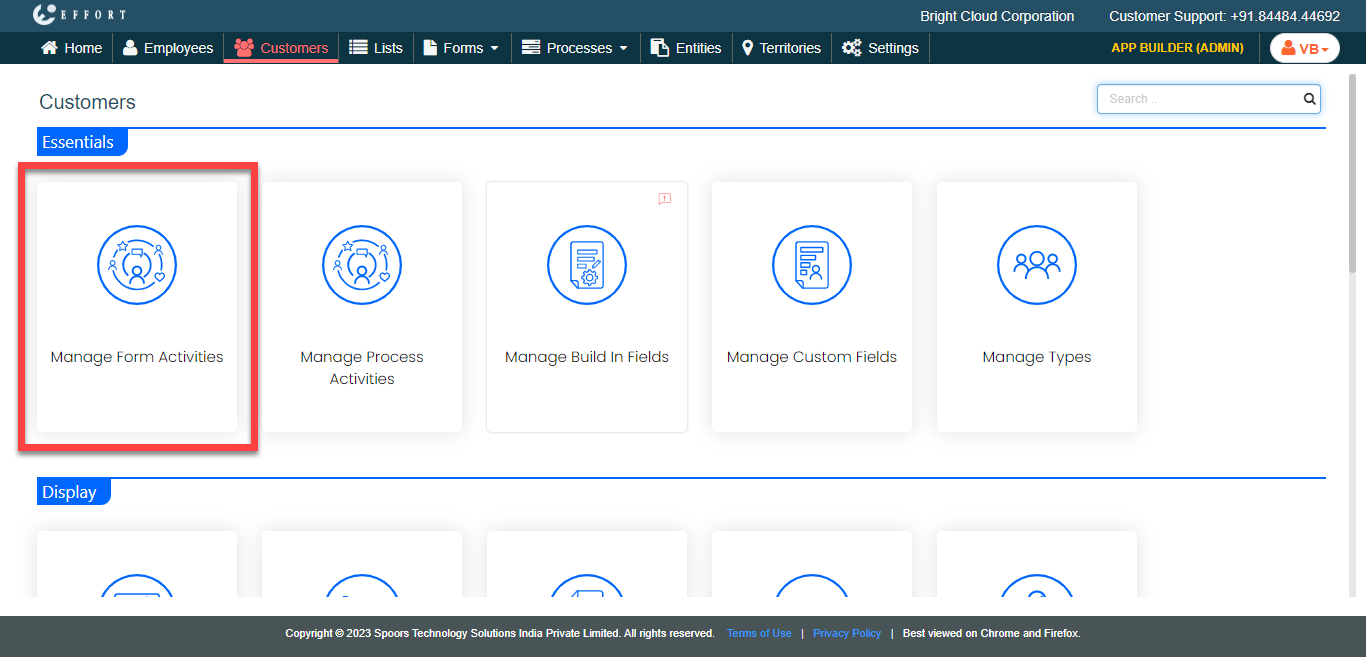
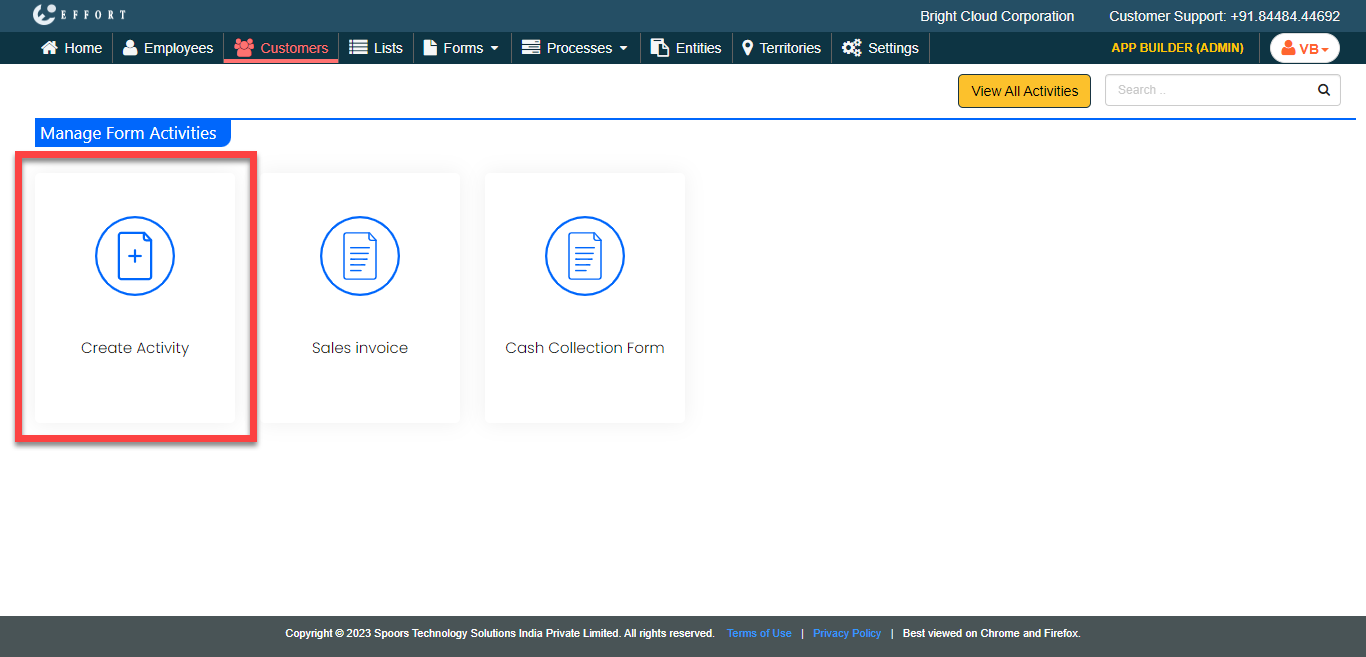
The Manage Form Activities page appears.
-
Click the Create Activity card.
-
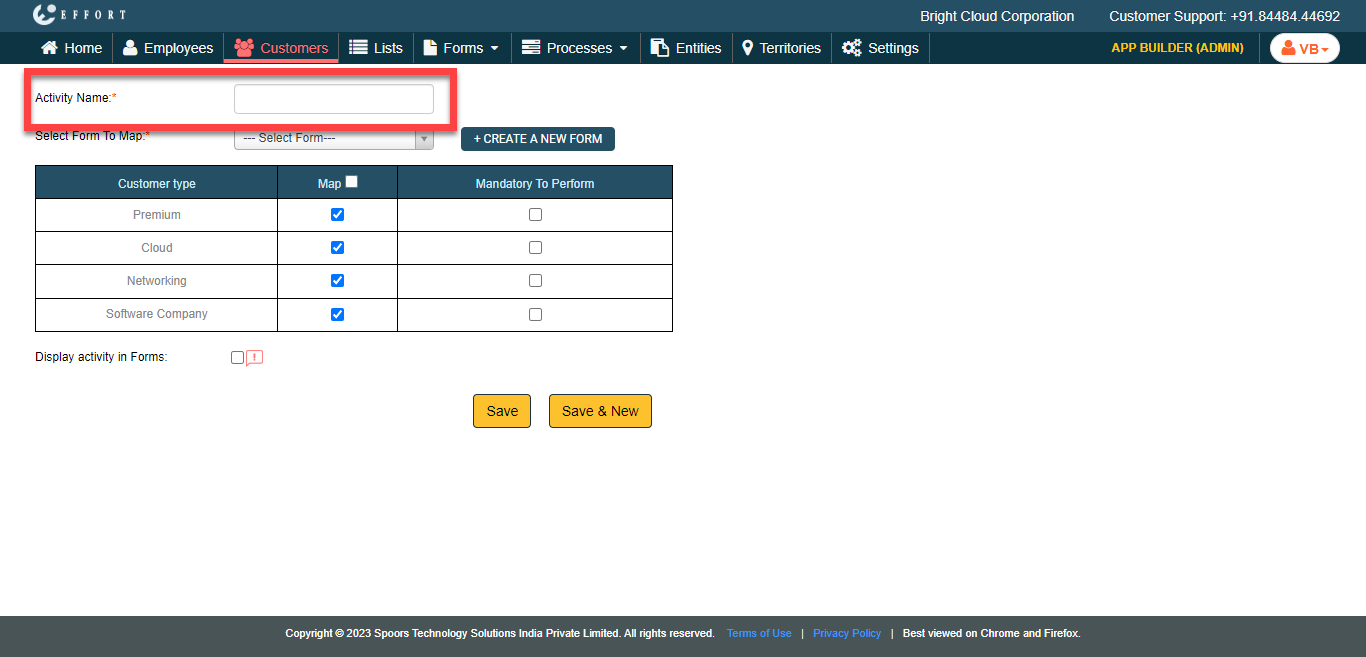
In the Activity Name field, enter a name for the
activity type.
-
From the Select Form to Map dropdown, select a form
template that you want to configure as activity.
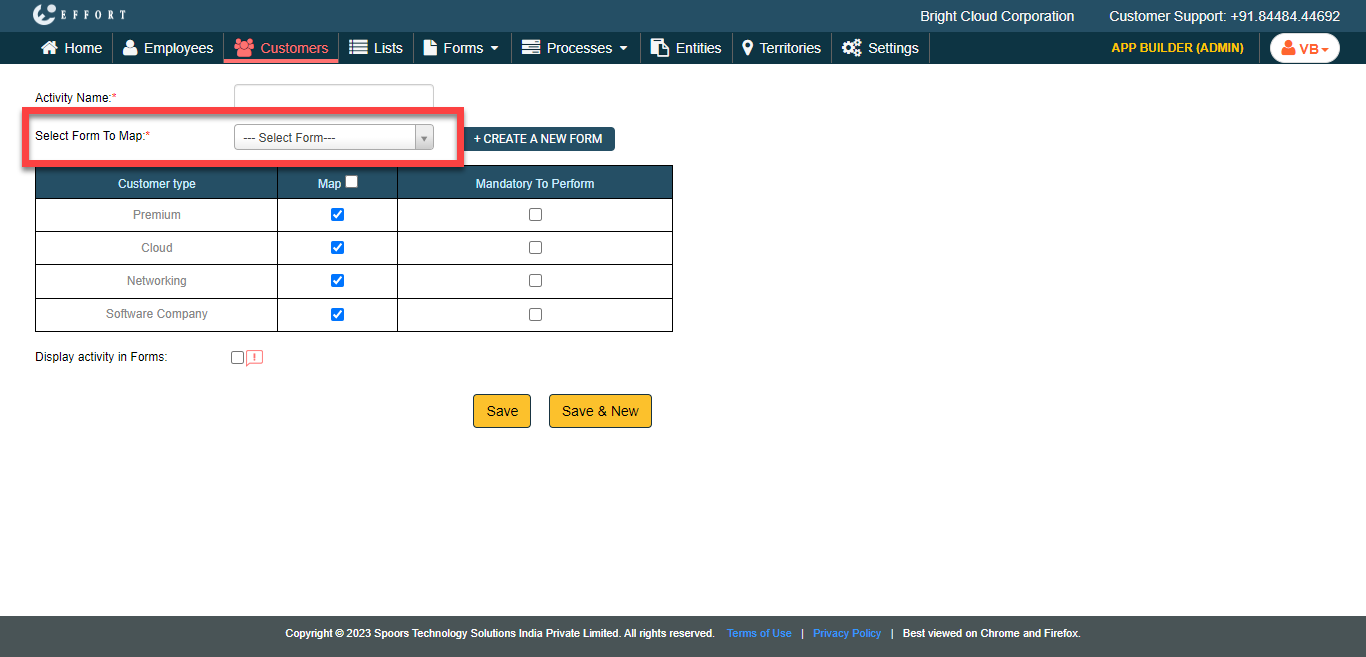
You can also click the Create A New Form to create a new form template. Refer to the Create a Form topic for the steps. -
Under the Map column, enable the checkboxes to make the
activity applicable for the customer type.
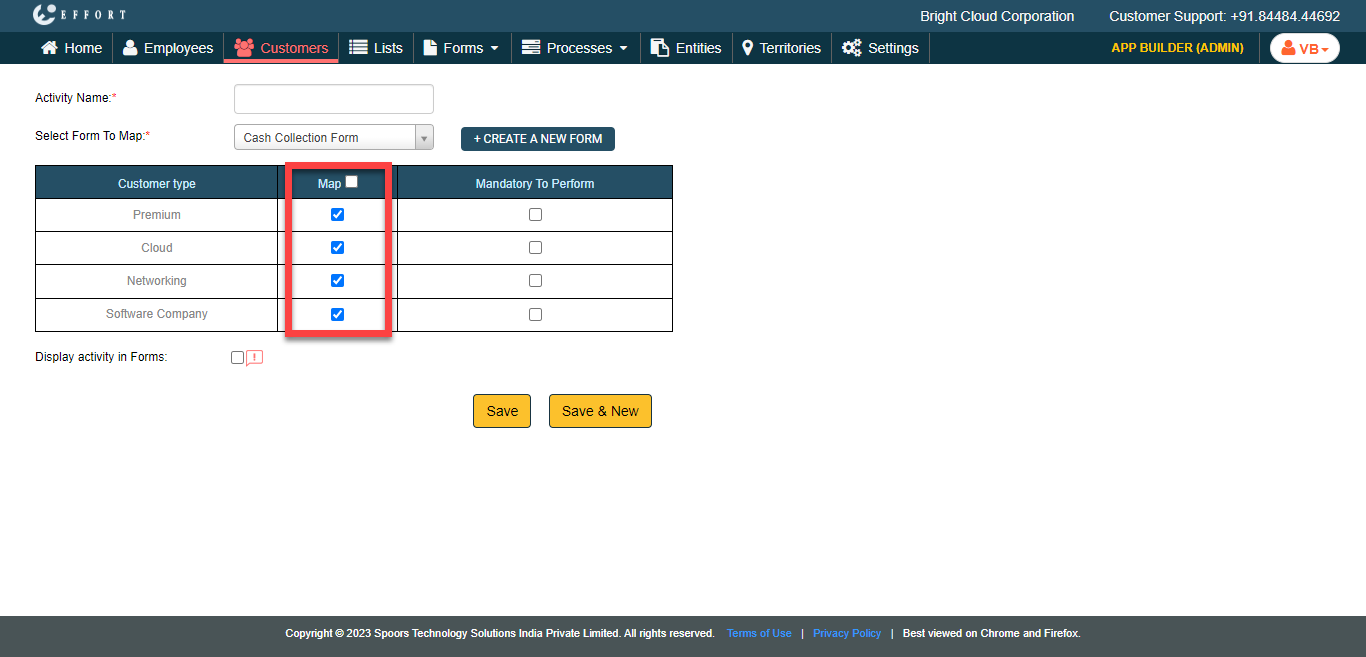
-
Under the Mandatory to Perform column, enable the
checkboxes to mark the activity as mandatory before a sign-off.
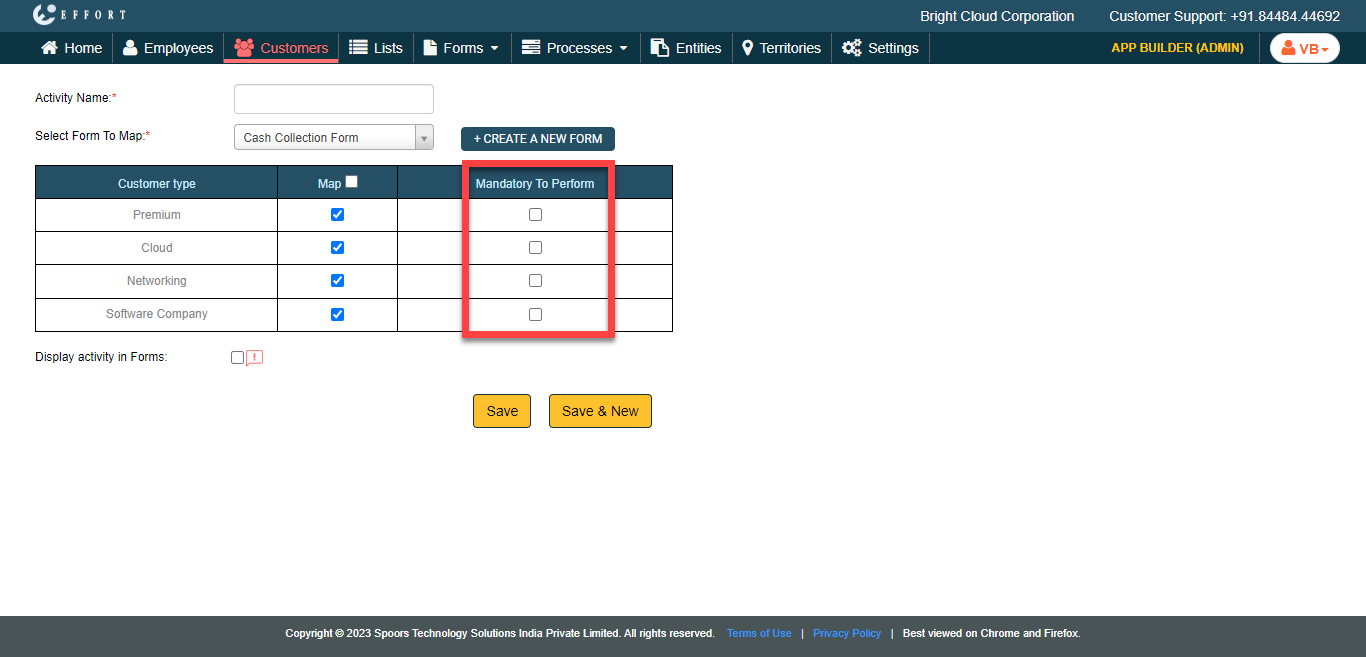
-
Enable the Display Activity in Forms checkbox to make
the activity visible in the Forms module.
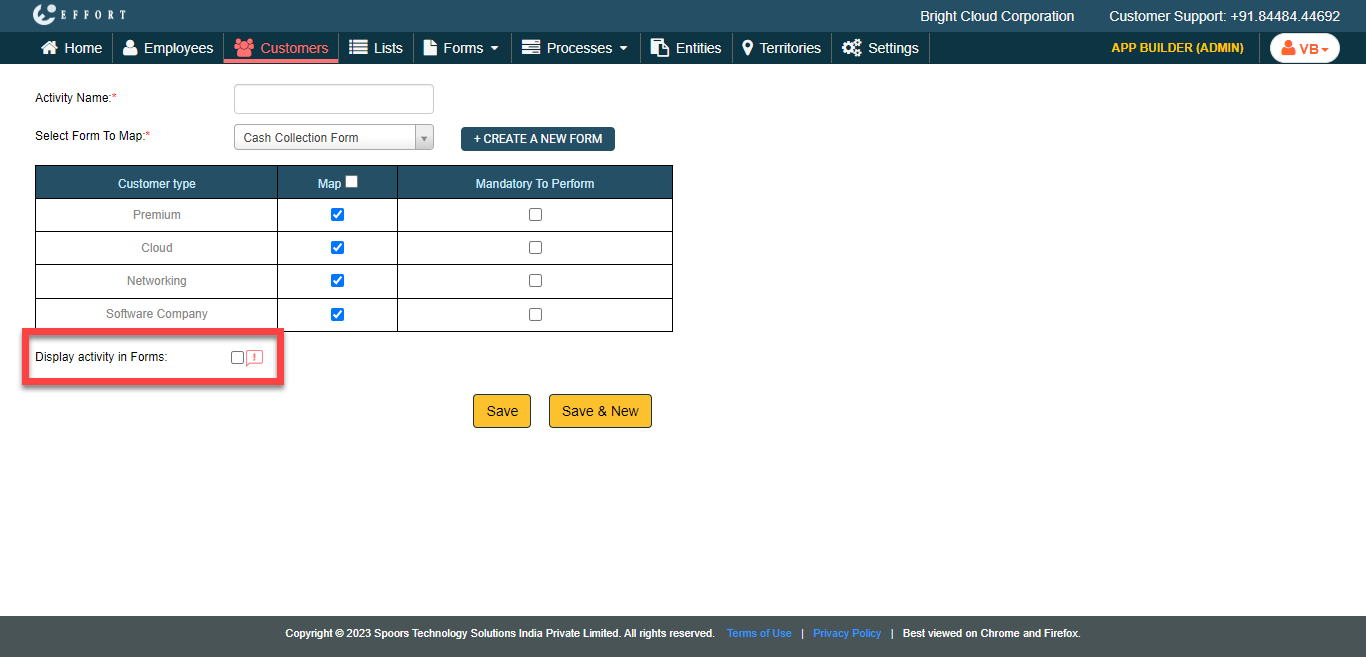
- Click Save.