

Add Customer Type
To add a customer type, follow the steps below.
-
Go to .
The Customers page appears.
-
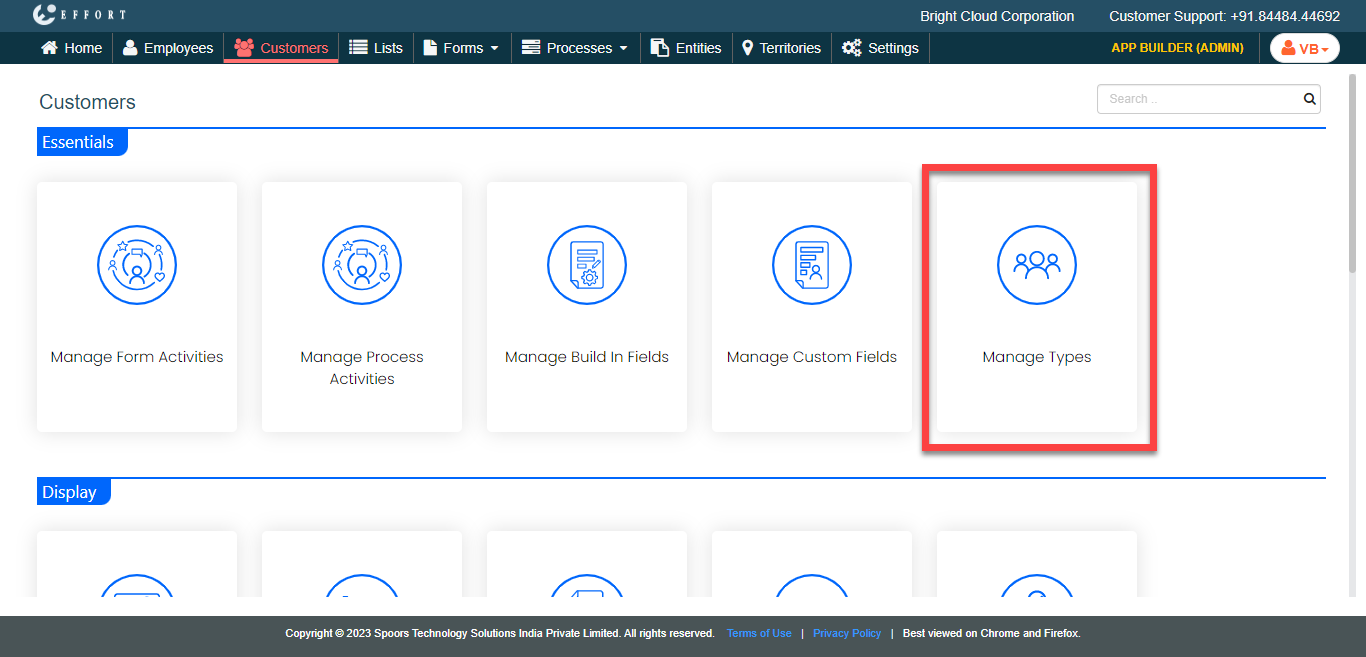
Under the Essentials section, click the
Manage Types card.
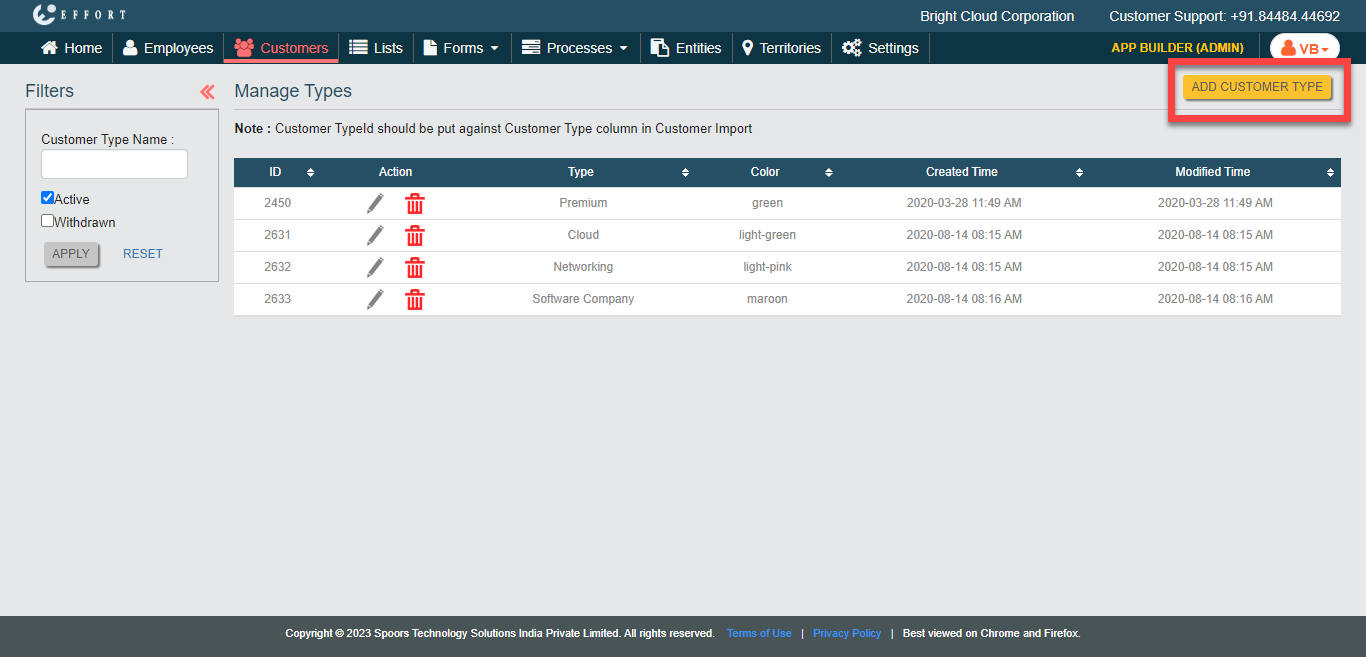
The Manage Types page appears.
-
Click the Add Customer Type button.
-
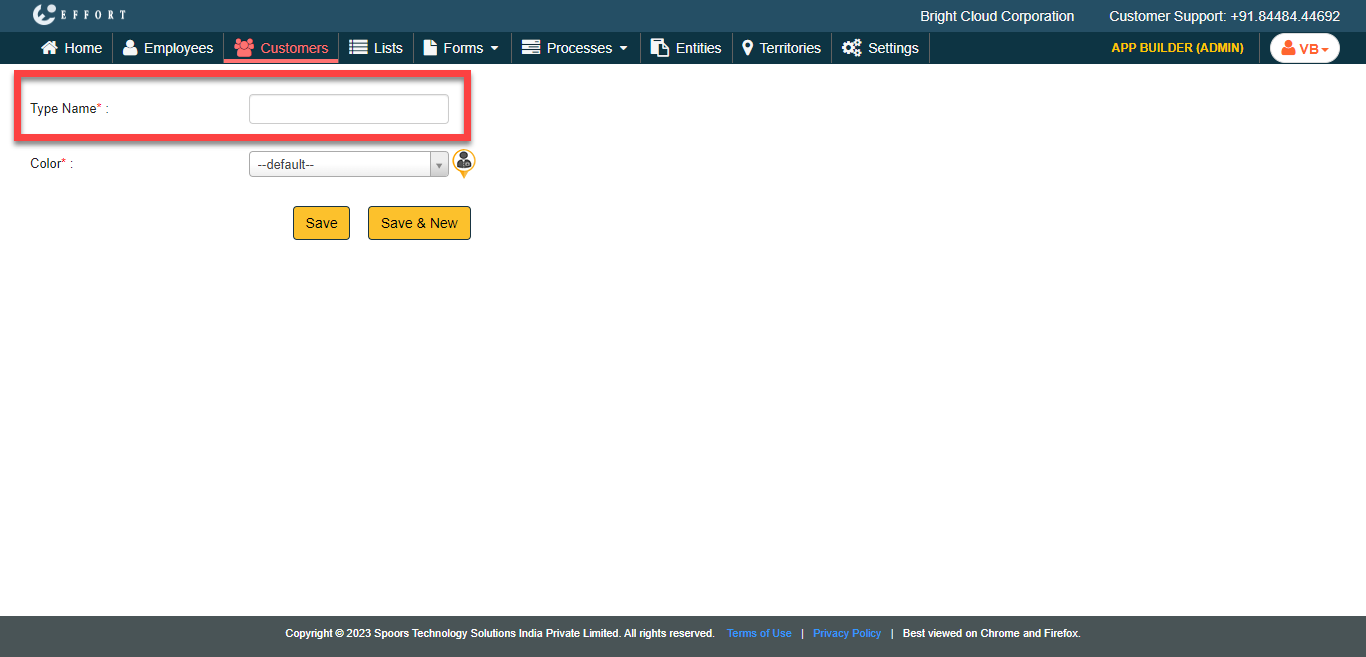
In the Type Name field, enter a name for the customer
type.
-
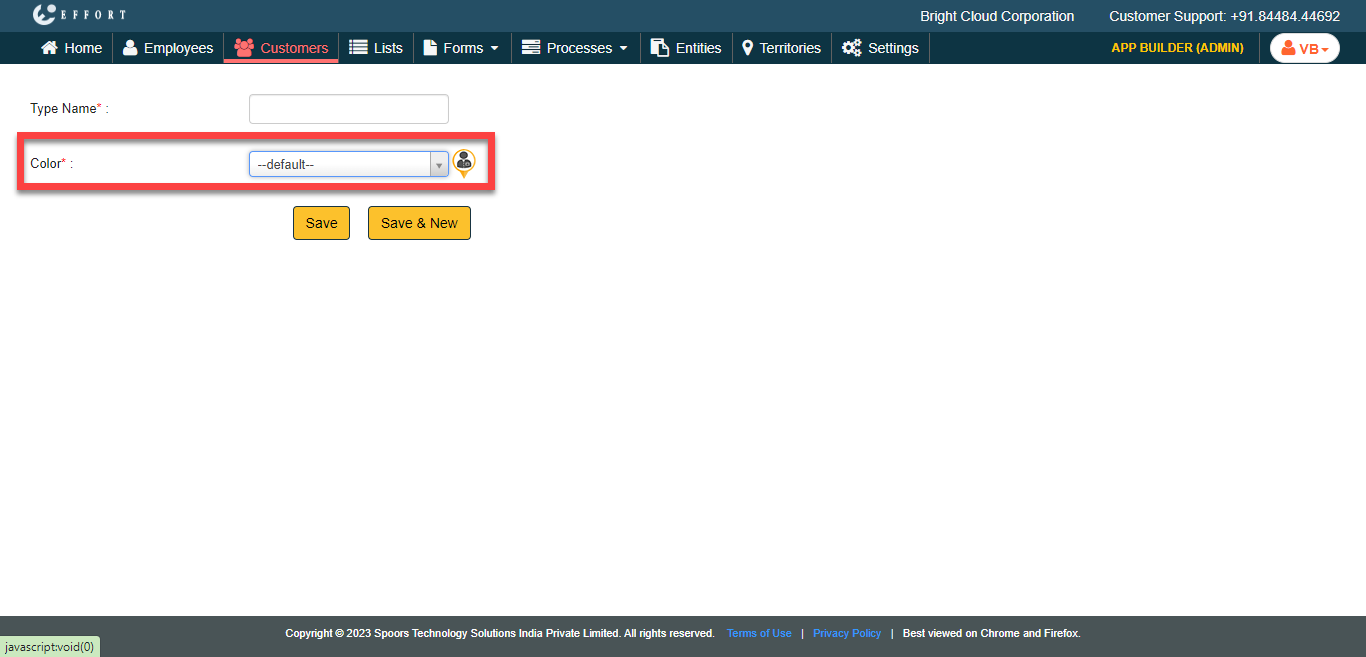
From the Color dropdown list, select a color to identify
this customer type on Google maps.
- Click Save.
- Click Save & New to save and add a new customer type.