

Configure Customer Fields
To configure customer fields, follow the steps below.
-
Go to .
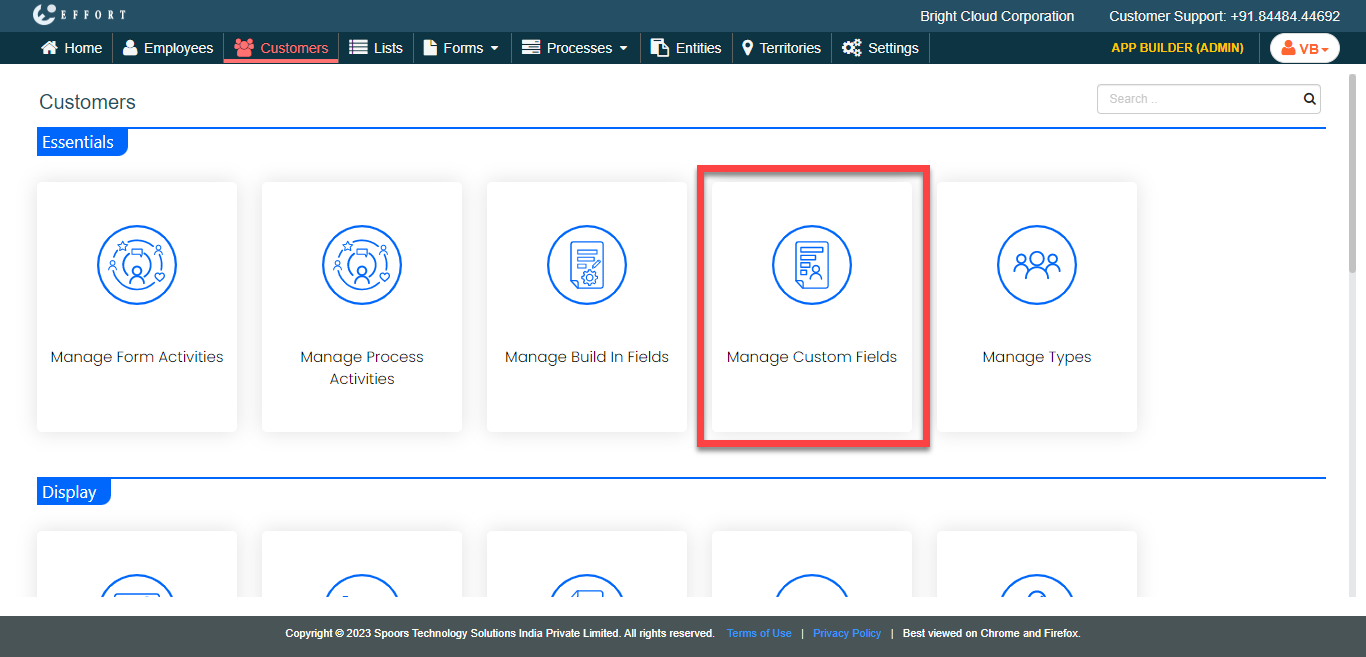
The Customers page appears
-
Under the Essentials section, click the
Manage Custom Fields card.
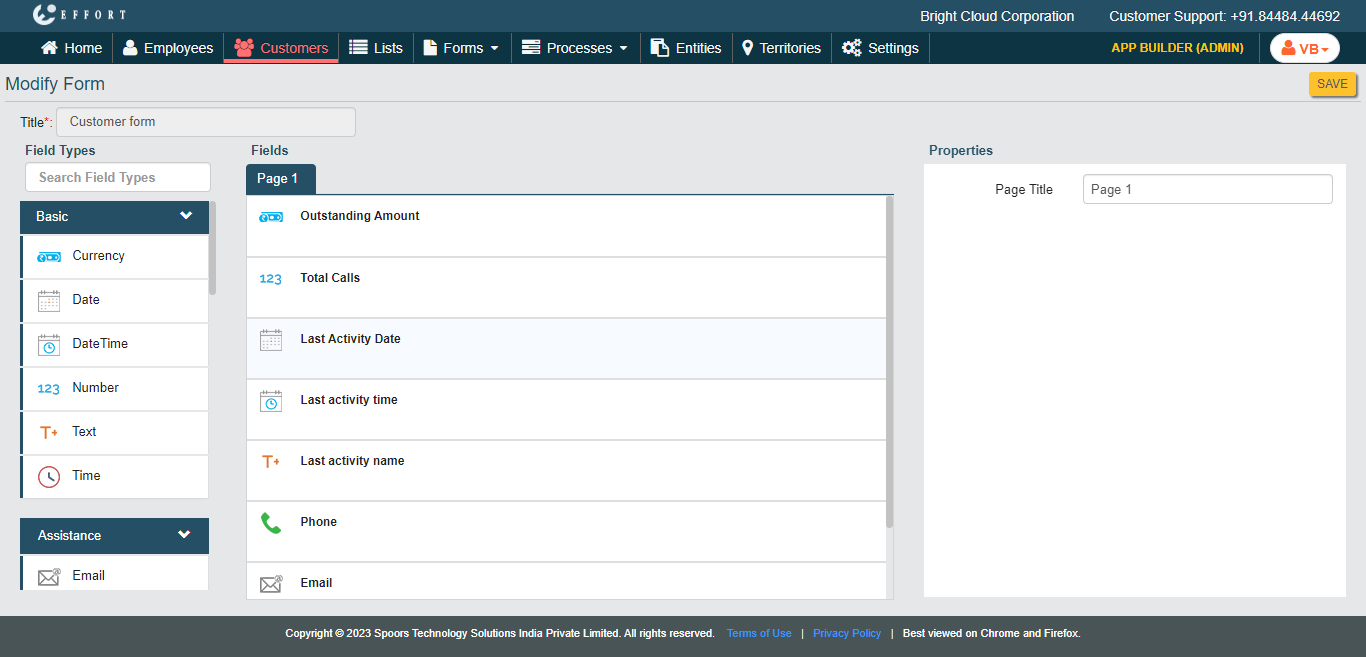
The Modify Form page appears.
-
Drag and drop the required field types on the Fields
canvas.
-
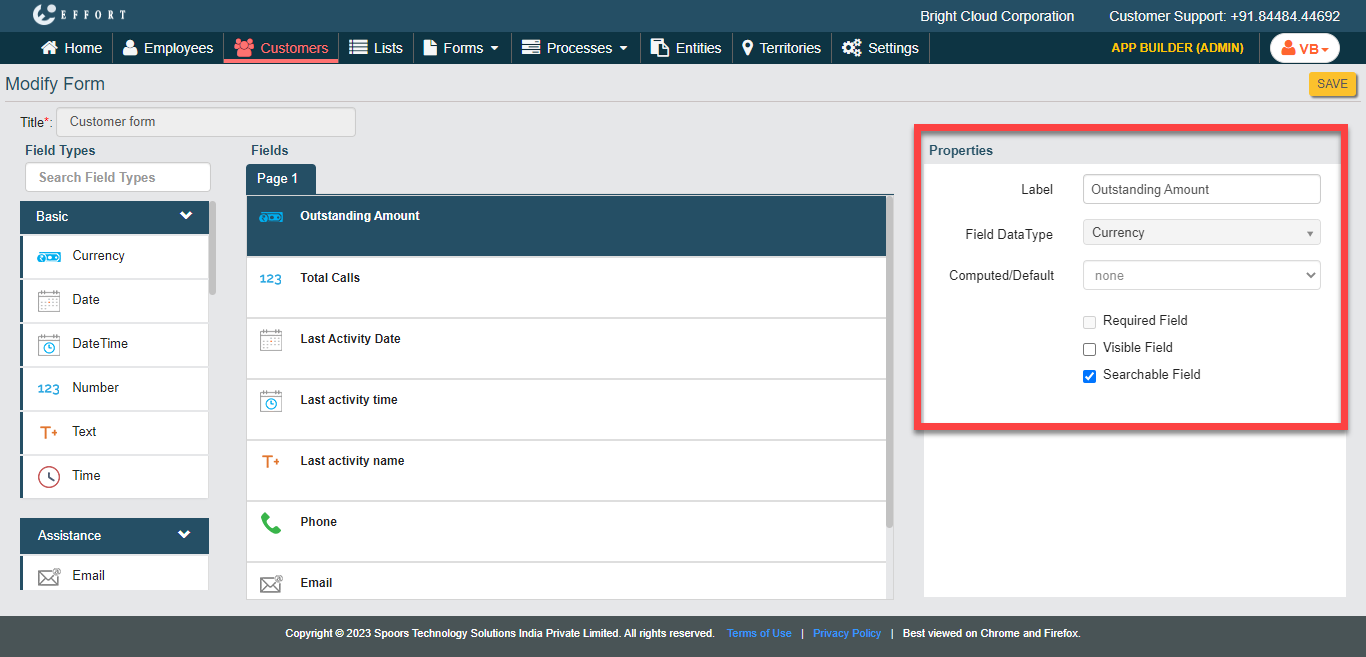
In the Properties section, customize the field types
according to your requirement.
- Click Save.