

Delete a Lead Status Configuration
To delete a lead status configuration, follow the steps below.
-
Go to .
The Process page appears.
-
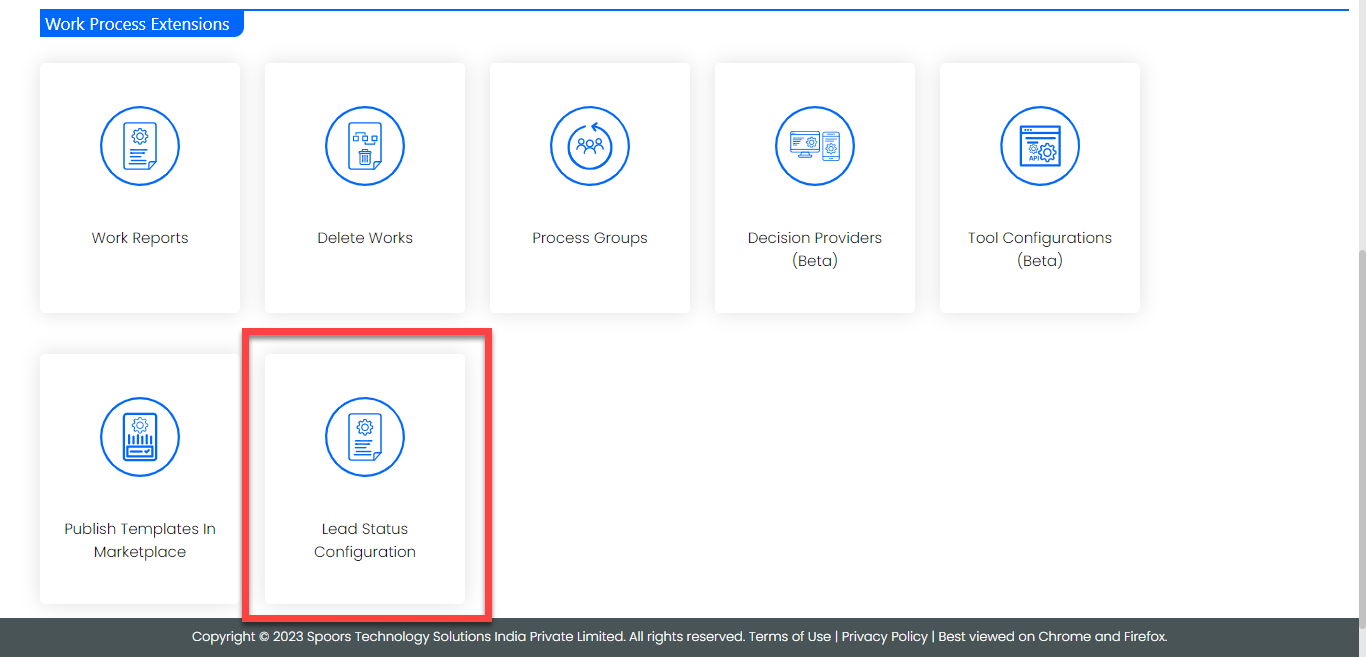
Click the Lead Status Configuration card given under the
Work Process Extensions section.
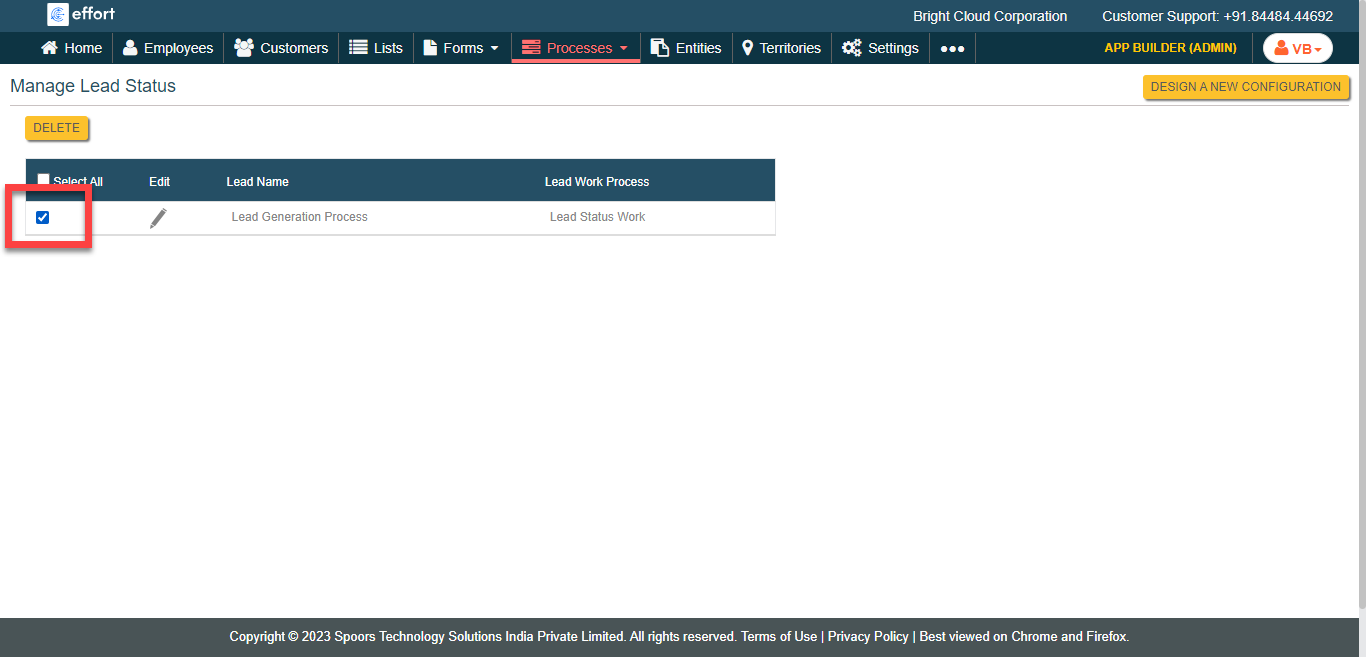
The Manage Lead Status page appears.
-
Click the checkbox given against the required configuration.
-
Click the Delete button.
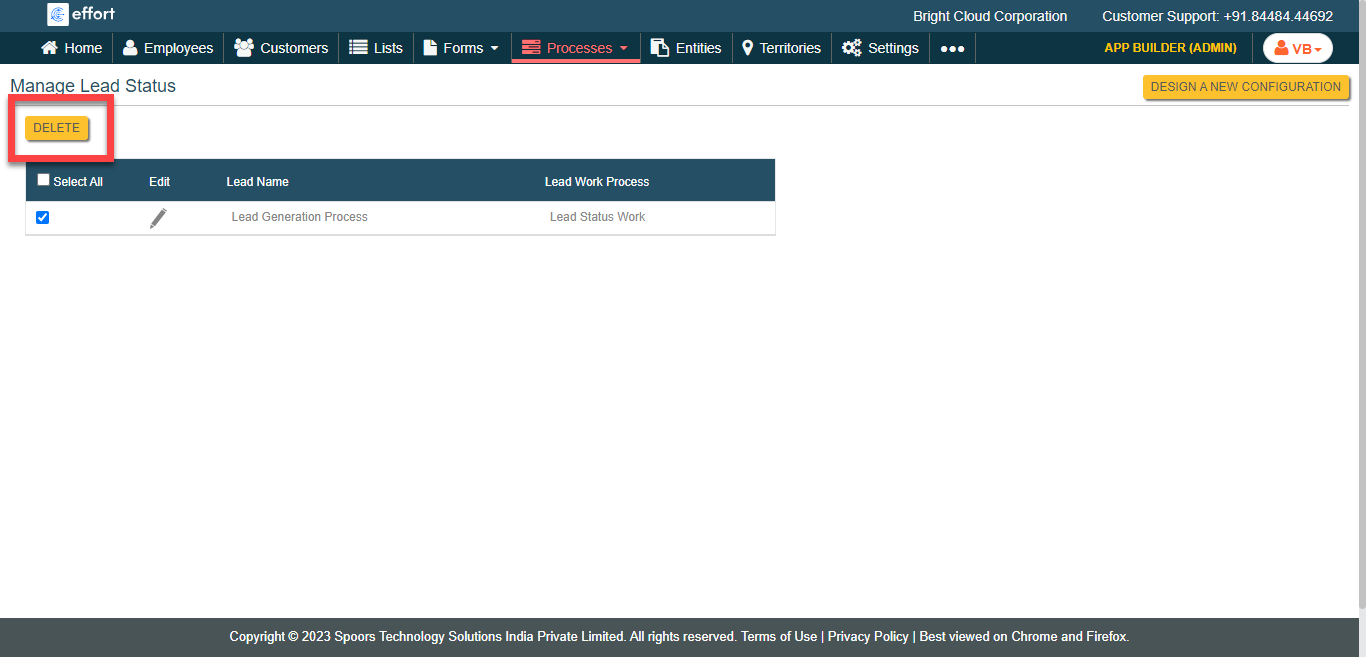
- Click OK in the confirmation pop-up.