

Edit an Existing Group in Customer App
To edit an existing group in the customer app, follow the steps below:
-
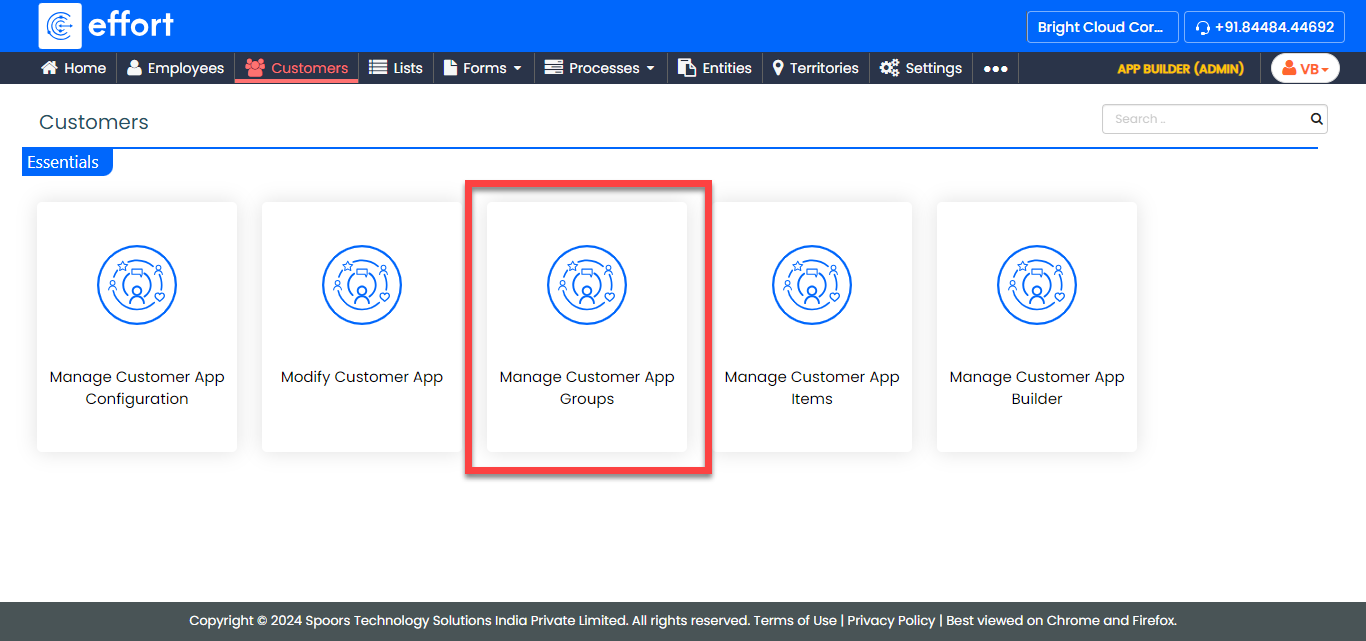
Go to .
-
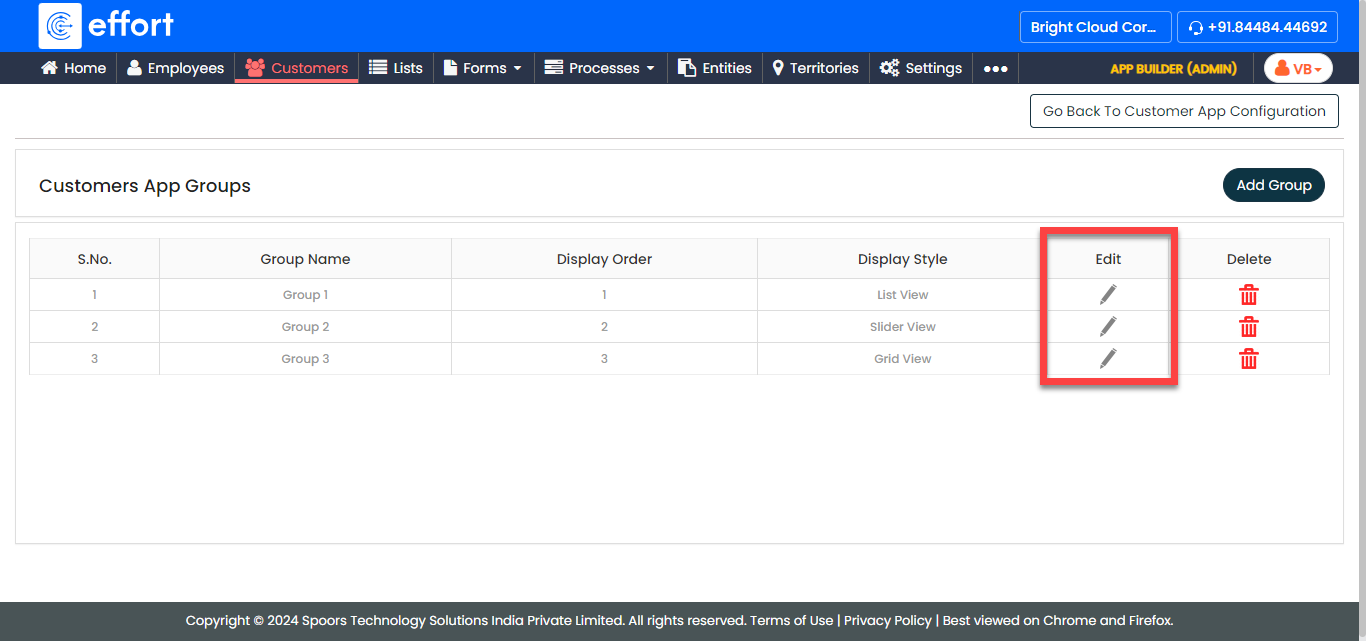
Under the Edit column, click the pencil icon against the
group that you want to edit.
-
On the Modify Group pop-up window, update the details
according to your requirements.
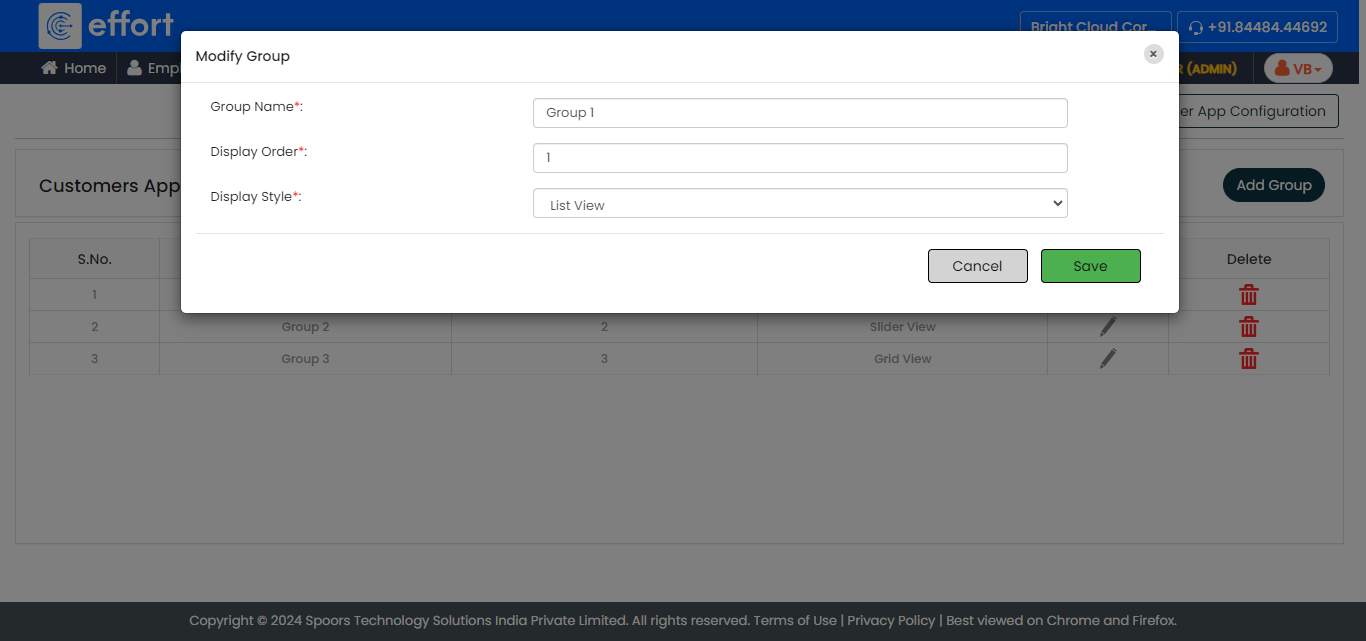
Refer to the Create a Mobile App for Customers topic to know more about the configuration fields. - Click Save.