

Add Assets to Project
If you want to know the complete Decision Provider configuration, refer to the tutorial Tutorial on Decision Providers.
-
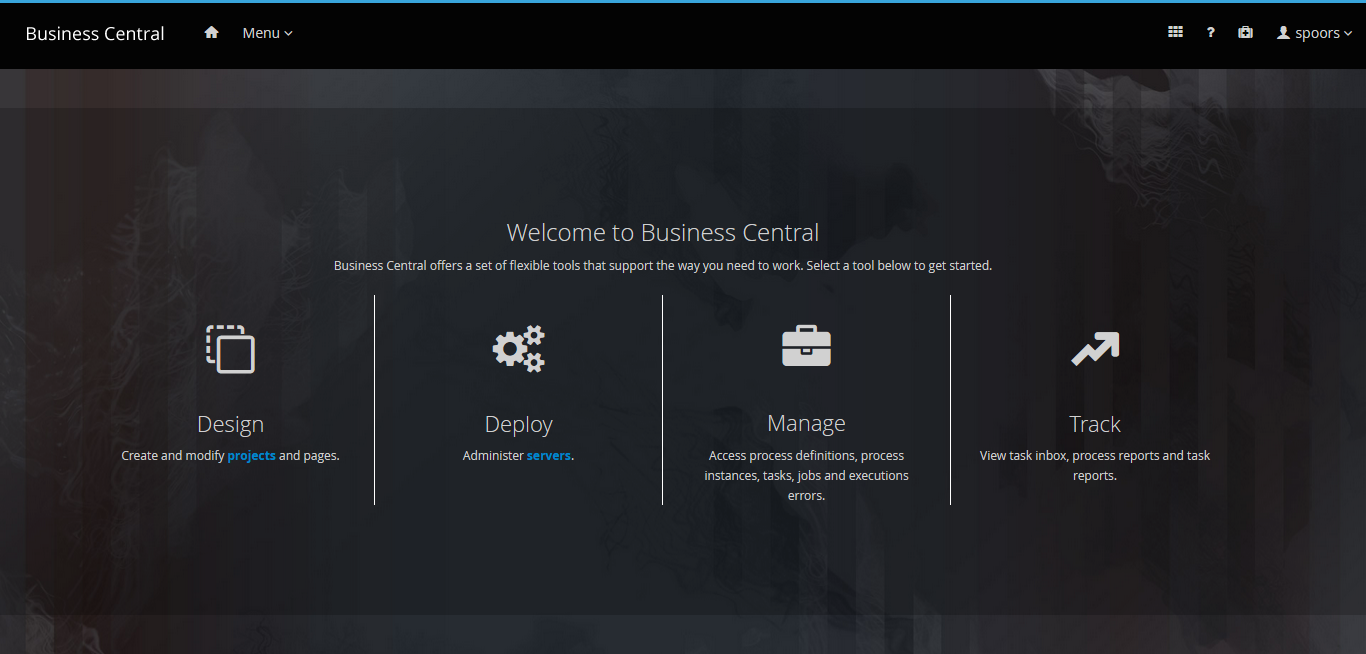
Click Design on the welcome page.
-
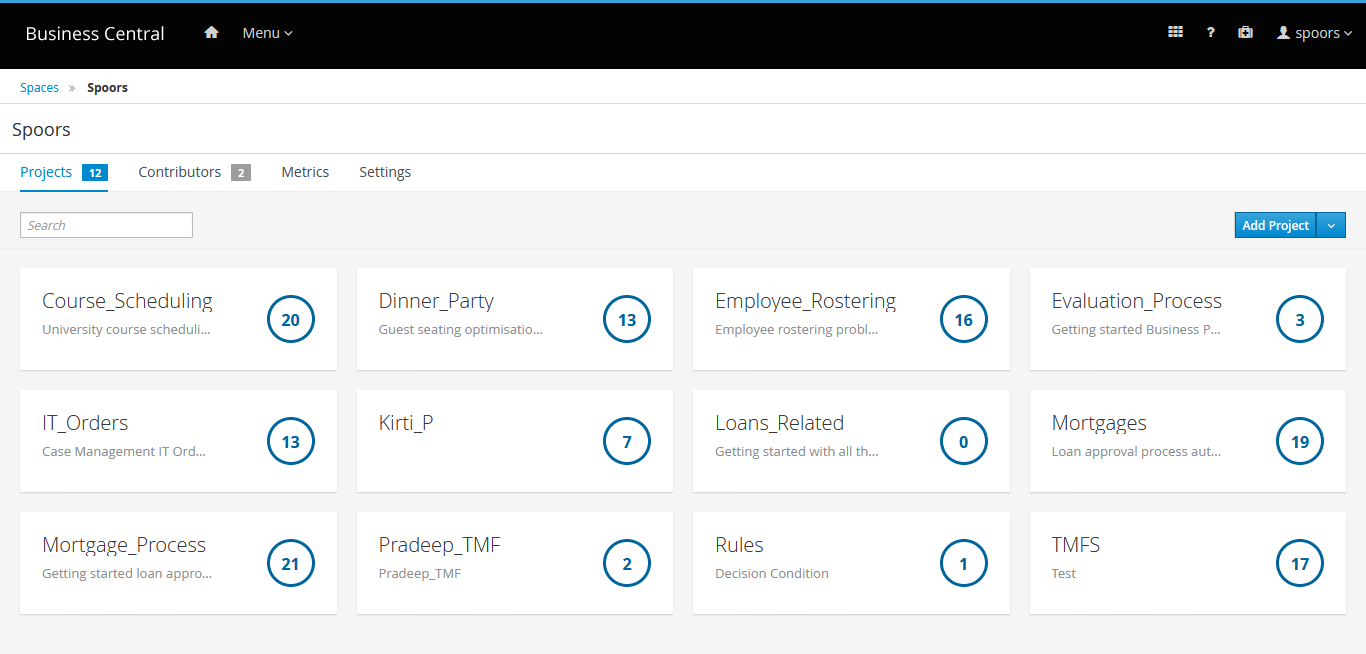
Click Project Name which you created.
-
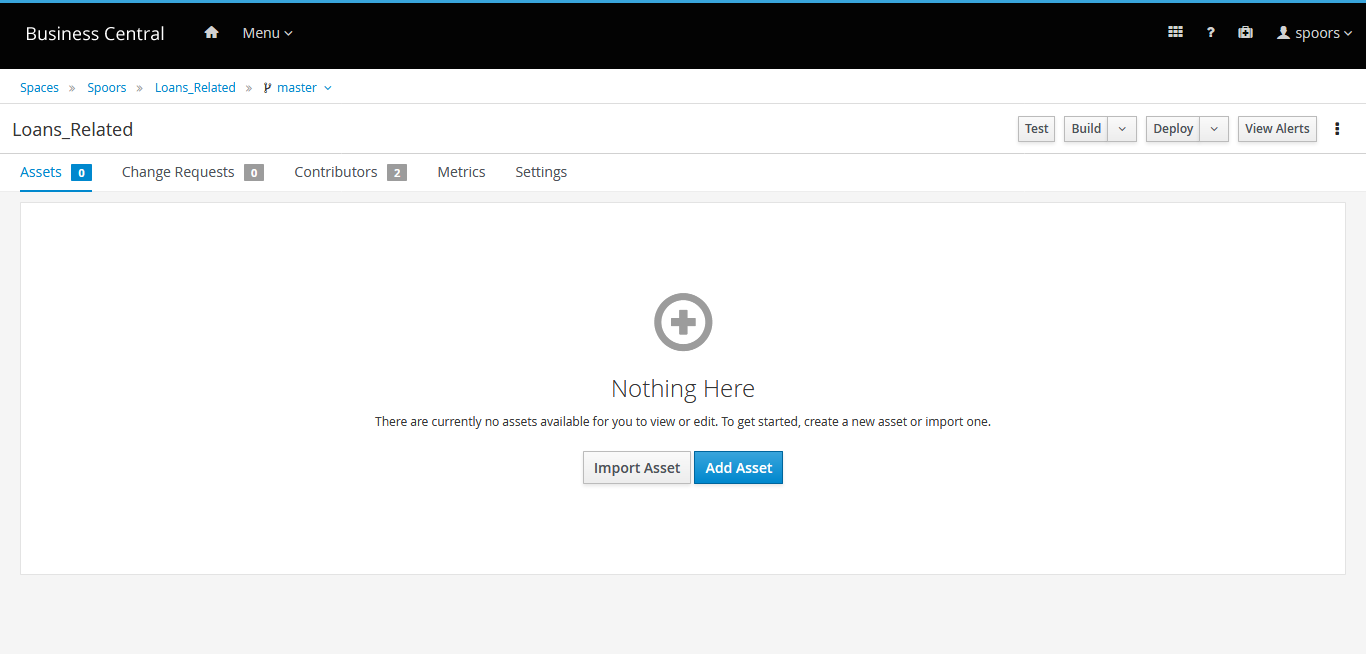
Click Add Asset on the project page.
-
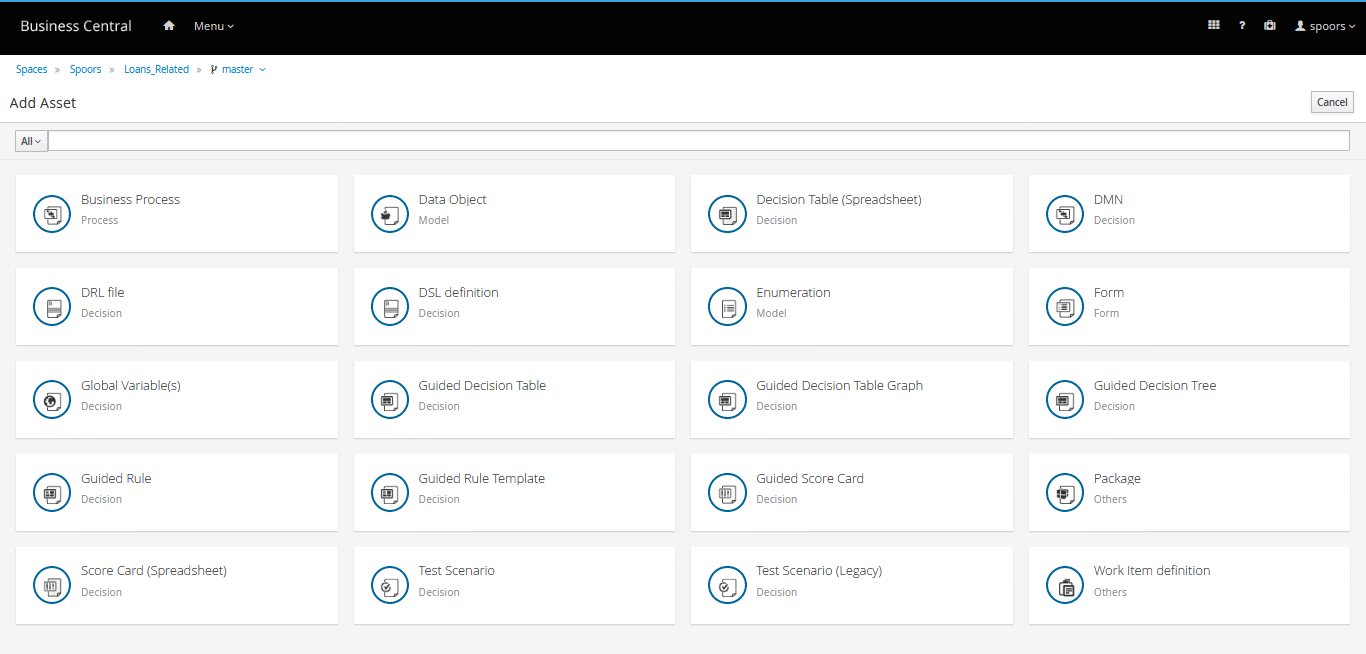
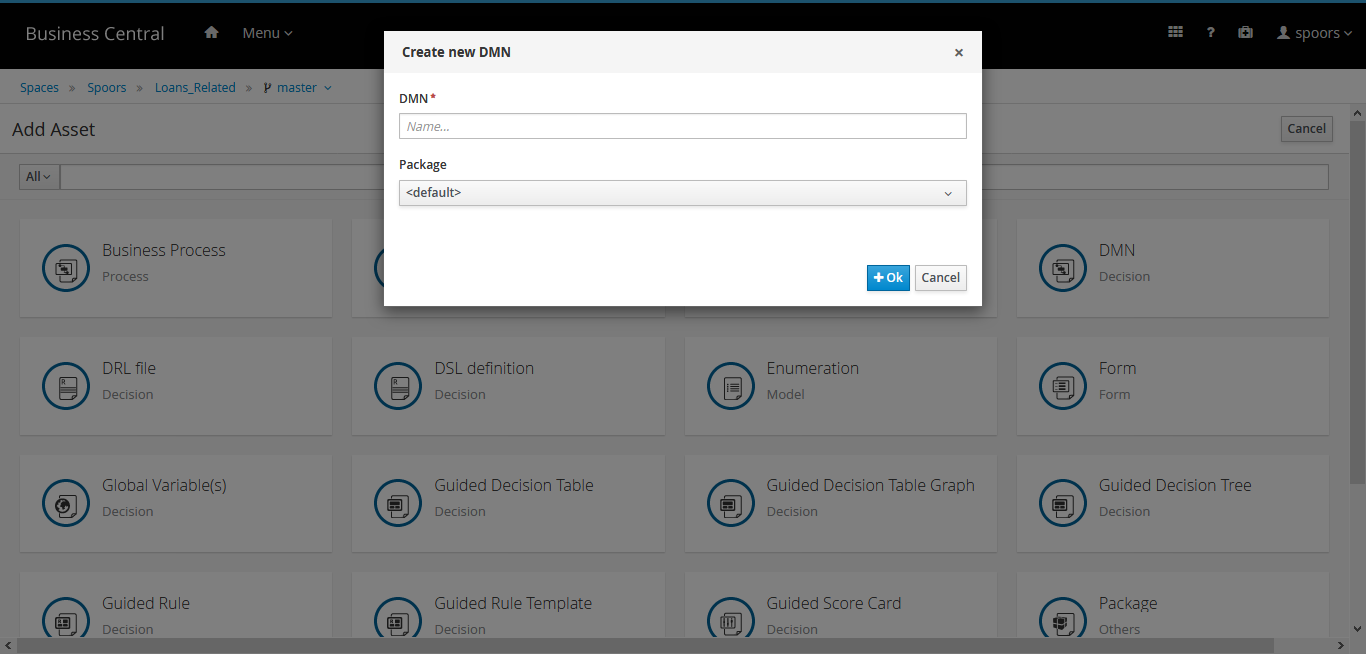
Select DMN.
-
Enter a name for the DMN in the Create New DMN pop-up.
-
Click or drag nodes in the left-hand palette onto the canvas to create a
decision model diagram.
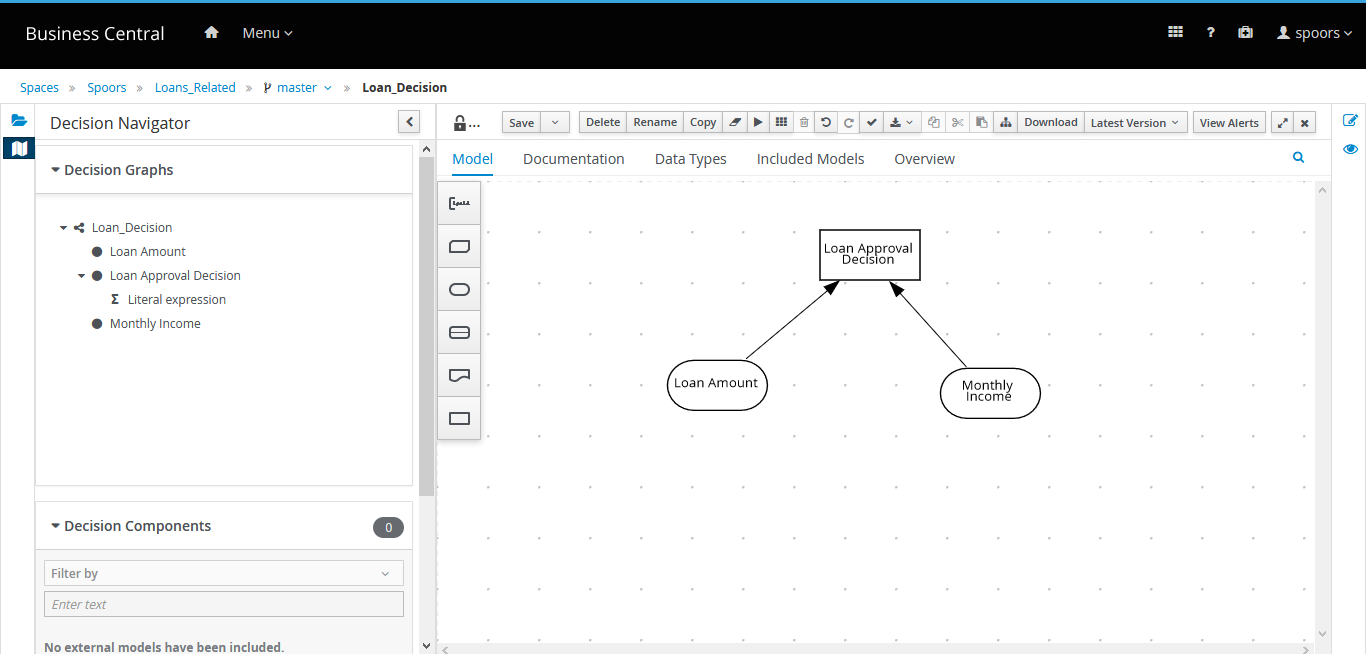
- Click Save.