

Download DMN File from Business Central
If you want to know the complete Decision Provider configuration, refer to the tutorial Tutorial on Decision Providers.
-
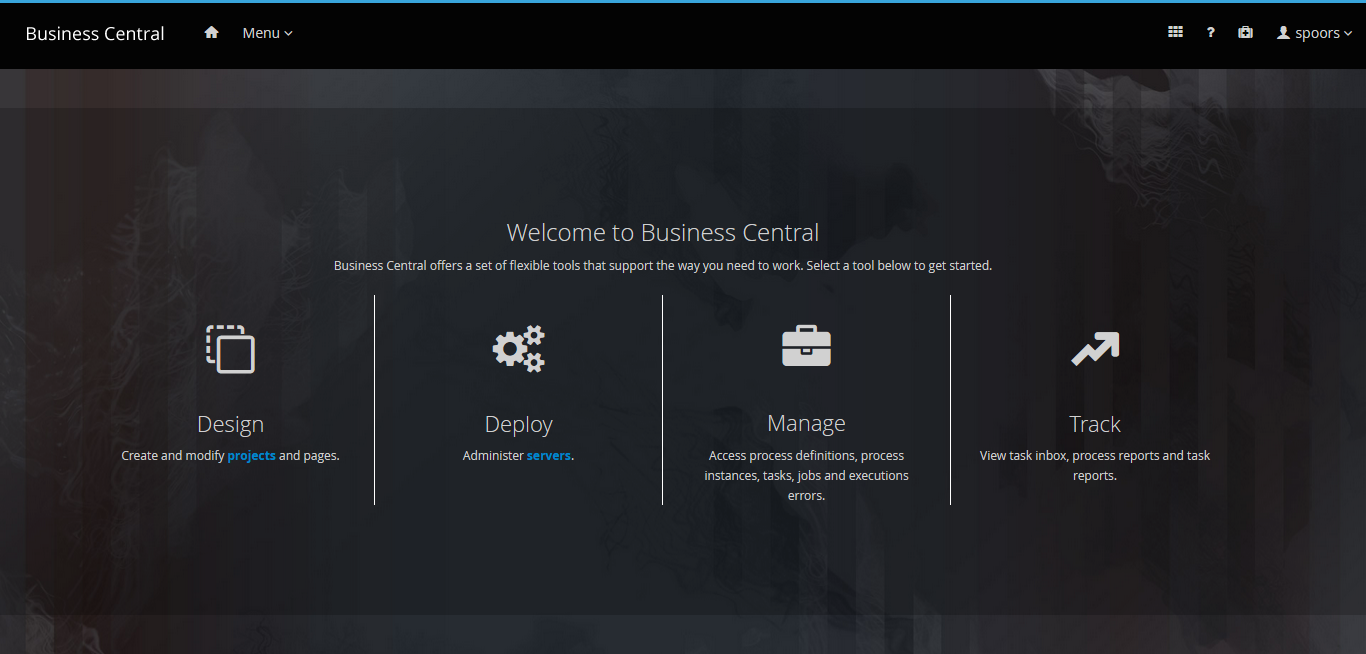
Click Design on the welcome page.
-
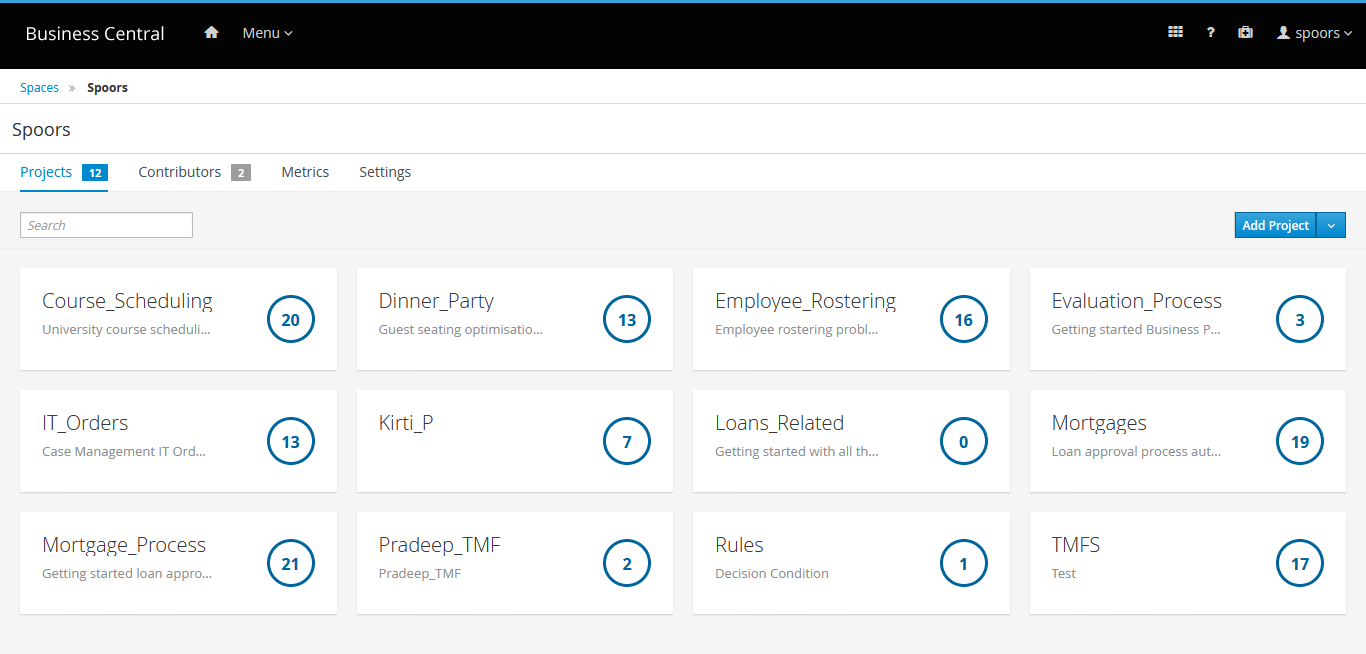
Click Project Name which you created.
-
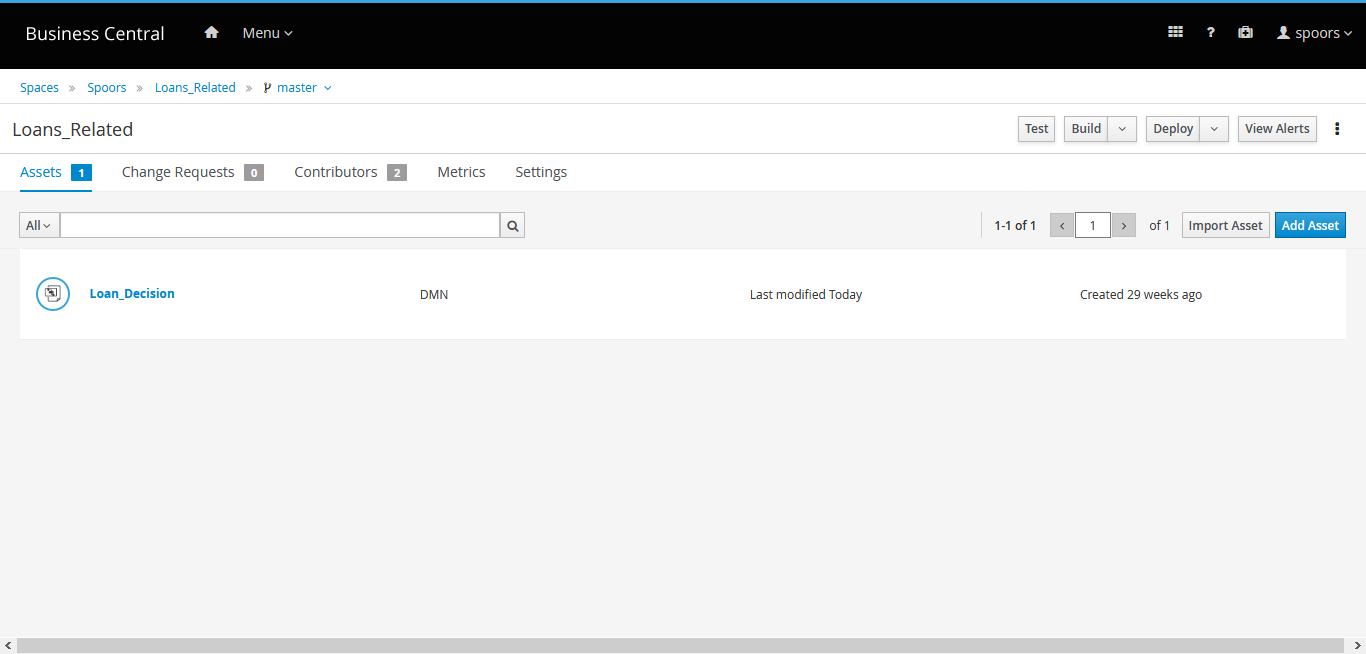
Click the DMN file link.
-
Click the Download button on the menu bar.
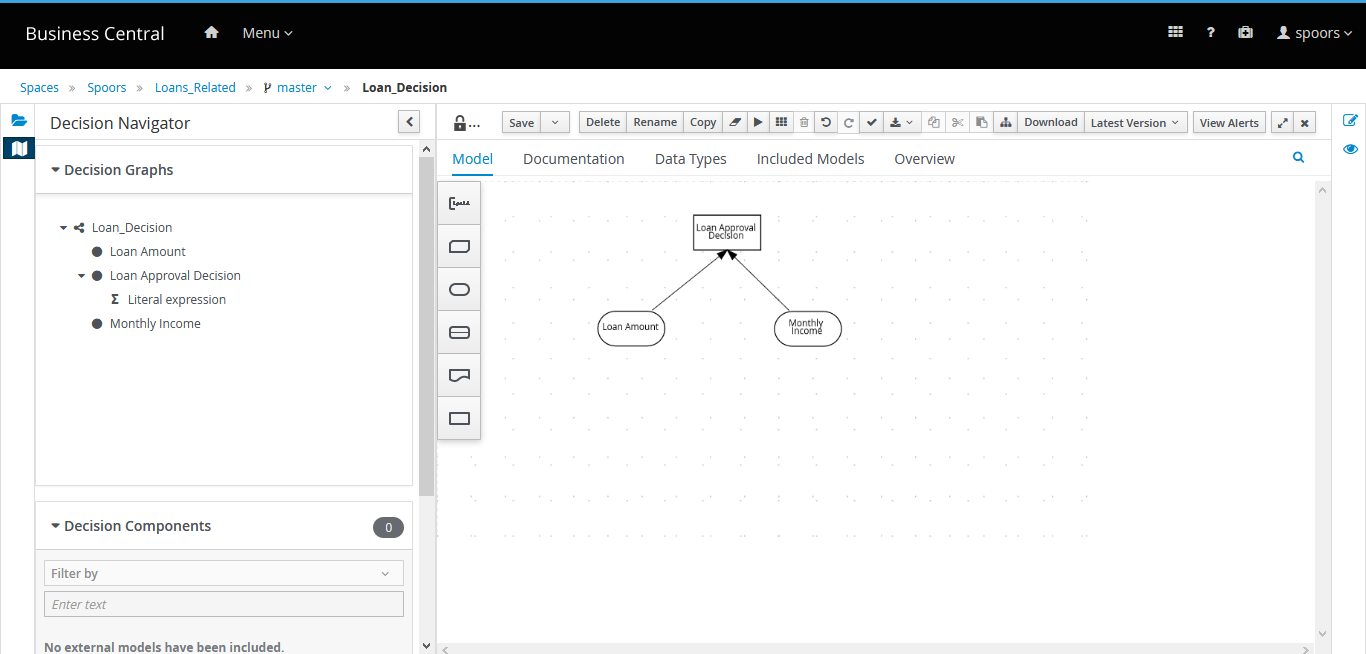
- A dmn file is downloaded.