

Configure End Work Activity Rules
-
Go to .
The Processes page appears.
-
Click Activity Process card.
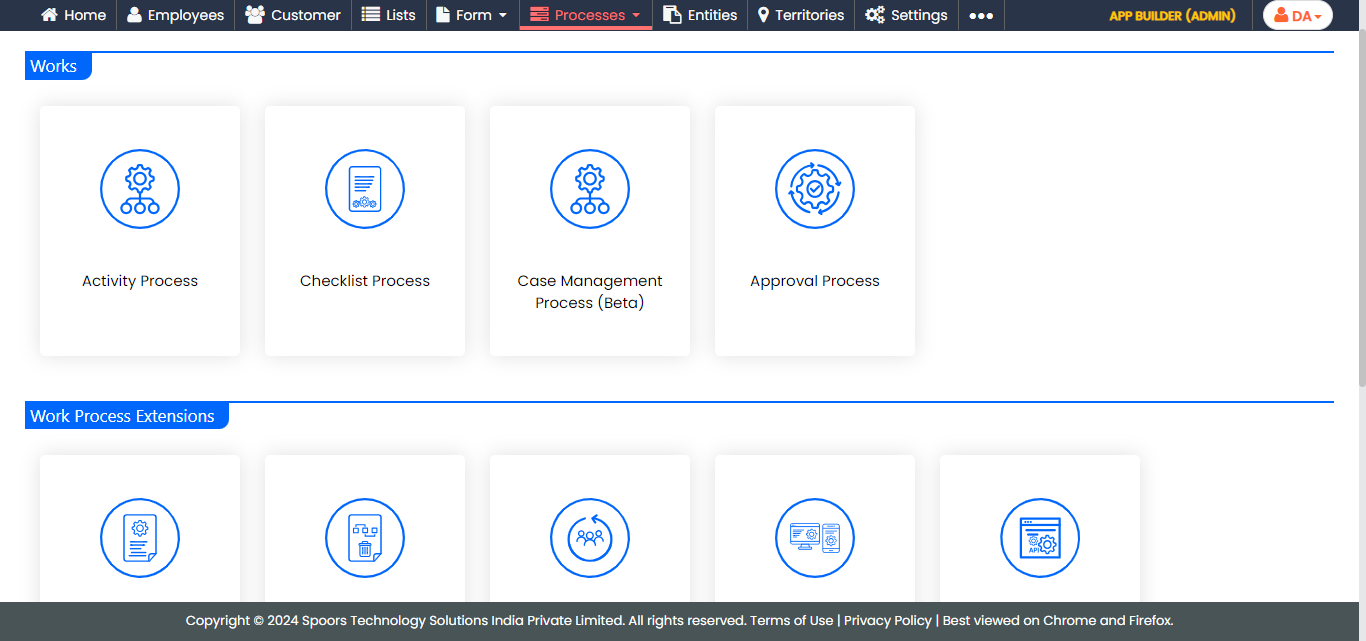
The Activity Process page appears.
-
Click the required process card.
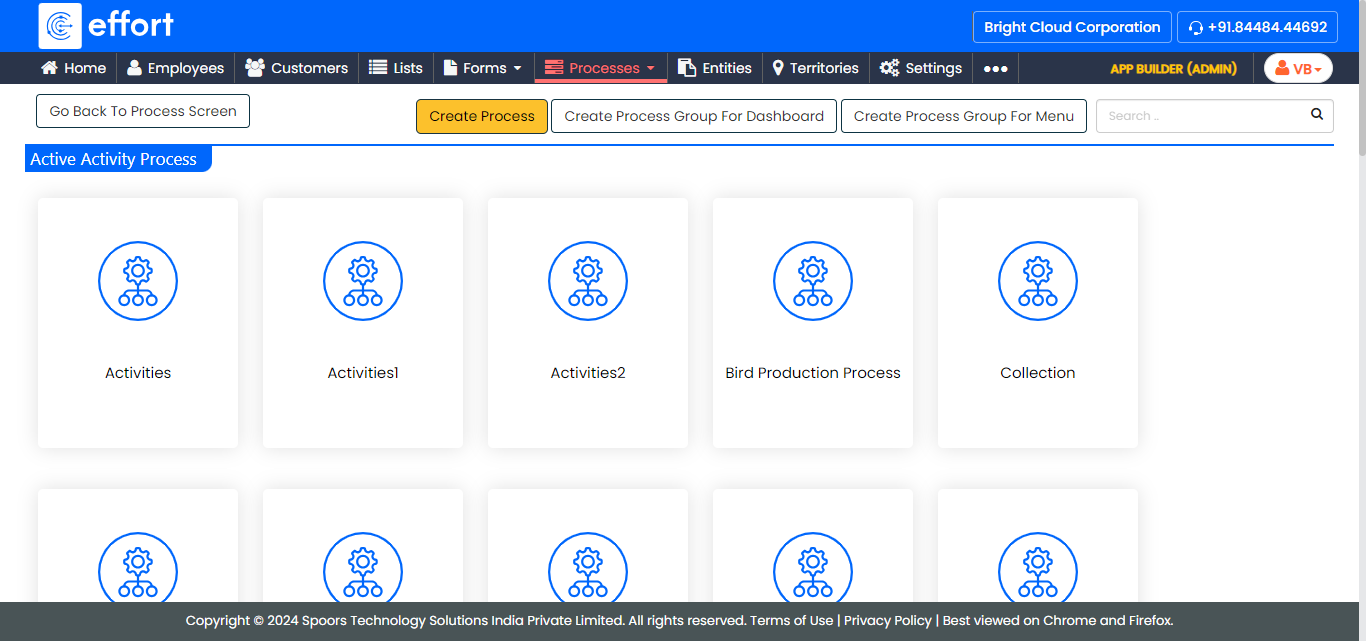
The selected <Work Process Name> Activities page appears.
-
Click the Manage Flow card under the Work
Process Essentials section.
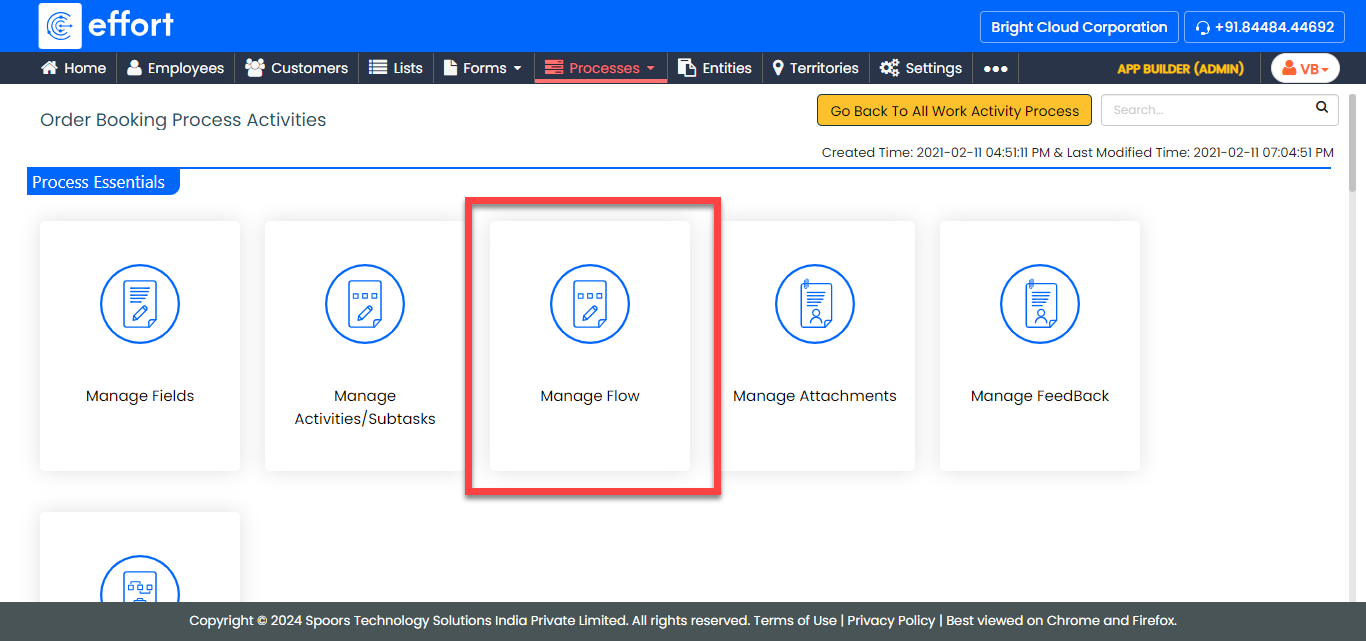
The Manage Workflow for <Work Process Name> page appears.
-
Click the Define Rule(s) button under the
Conditional End Activity Rule column to create or
modify the end rule.
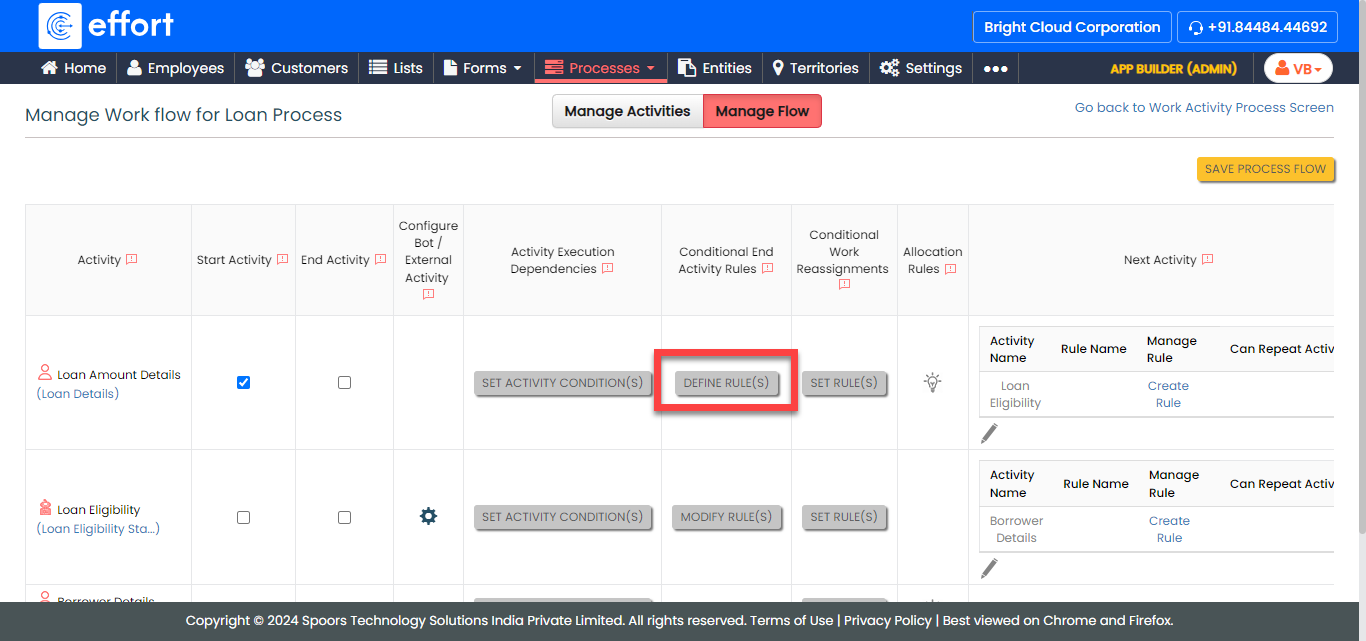
The Define / Modify Rules page appears.
-
From the When dropdown, select a condition.
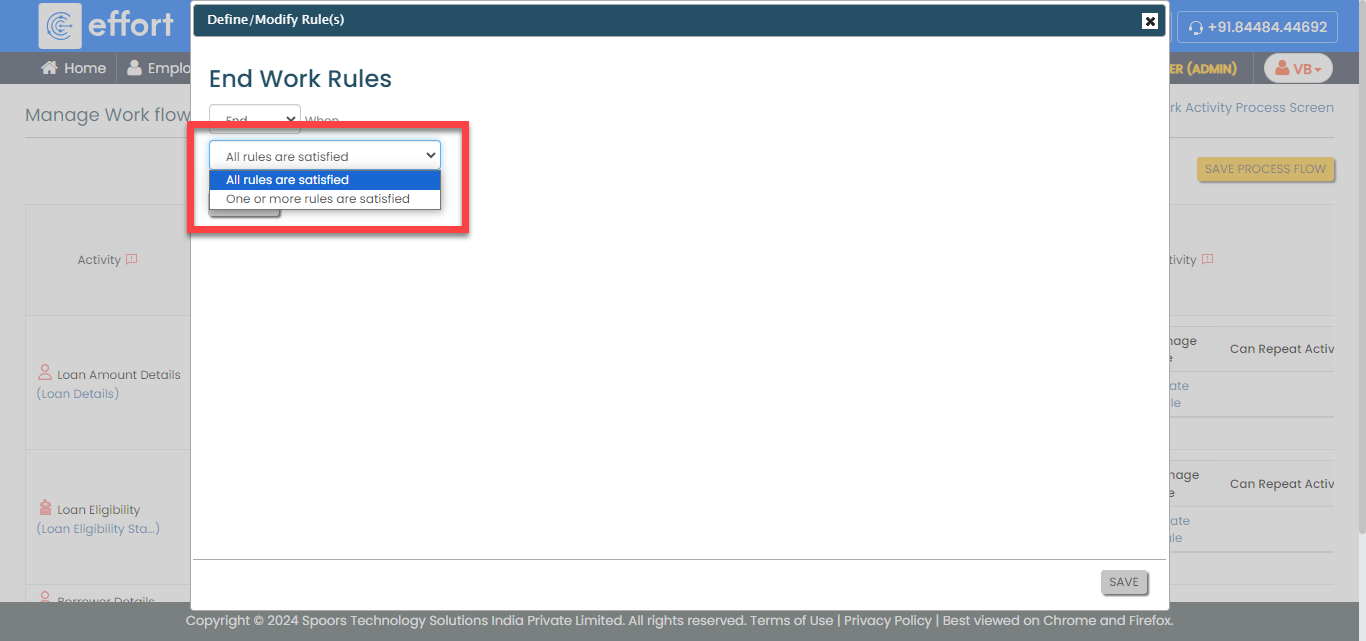
-
Click the Add Rule button and define the configuration
to end the work activity.
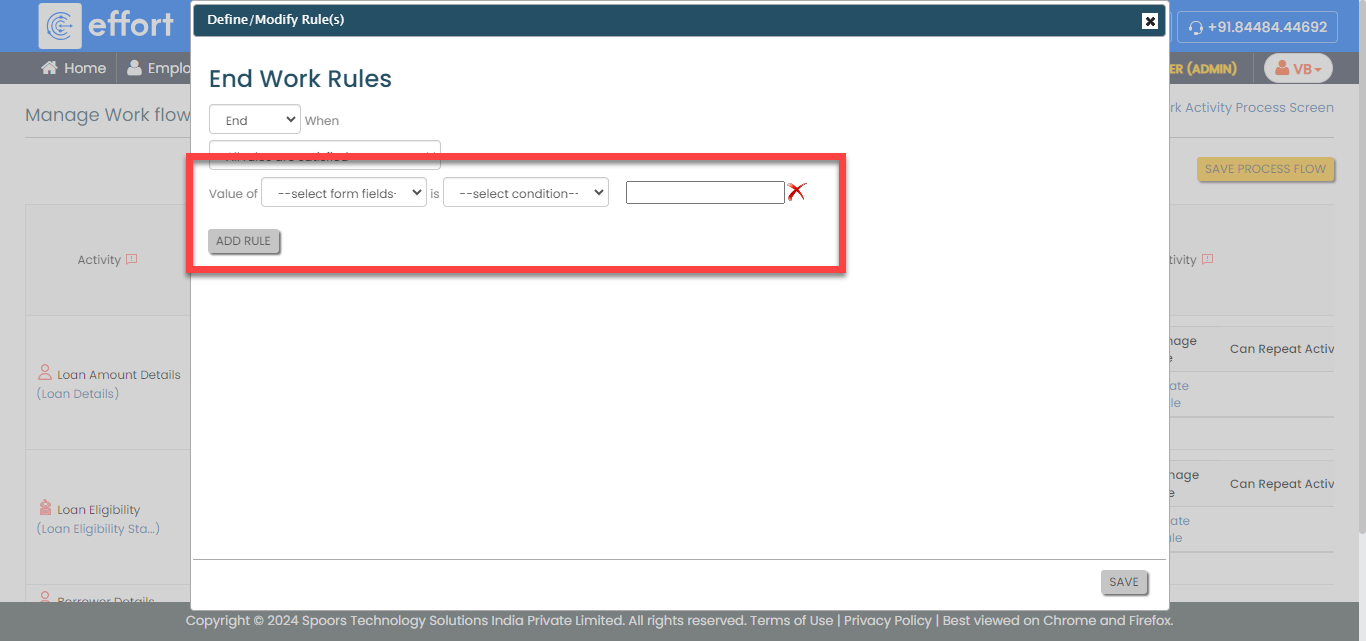
- Optional:
Click the Add Rule button again to add more rules.
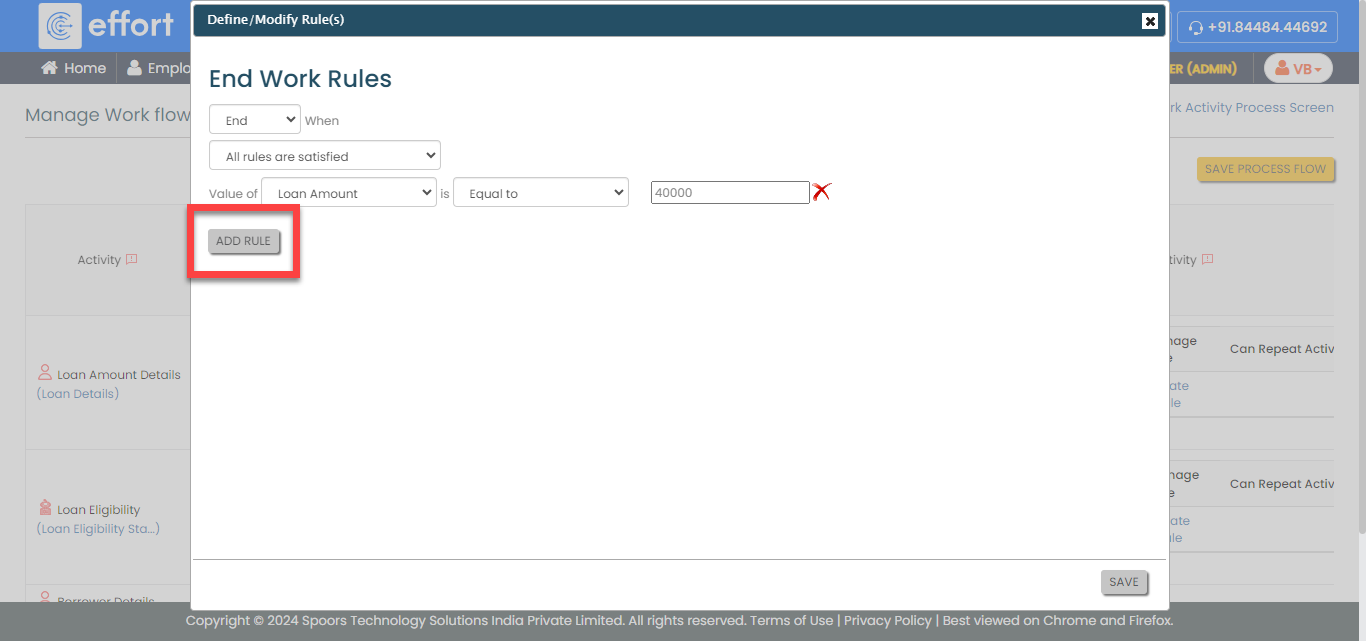
- Click Save.
- Click Save Process Flow.