

Configure Next Activity Condition
-
Go to .
The Processes page appears.
-
Click the Activity Process card.
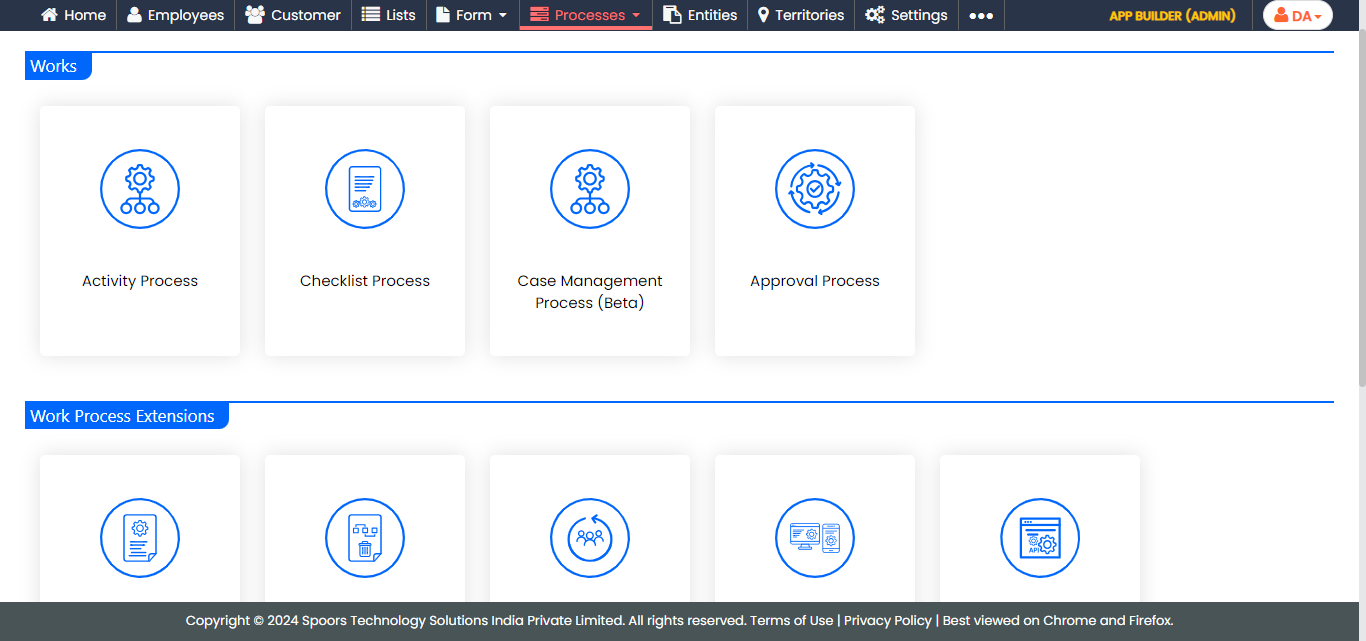
The Activity Process page appears.
-
Click the required process card.
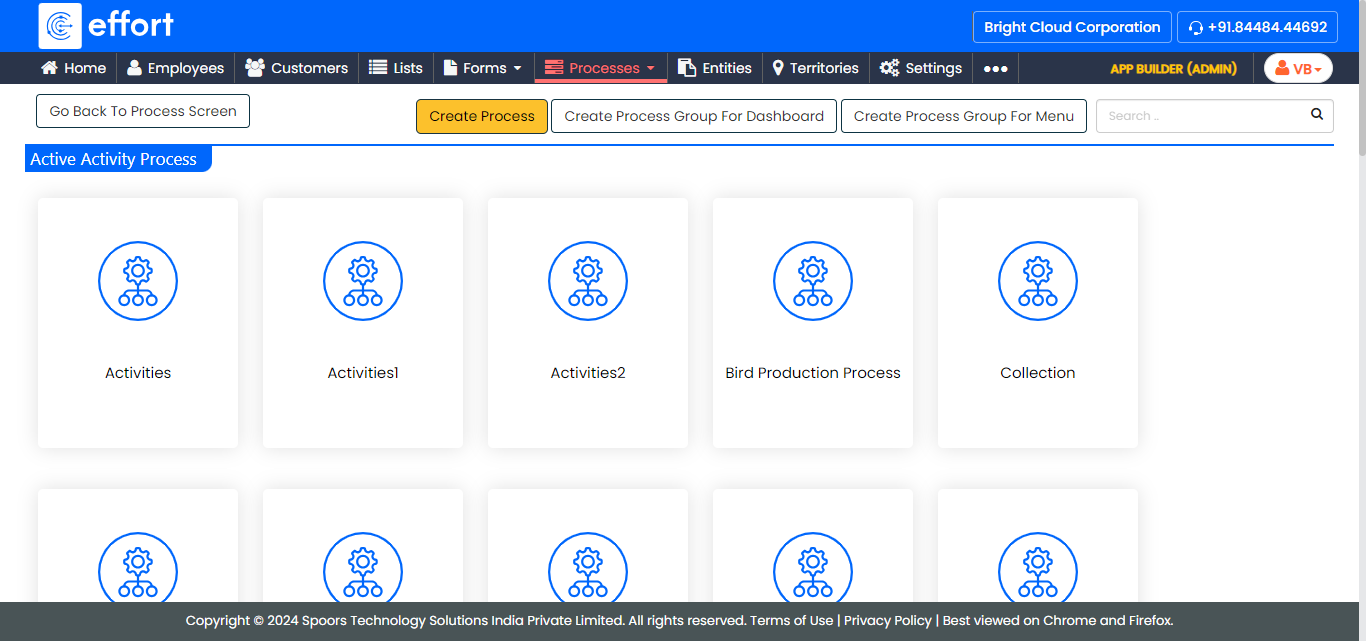
The <Sample Work Process> Activities page appears.
-
Click Manage Flow card under the Work Process
Essentials section.
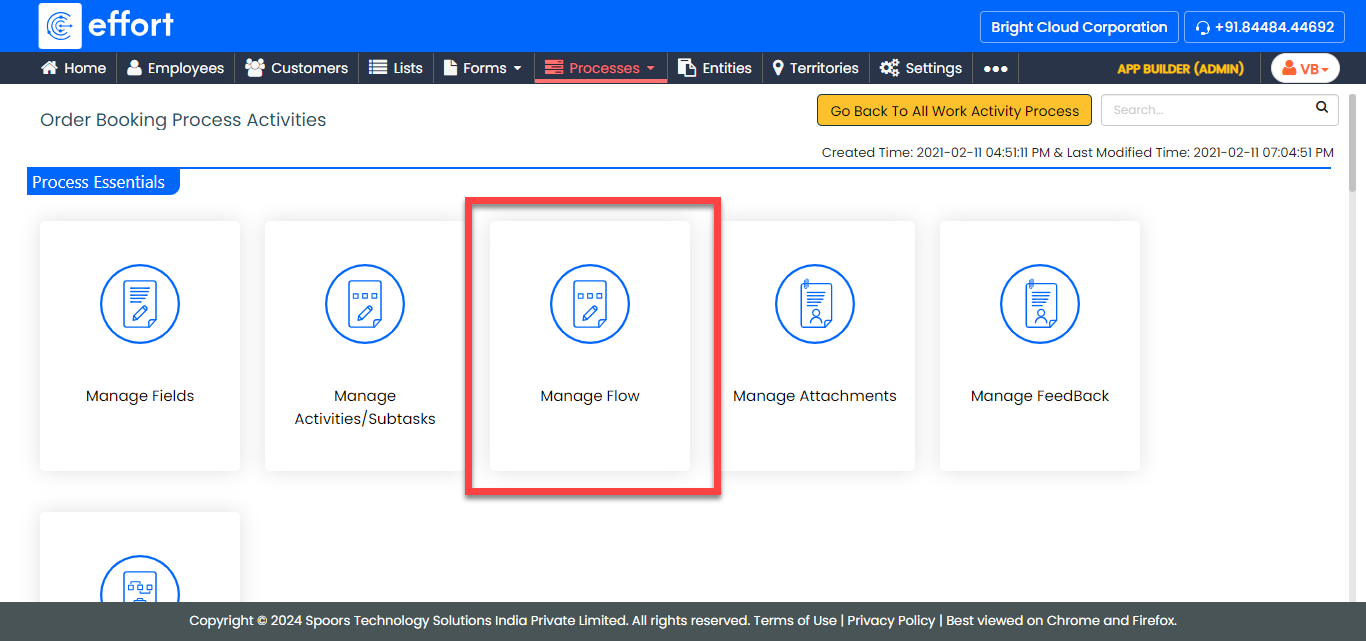
The Manage Work flow for <Sample Work Process> page appears.
-
Click Edit icon under the Next
Activity column.
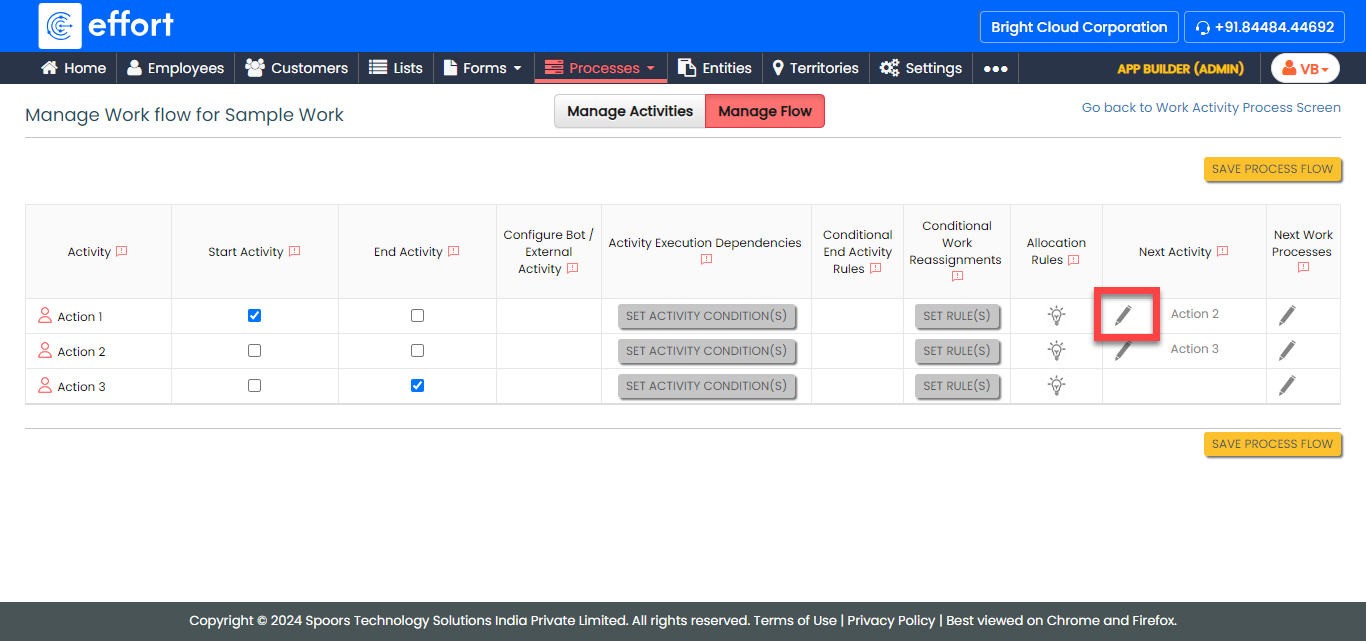
The Next Activity page appears.
-
From the All container, select the activity and click
move icon or move all icon.
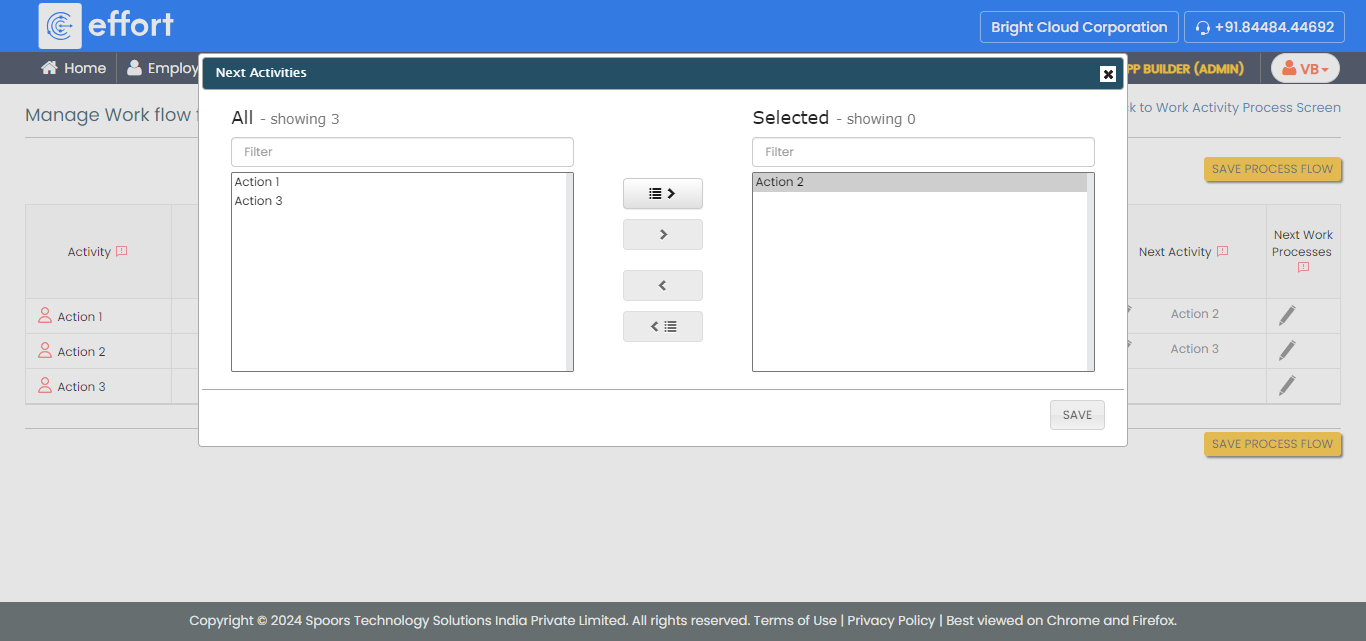
The selected container has the next activity.
- Click OK.