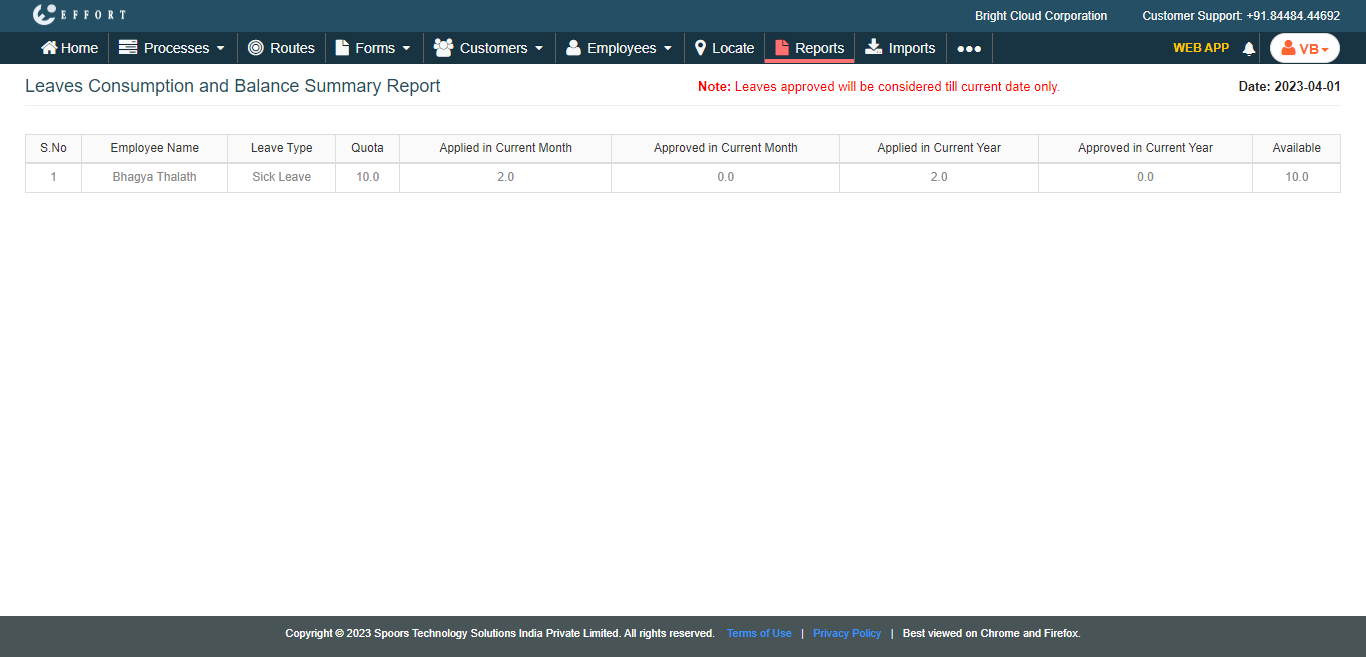
Generate a Leave Consumption and Balance Summary Report
To generate a leave consumption and balance summary report, follow the steps below.
-
Go to .
The Reports page appears.
- Scroll down to the Leaves section.
-
Click the Leaves Consumption and Balance Summary Report
link or icon.
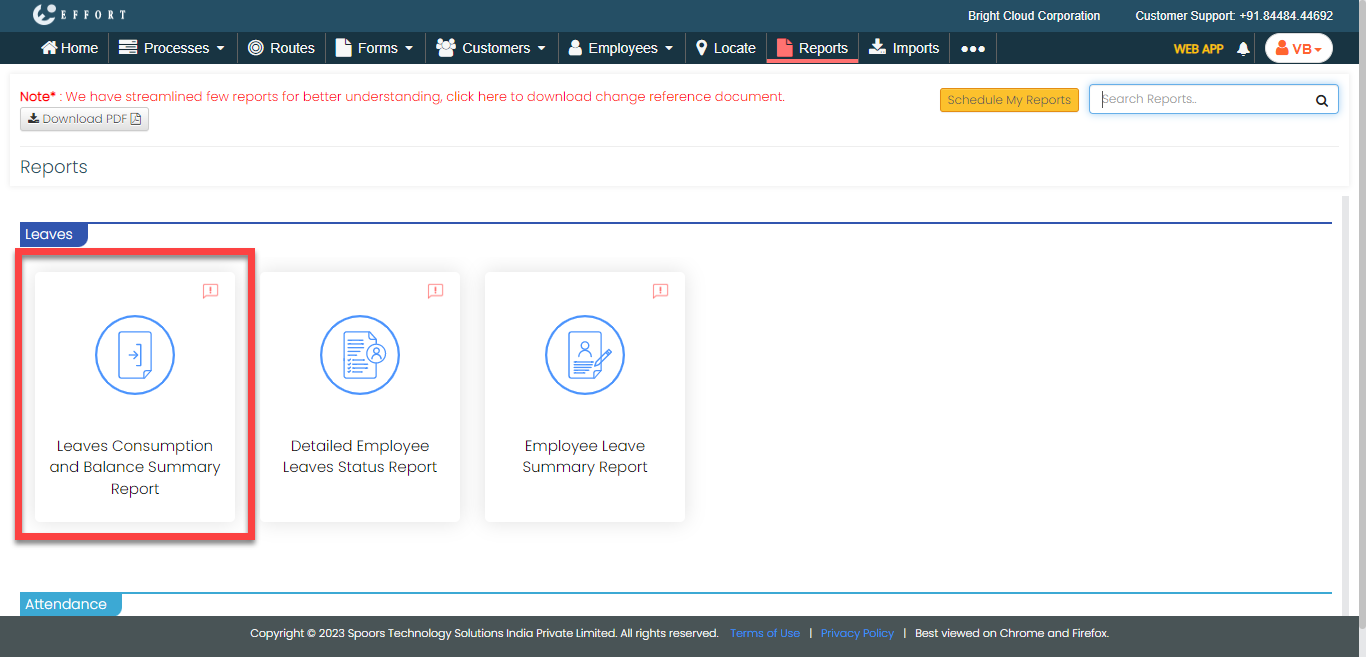
The Leaves Consumption and Balance Summary Report page appears.
- Optional:
In Load report as, change the report format as per your
requirement.
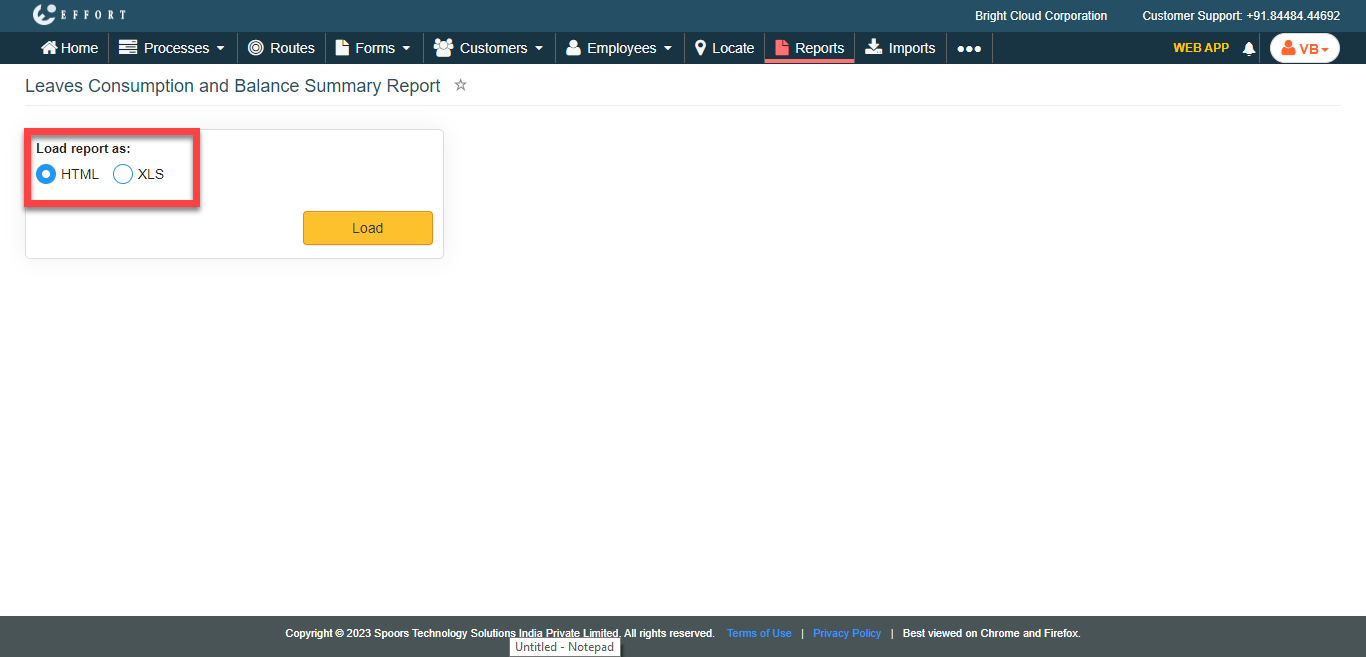
Load report as defaults to HTML. -
Click Load button.
The Leaves Consumption and Balance Summary Report is displayed depends on the report format.