

Define Achievements
Pre-Requisites
Make sure that you have already created targets for the employees in the Reports Studio module. To learn more about creating targets, refer to the Create Targets to Employee.
To define achievement configuration against a target, follow the steps below.
-
Go to .
The Employees page appears.
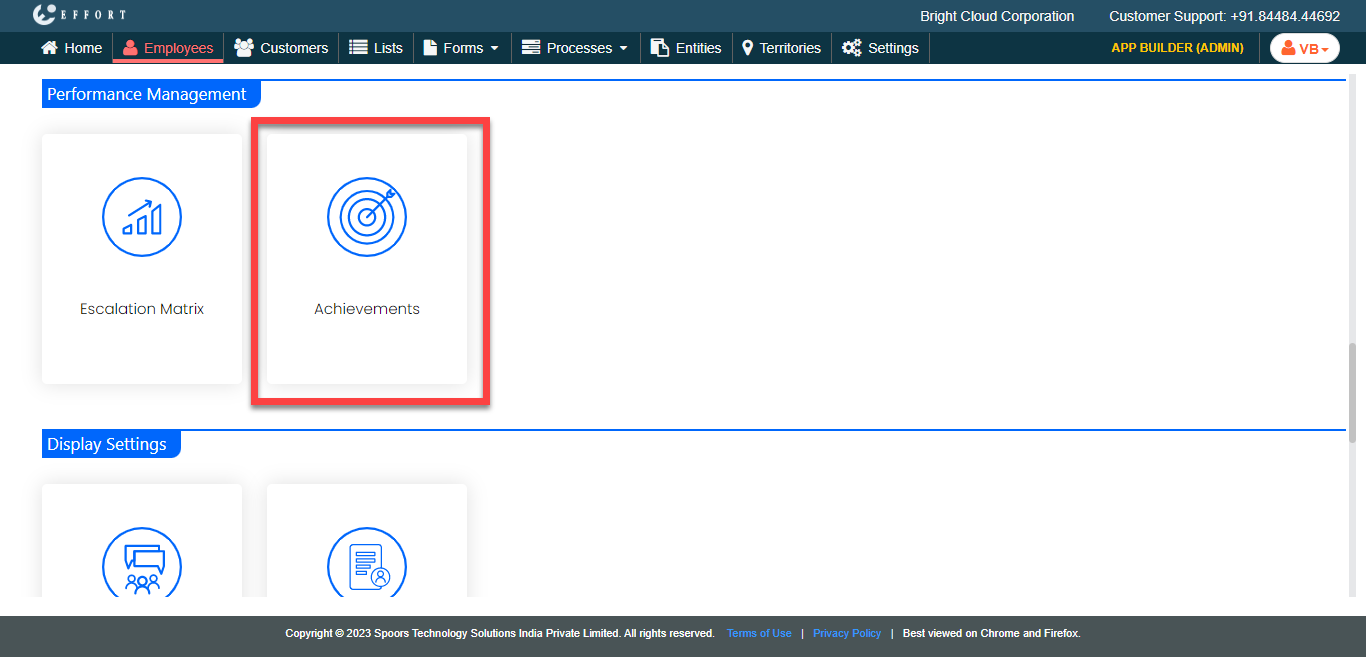
- Scroll down to the Performance Management section.
-
Click the Achievements card.
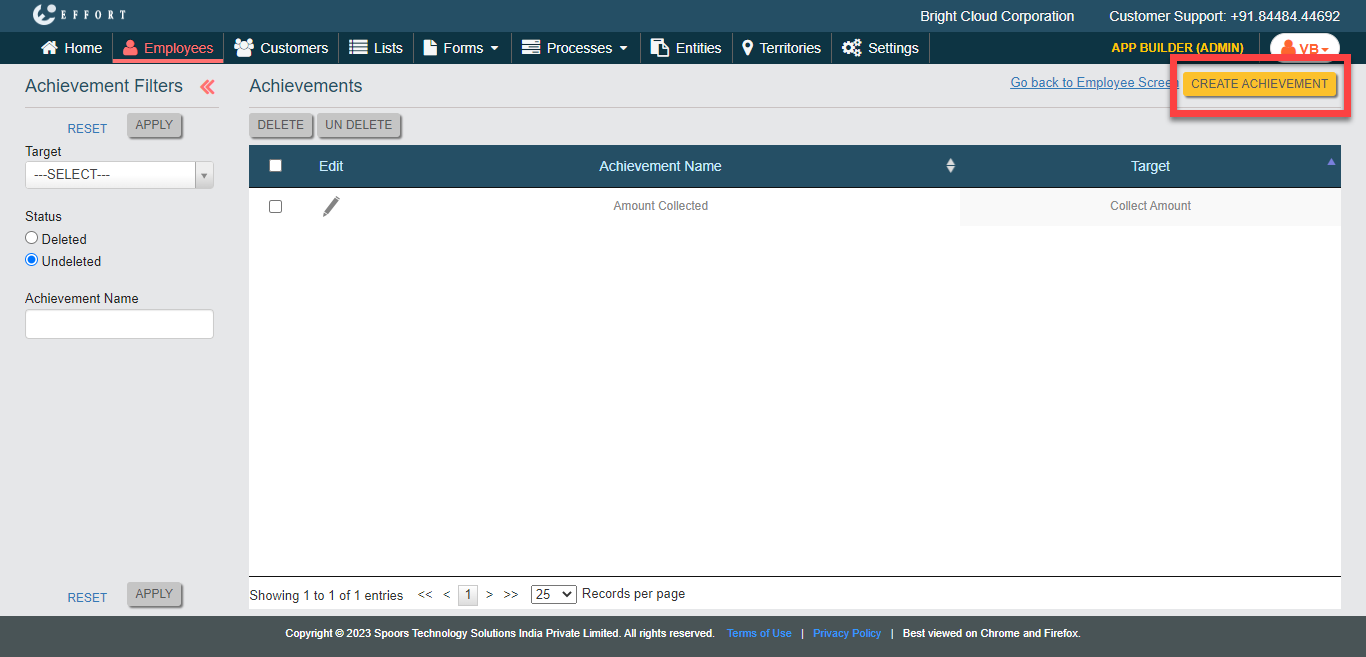
The Achievements page appears.
-
Click the Create Achievement button.
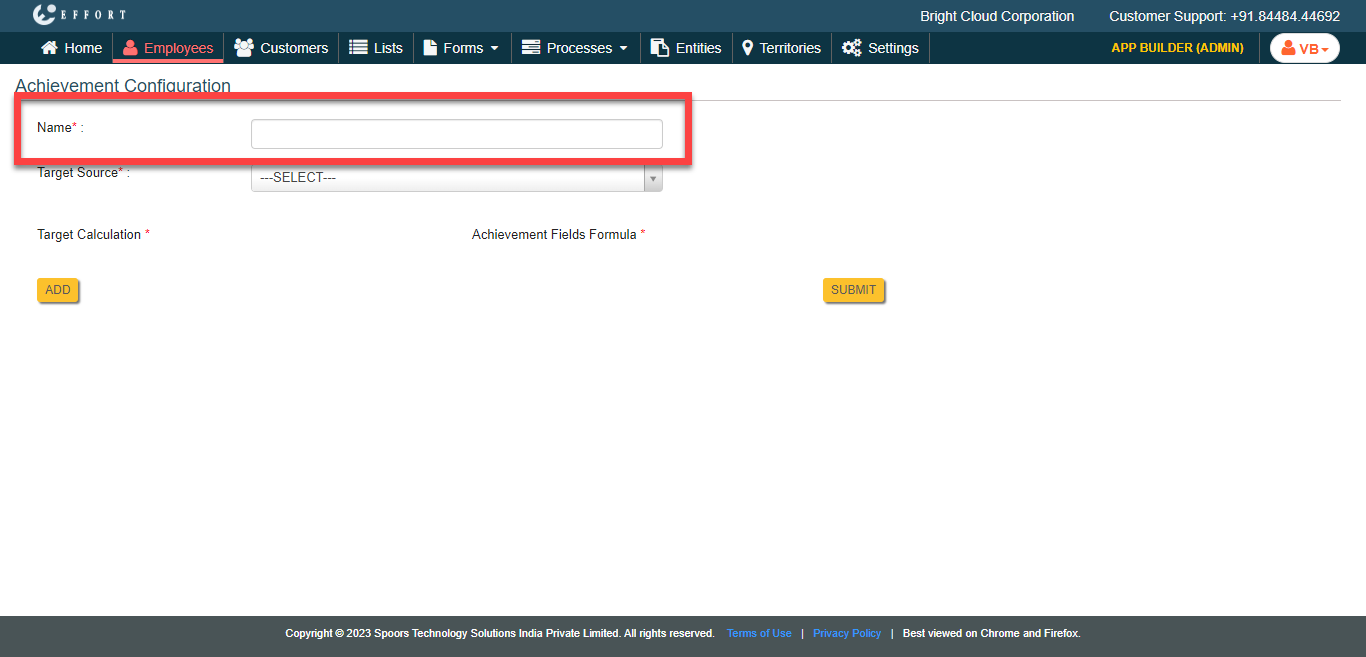
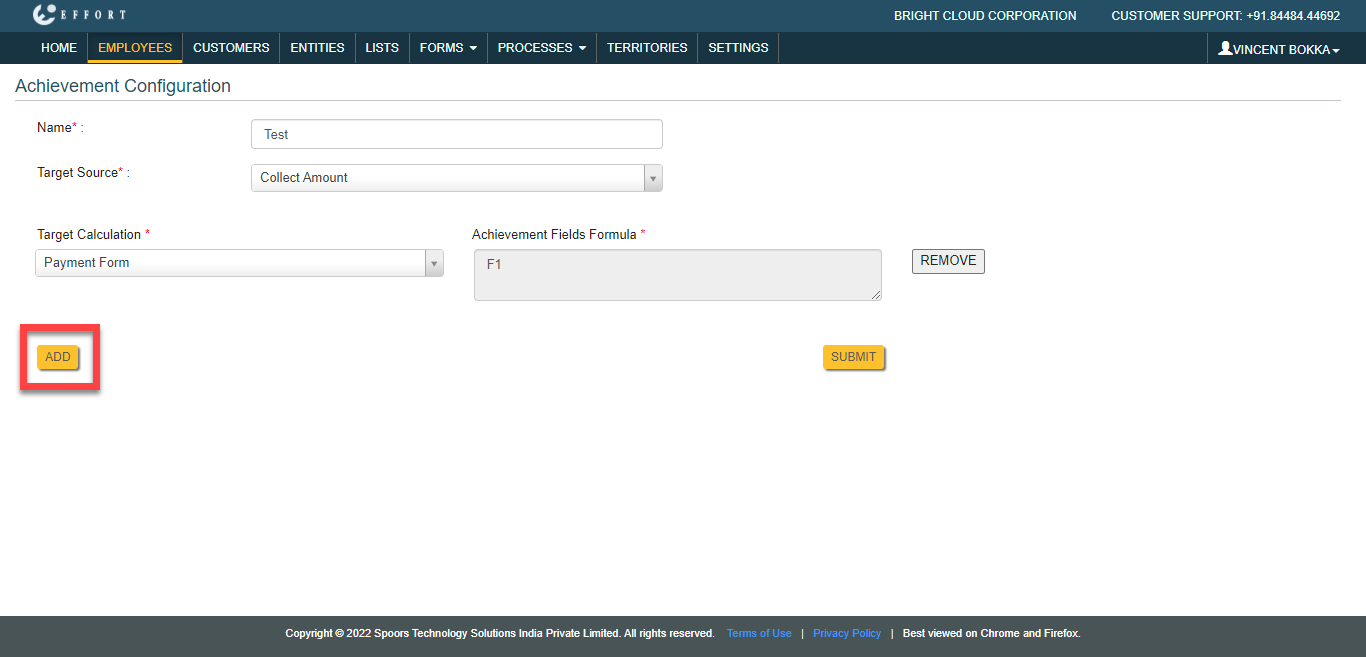
The Achievement Configuration page appears.
-
In the Name field, enter the target name.
-
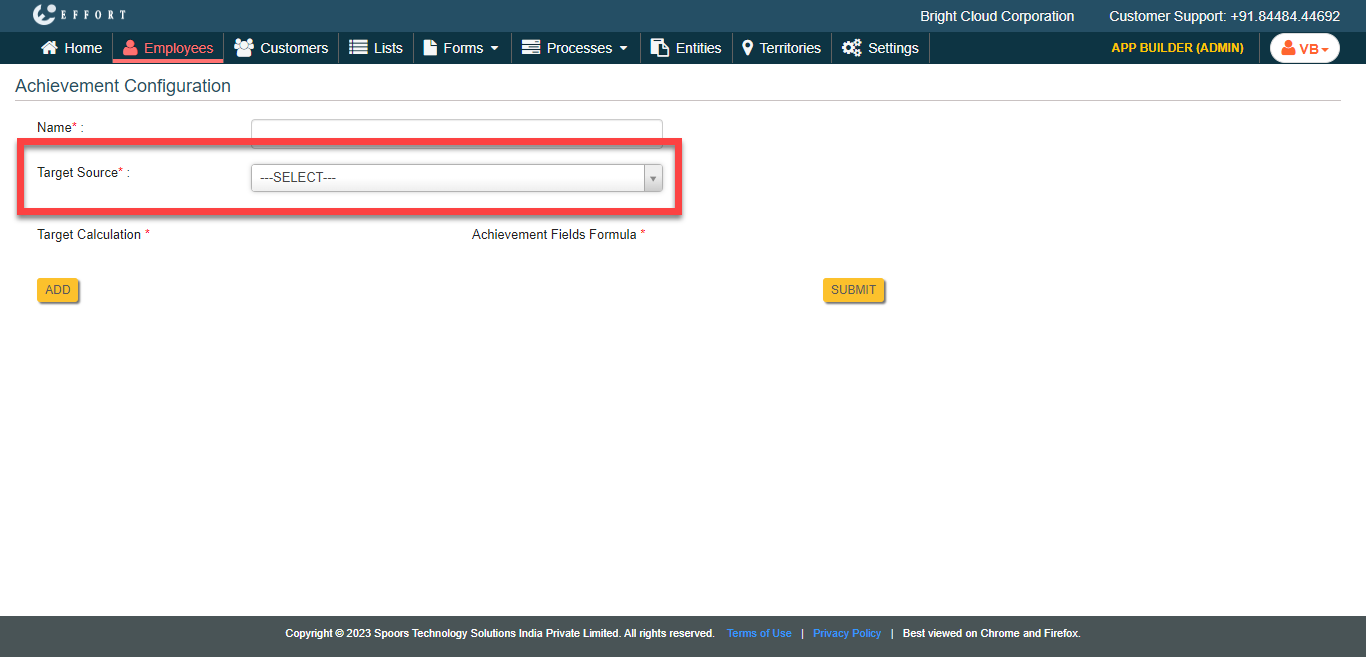
Click the Target Source dropdown and select a target
source.
-
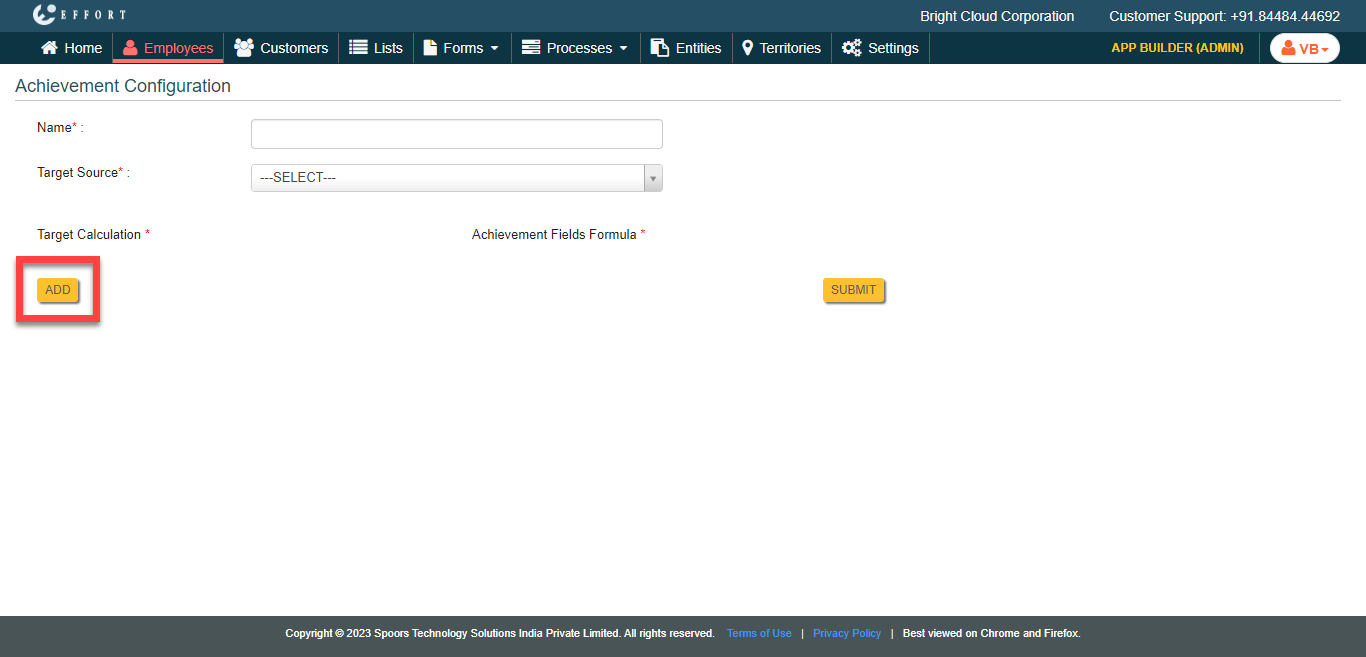
To calculate the target, click the Add button and do the
following.
-
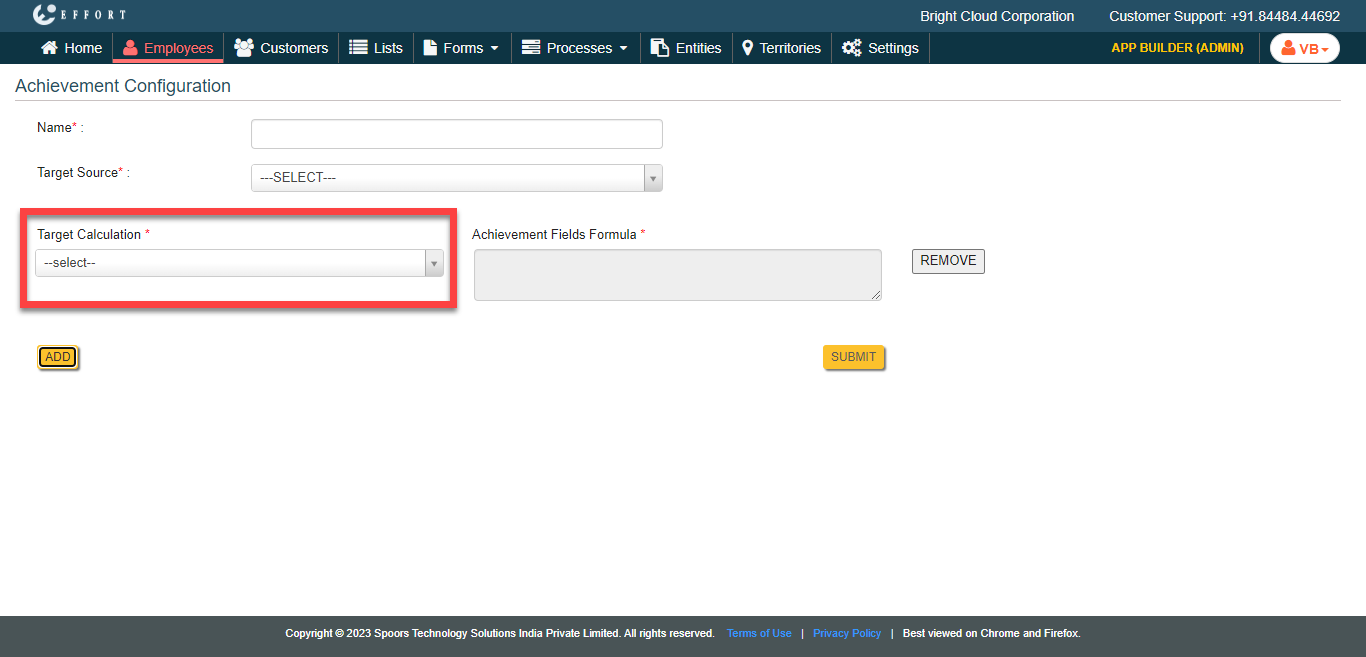
From the Target Calculation dropdown, select a
form template from which you want to calculate the target.
-
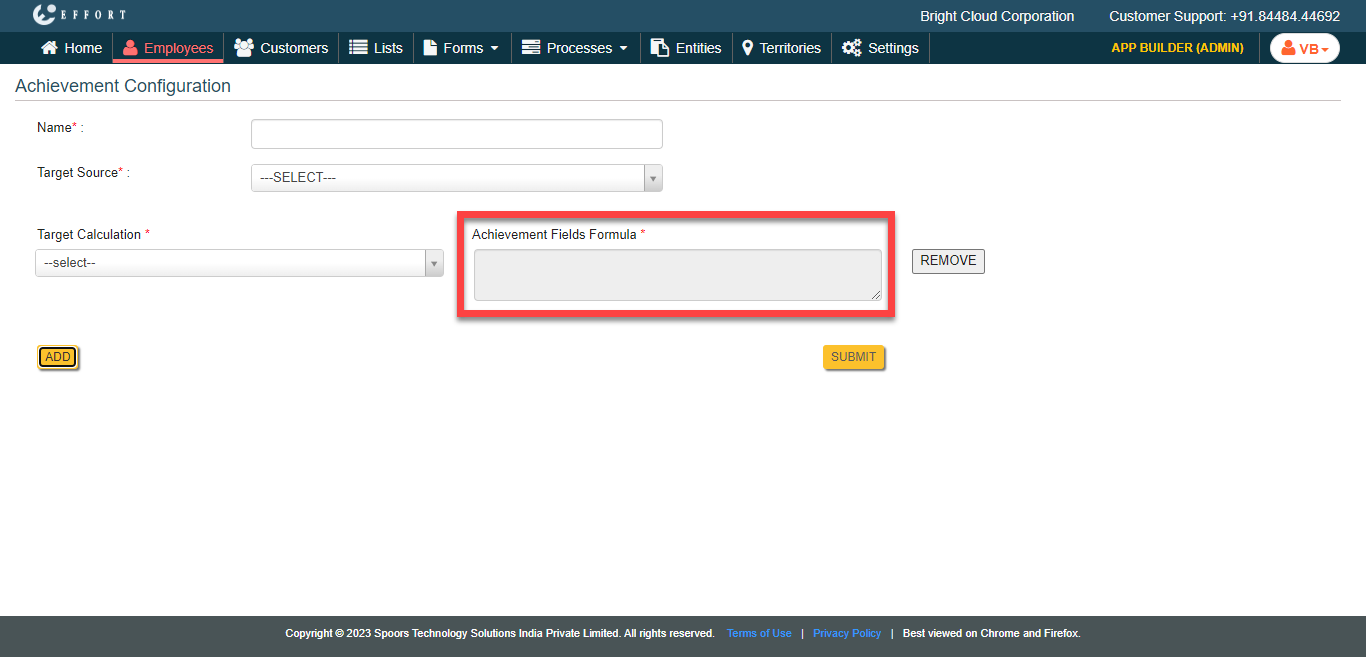
Click the grey box under the Achievement Fields
Formula.
-
In the Formula Editor pop-up window, click on
the required form field to populate on the text editor and define the
formula depending on your requirement.
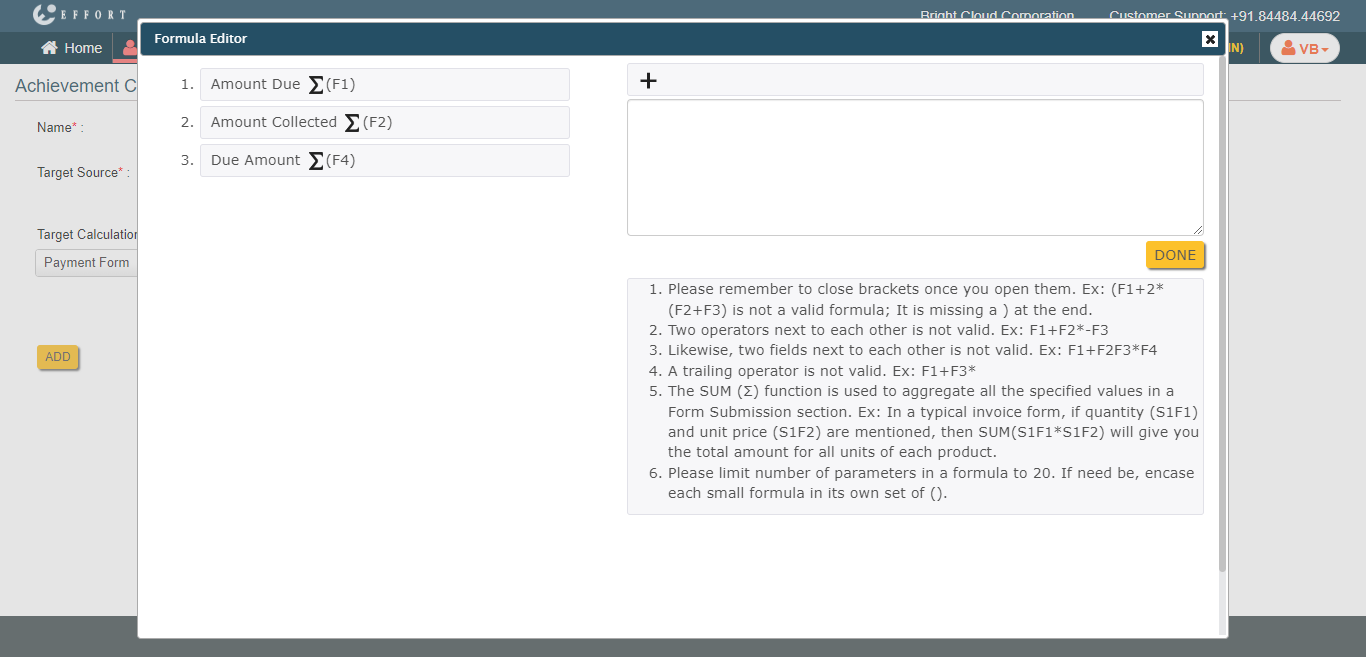
- Click Done.
-
From the Target Calculation dropdown, select a
form template from which you want to calculate the target.
- Optional:
If you want to define targets from more form templates, click the
ADD button again and repeat step 7.
- Click Submit.