

Configure Default Permissions for Field Employee
To configure the default permissions for field employee, follow the steps below.
-
Go to .
The Employees page appears.
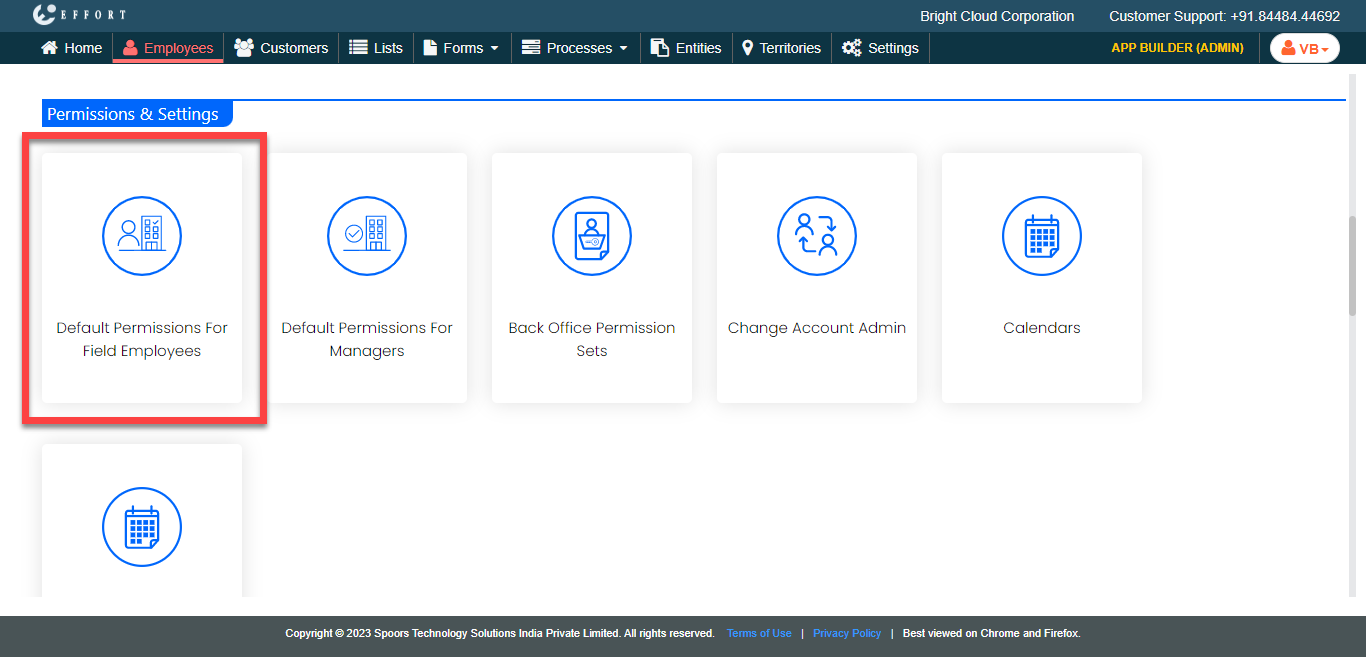
- Scroll down to the Permissions & Settings section.
-
Click the Default Permissions For Field Employees
card.
The Default Permissions For Field Employees page appears.
-
Select the checkboxes for the appropriate modules.
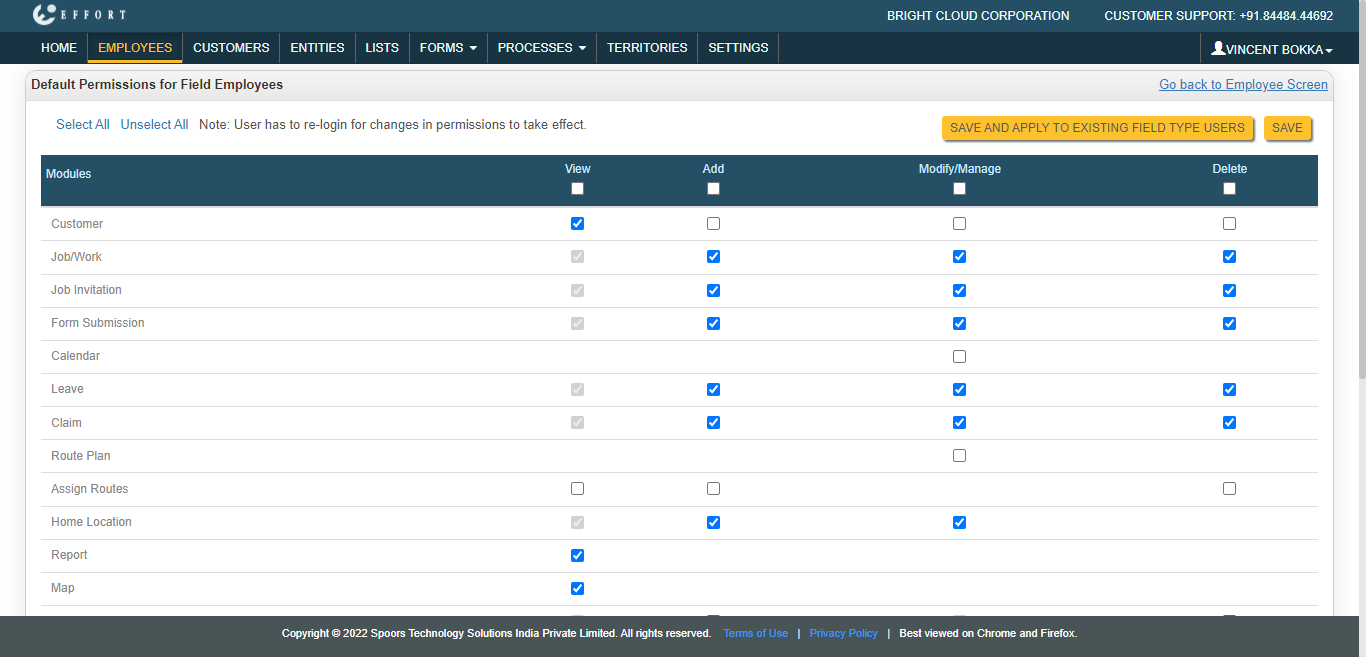
- Click Save to apply the changes to new users.
- Click Save and Apply to Existing Field Type Users to apply the changes to the existing users.