

Configure Sign-In or Sign-Out Webhook
To configure sign-in or sign-out webhook, follow the steps below:
-
Go to .
The Employees page appears.
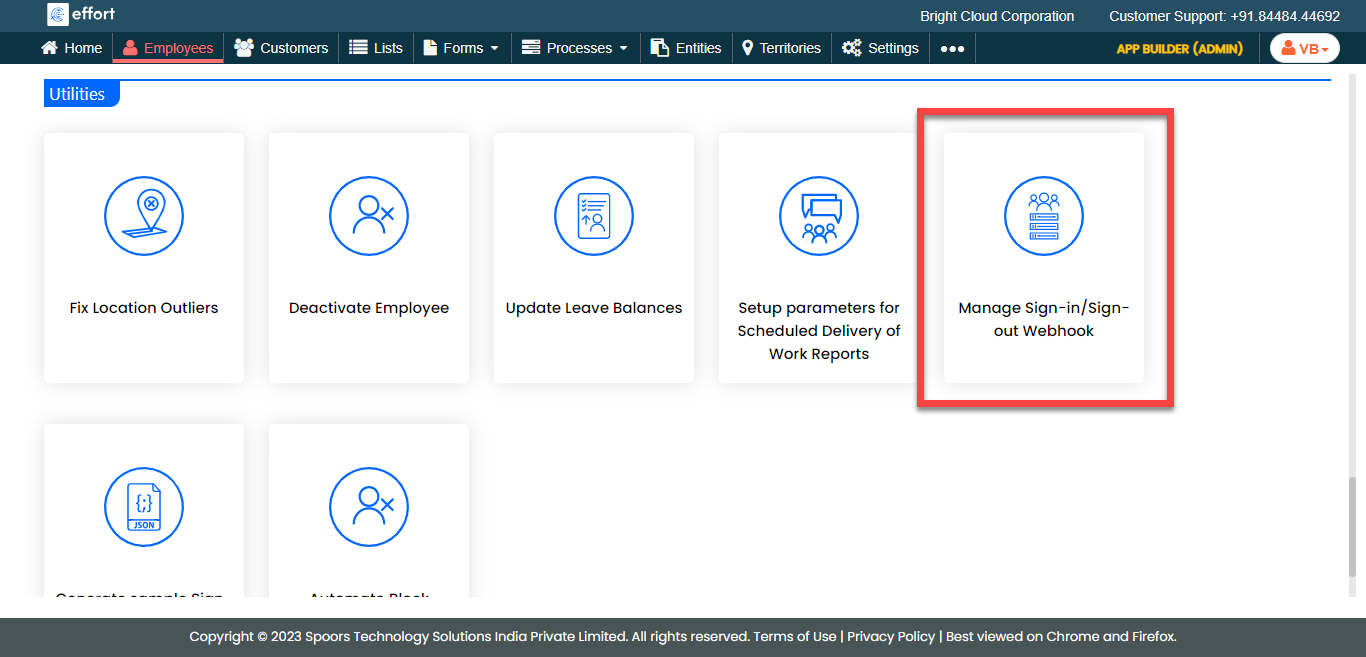
- Scroll down to the Utilities section.
-
Click the Manage Sign-In or Sign-Out Webhook card.
-
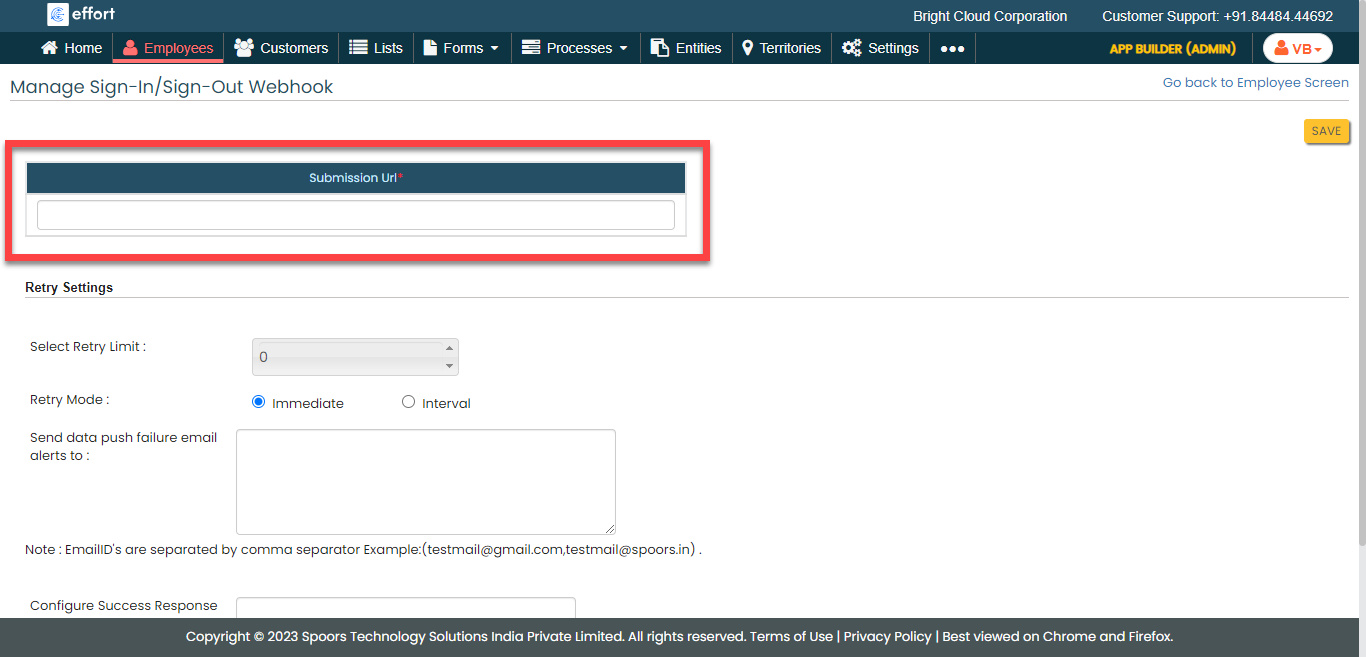
In the Submission URL field, provide the URL to which
you want to send the data.
-
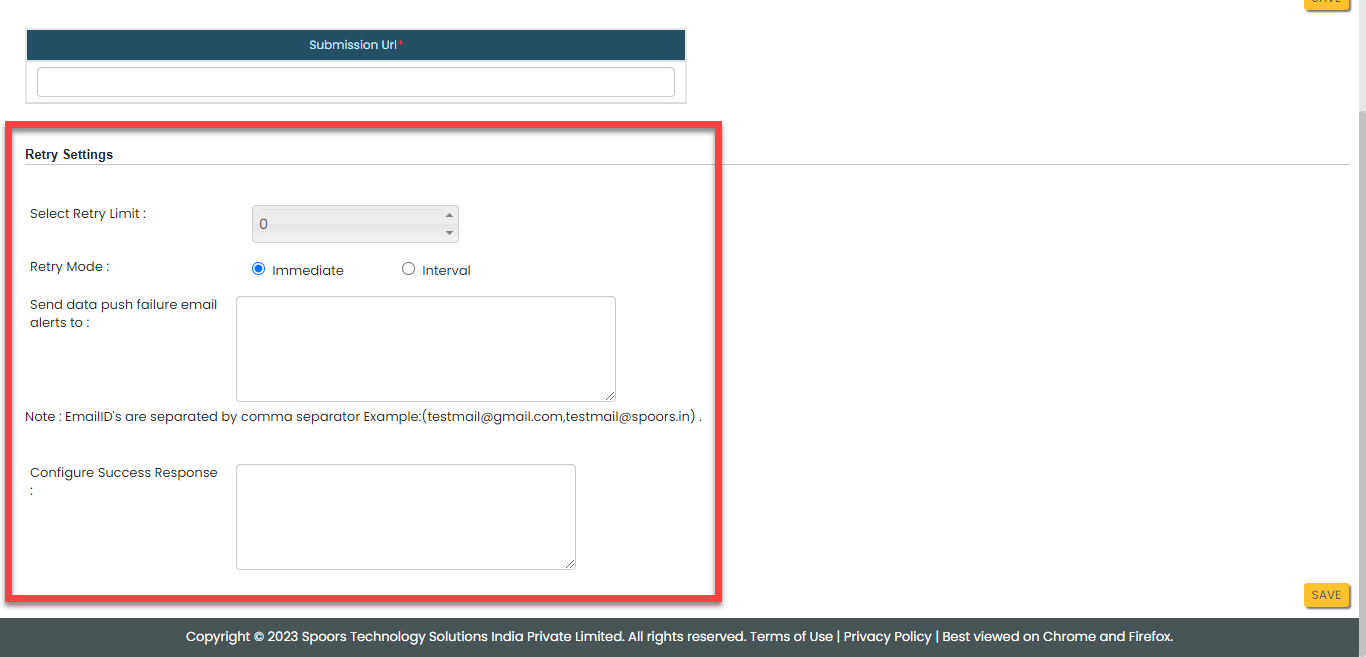
Configure the Retry Settings as per your
requirement.
- Click Save.