

Schedule Reports
To schedule a report, follow the steps below.
-
Go to .
The Reports page appears.
-
Click the Schedule My Reports button located on top of
the page beside the search bar.
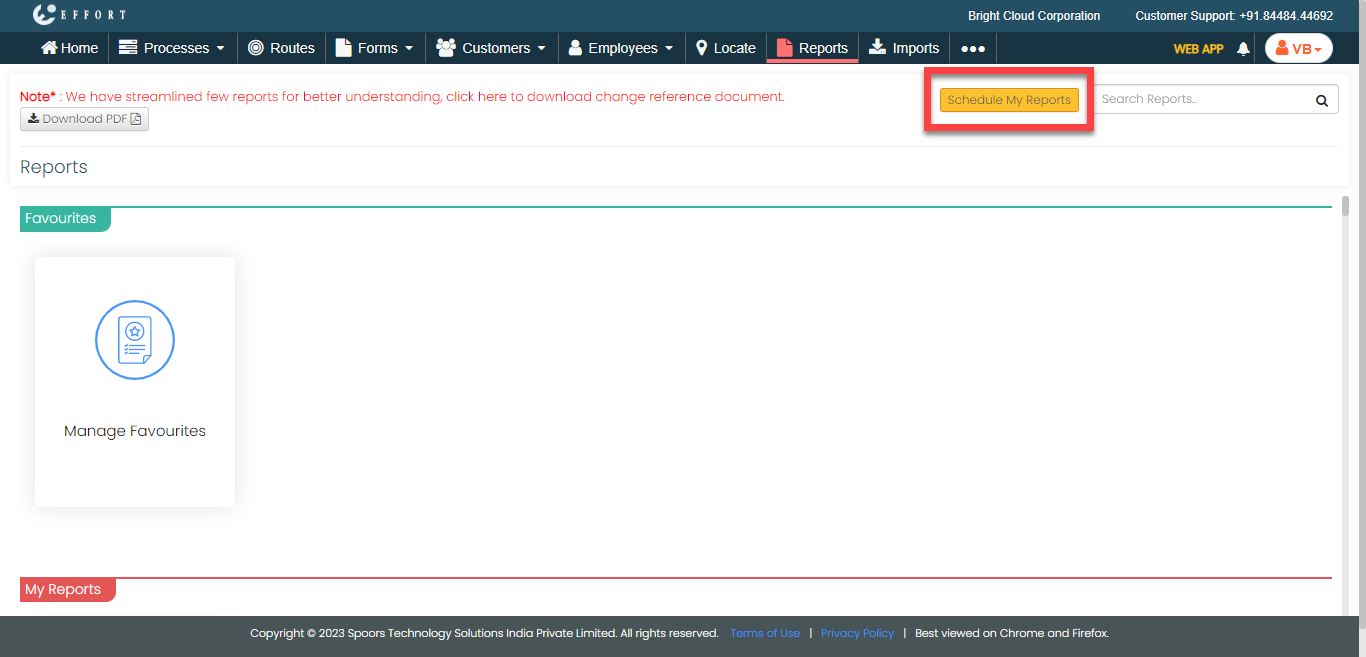
The Schedule Reports page appears.
-
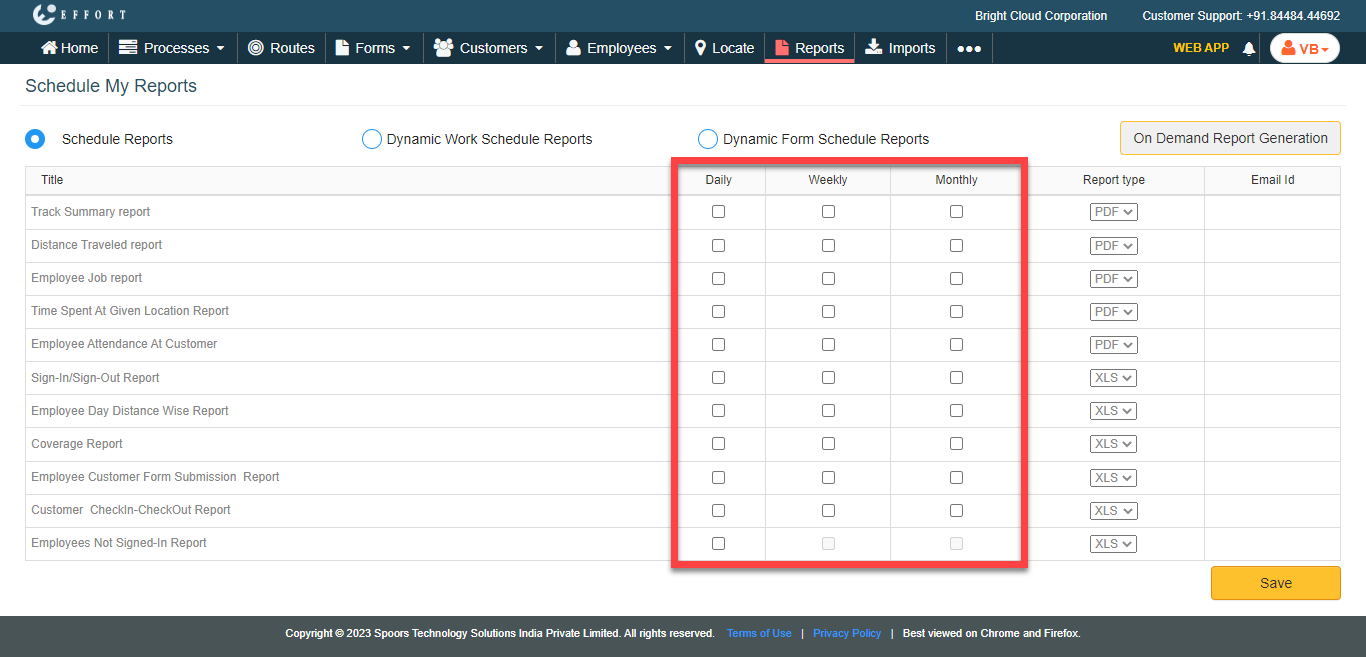
Select the checkboxes for the required reports which you want to schedule on a
daily/weekly/monthly basis.
-
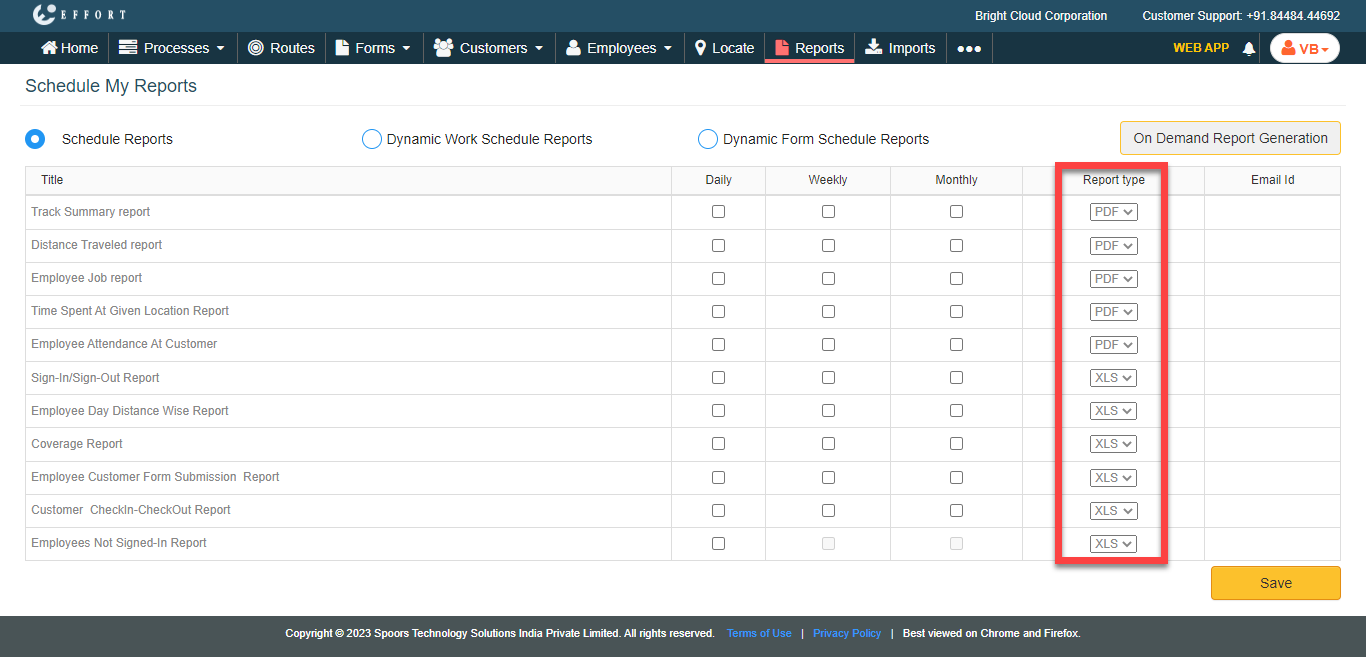
Under the Report Type column, select the report
format.
-
Click the email
 icon under Email Id column.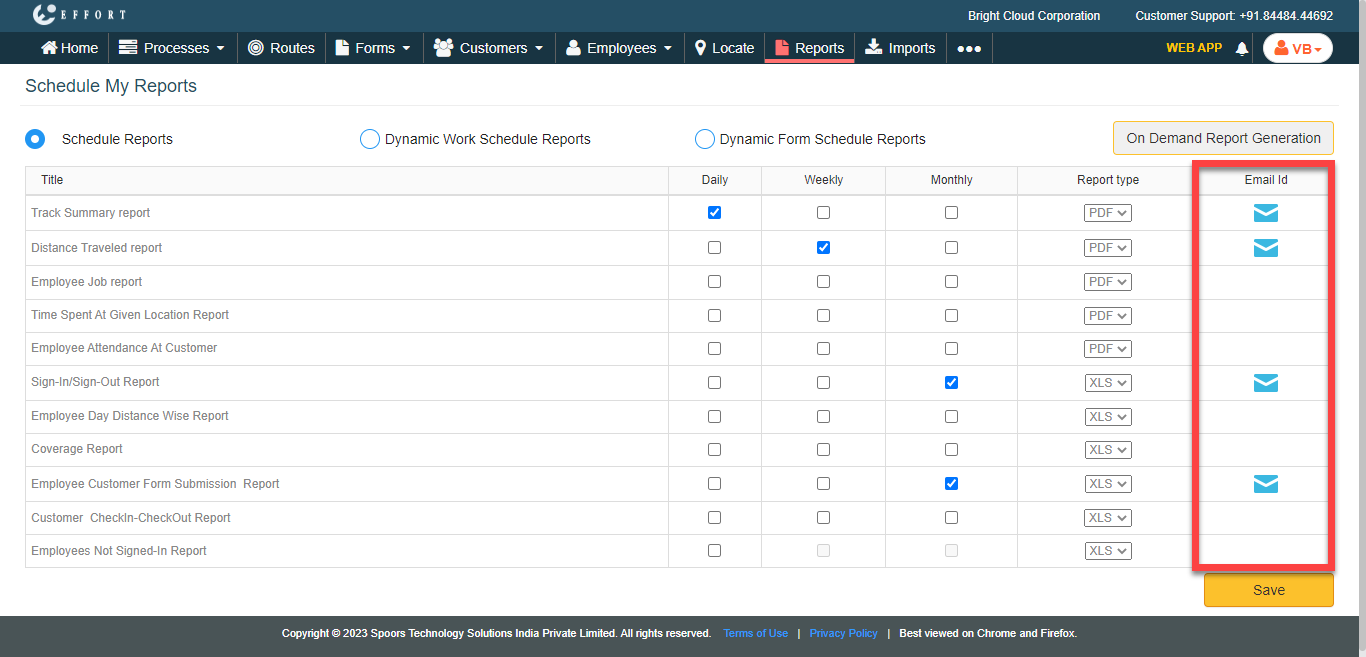
You will receive the selected reports over Email in the selected format. -
In the Email Id textbox, enter the email ids to which
you want to send the report.
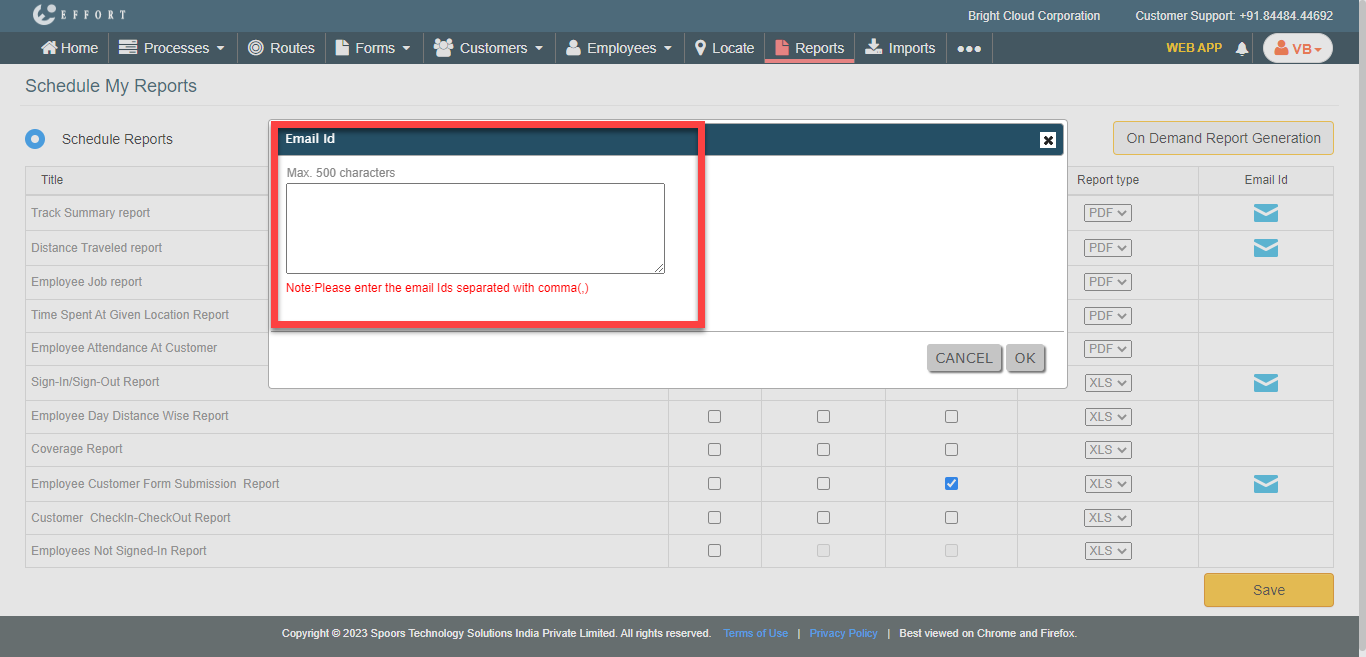
- Click OK.
- Click Save.