

Add Employee Chat Group
To create an employee chat group, follow the steps below.
-
Go to .
The Employees page appears.
-
Under the Groups section, click the Chat
Groups card.
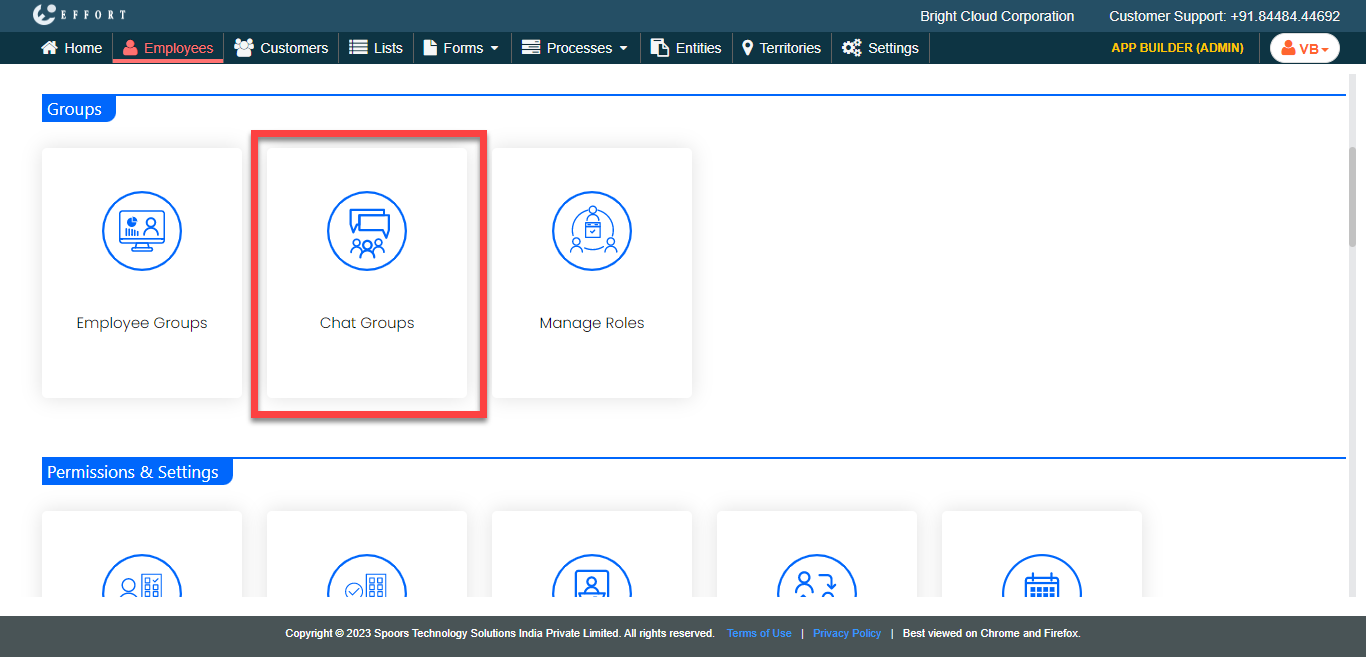
The Employee Chat Groups page appears.
-
Click the Add Employee Chat Group button.
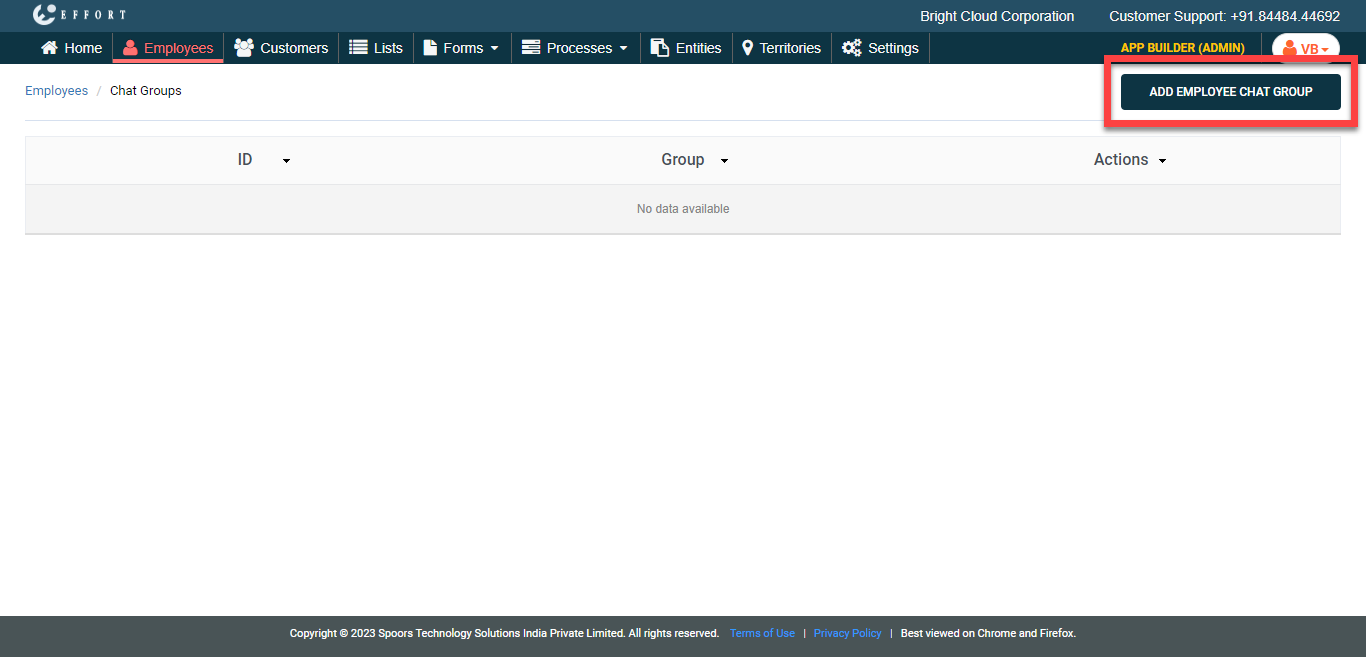
The Create Employee Chat Group page appears.
-
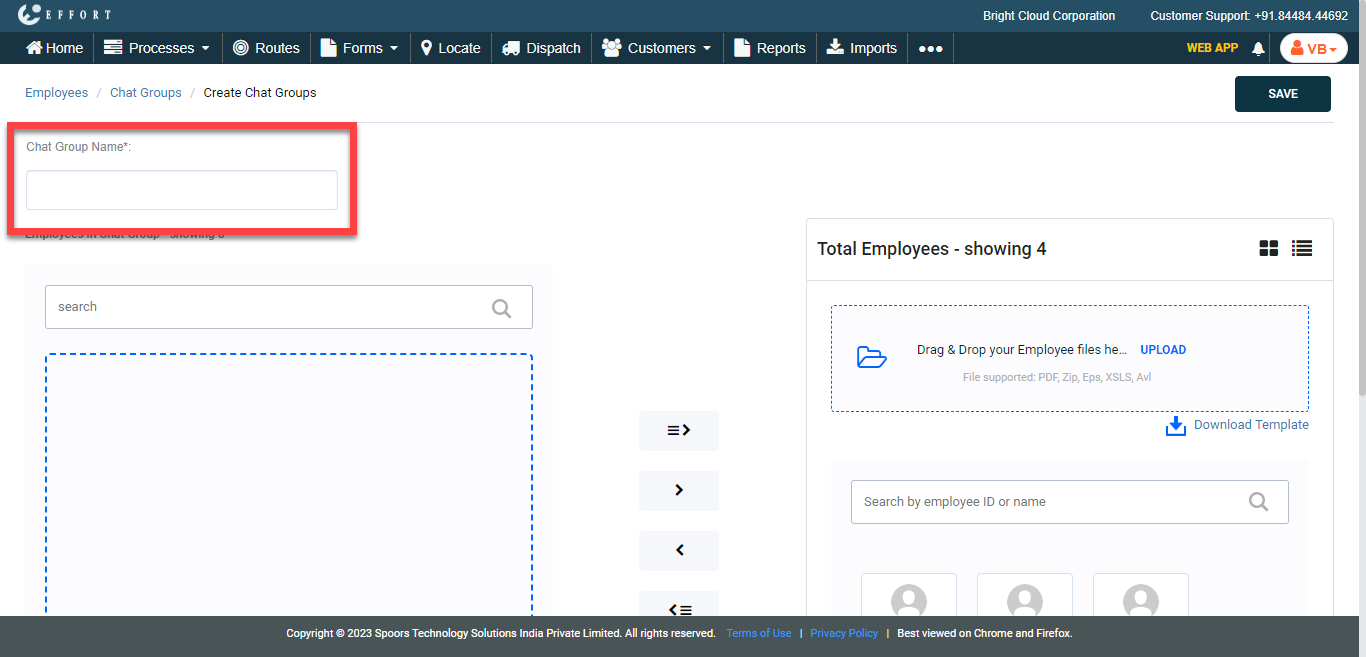
In the Chat Group Name textbox, enter a name for the
group.
-
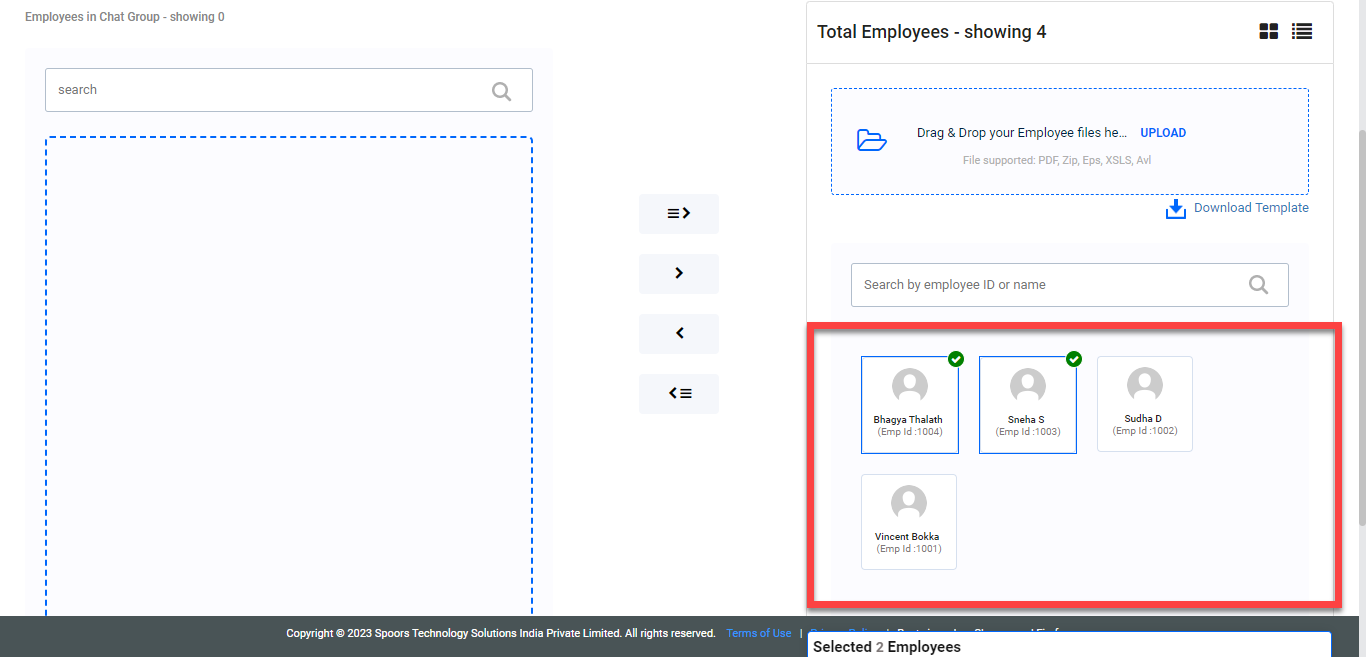
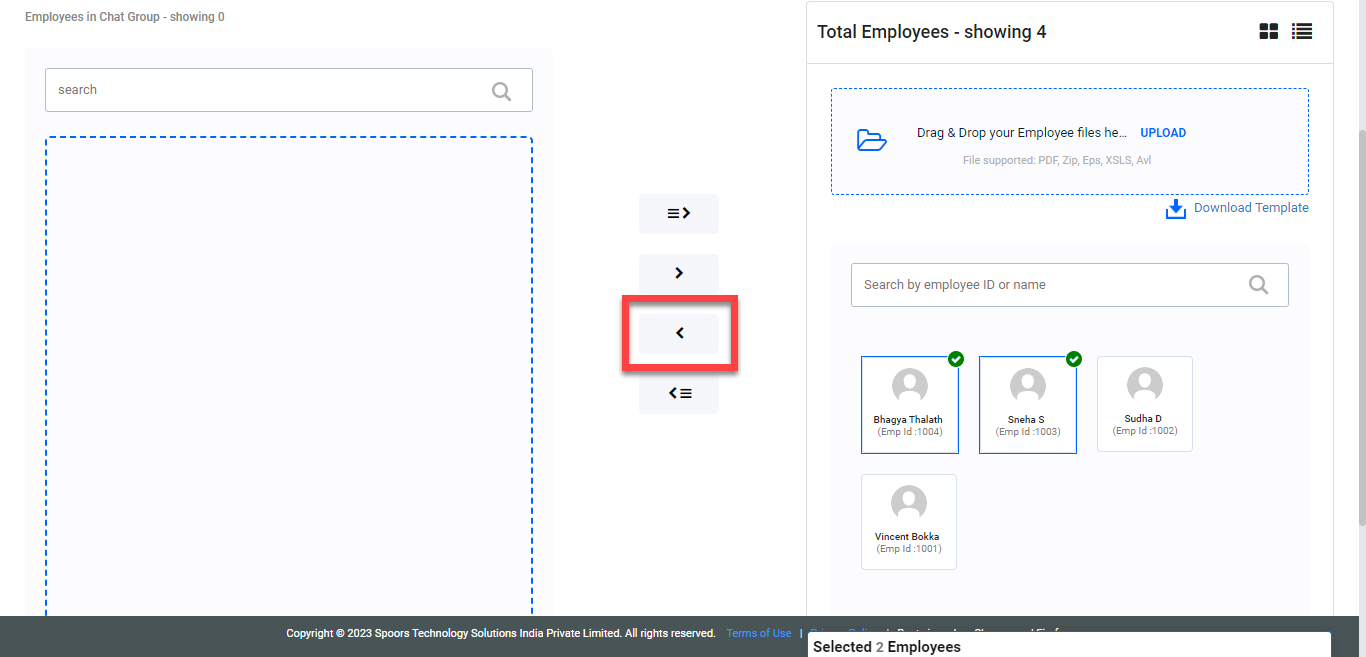
Under the Available Employees section, select the
employees you want to add to the chat group.
-
Click the arrow icon to move the selected employees.
- Click Save.