

Approval Employee Group Configuration
The Approval Employee Group allows you to manage the group of employees responsible for approving form submissions before an employee record is created.
By default, the root employee is added to the approval group. You can update this group by adding new employees or removing existing ones as per your organizational requirements.
To update the approval employee group configuration, follow the steps below:
-
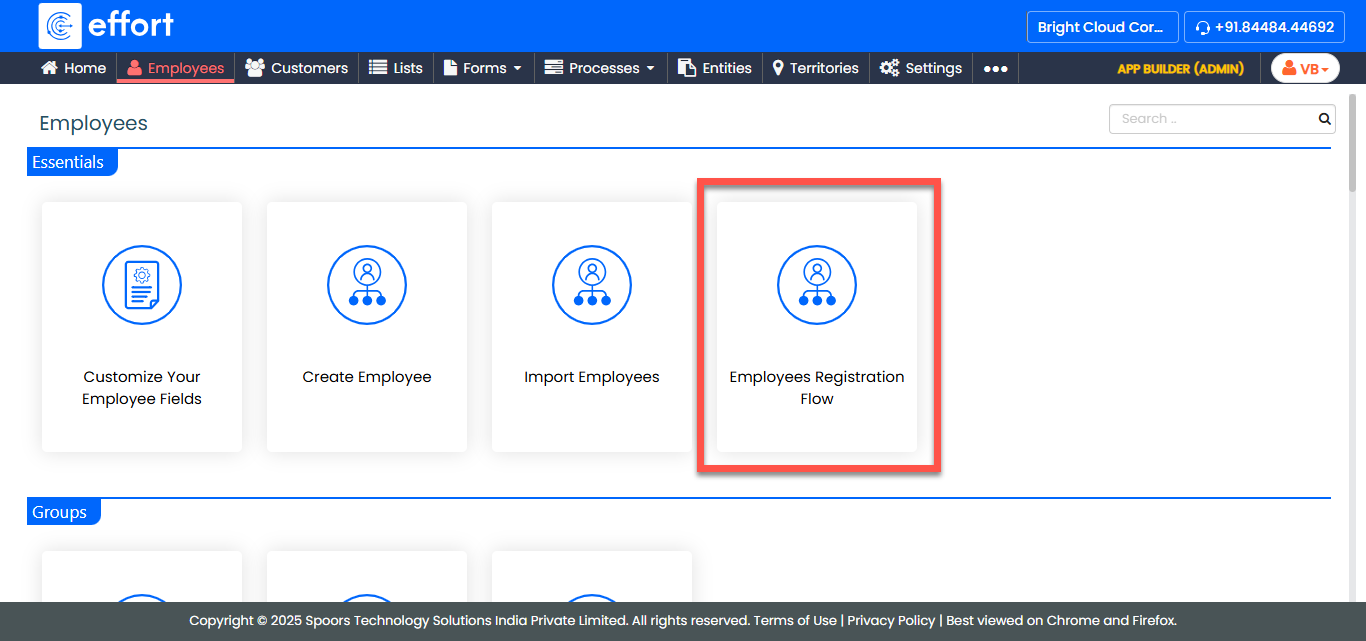
Go to .
-
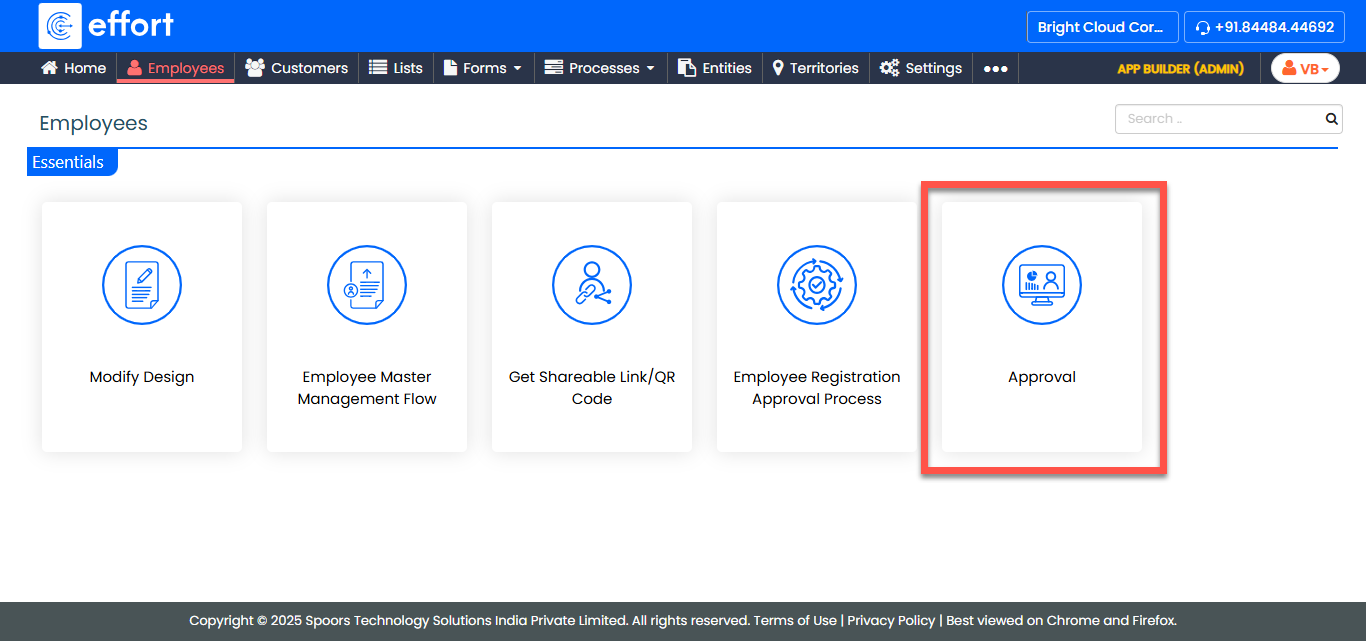
In the Employees page, click Approval.
-
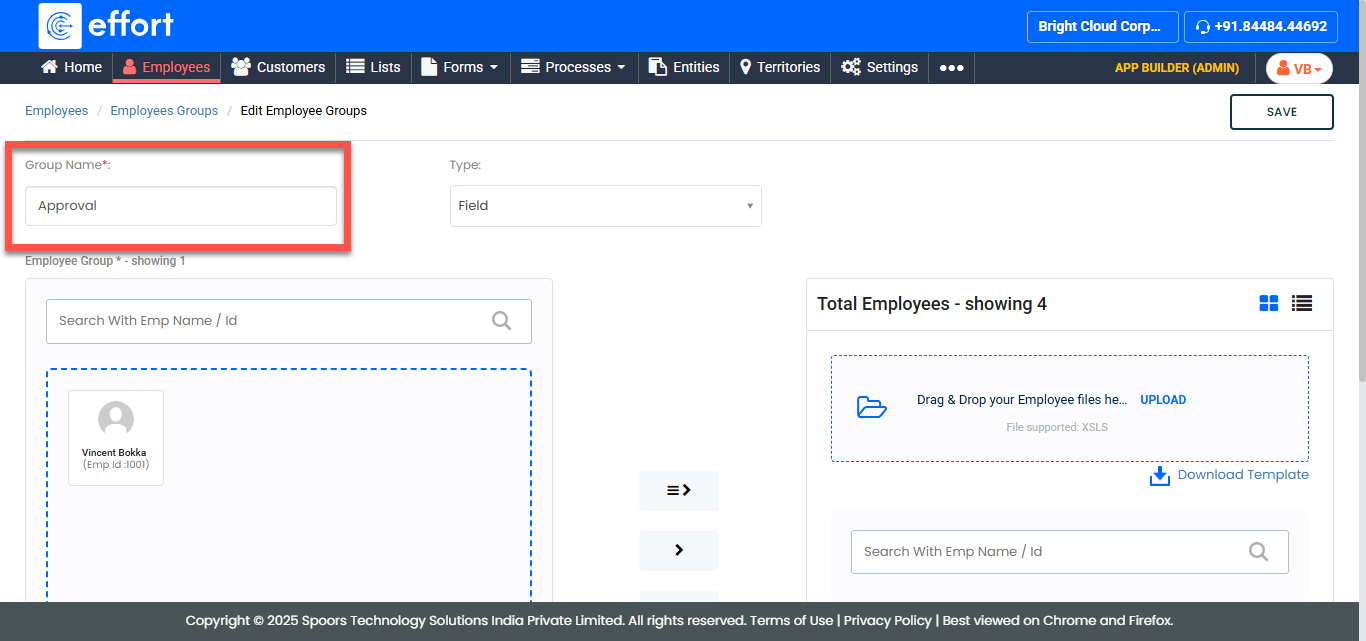
(Optional) Update the Group Name if needed.
-
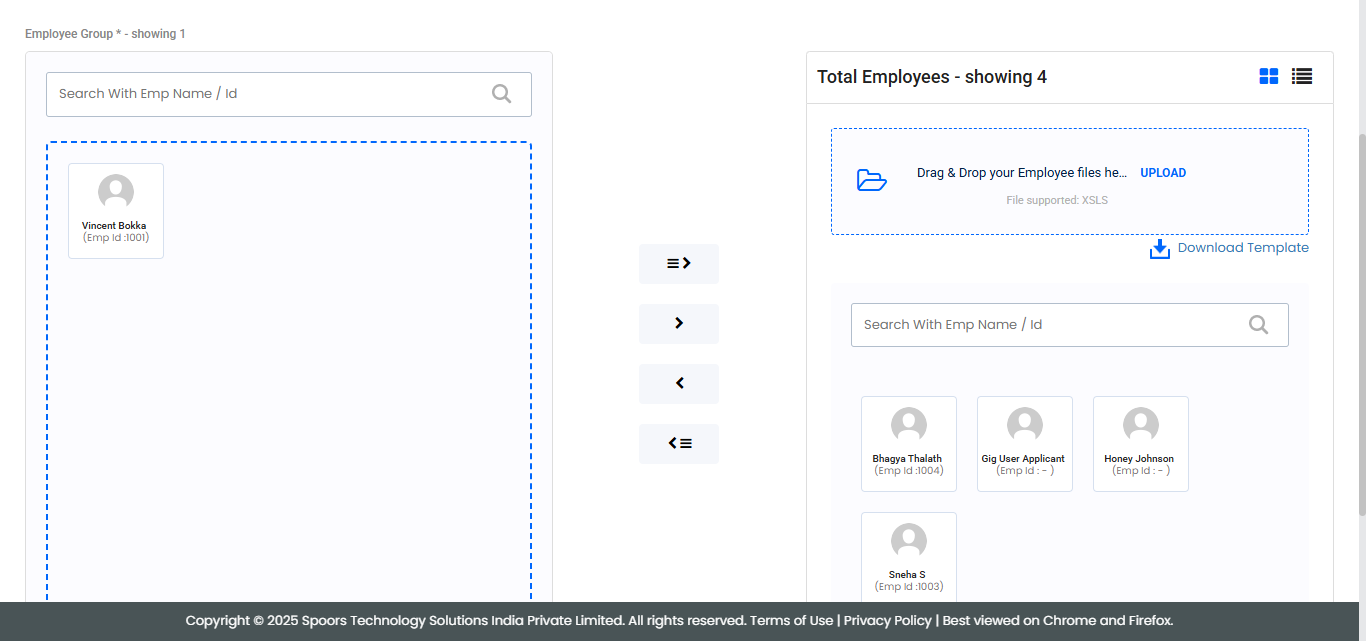
Add employees to the group or remove existing employees as required.
- Click Save to apply the changes.