

Create Hierarchy Based Escalation Matrix
To create hierarchy based escalation matrix, follow the steps below.
-
Go to .
The Employees page appears.
- Scroll down to the Performance Management section.
-
Click the Escalation Matrix card.
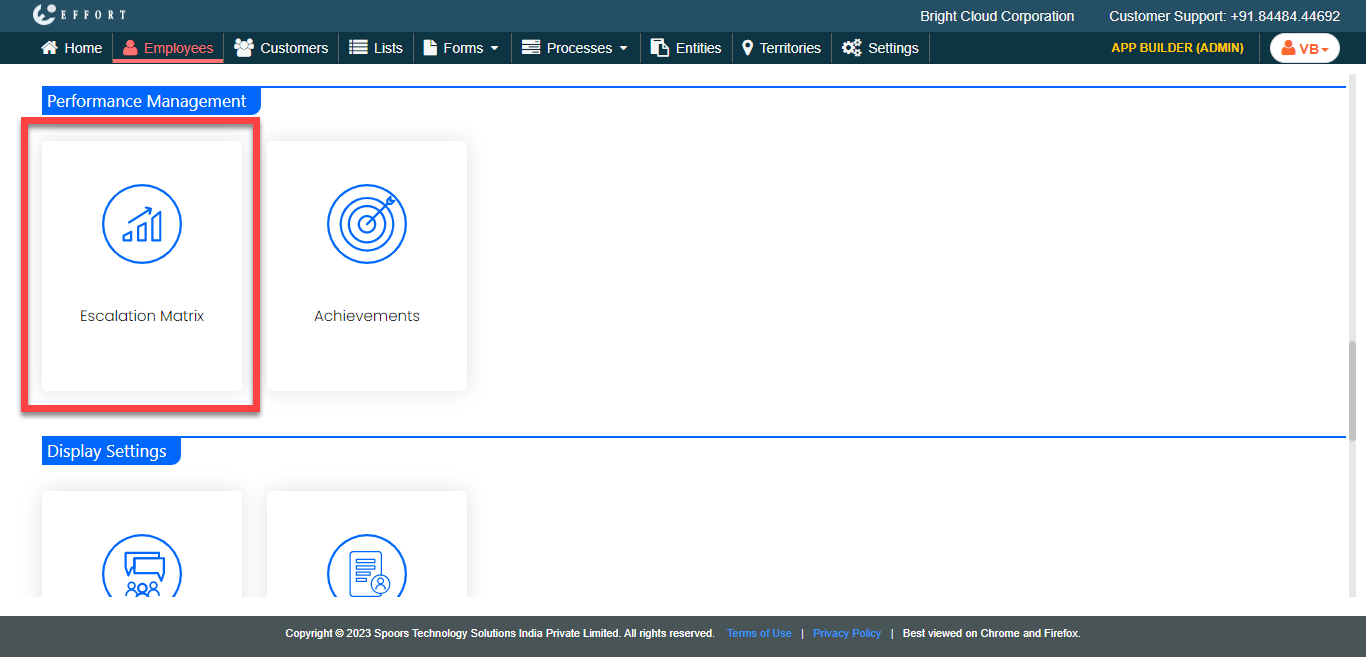
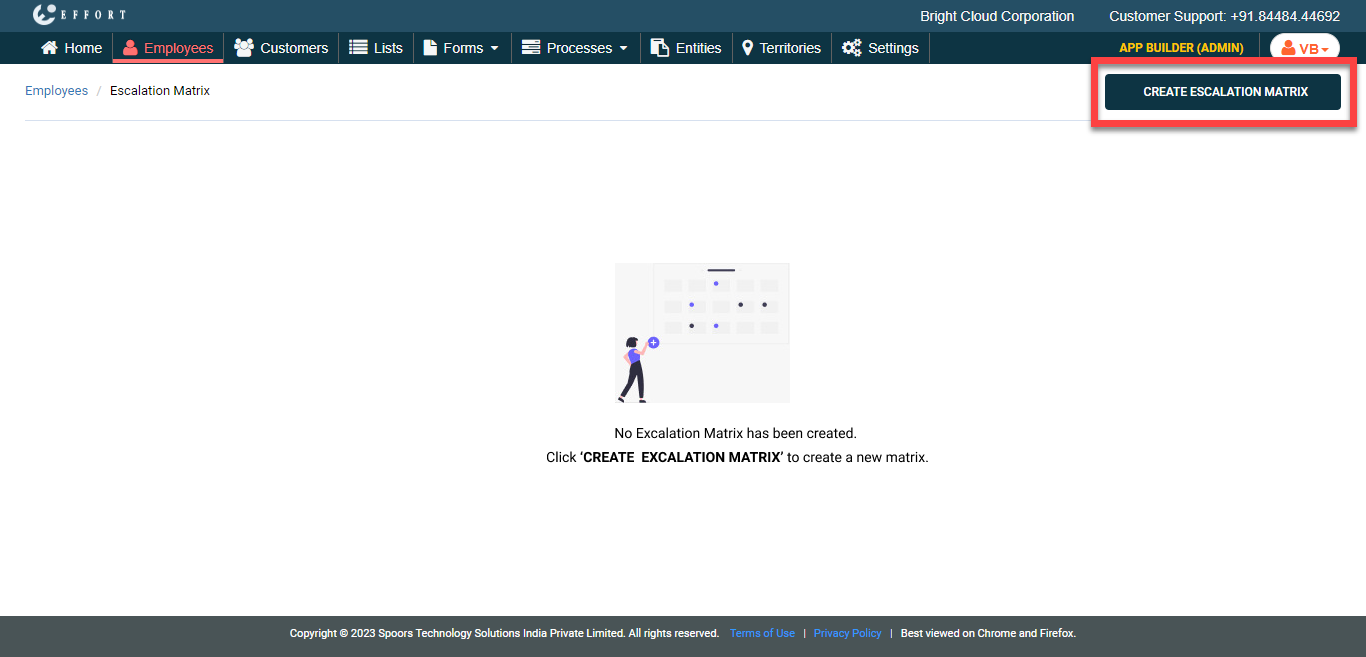
The Escalation Matrixs page appears.
-
Click Create Escalation Matrix button.
-
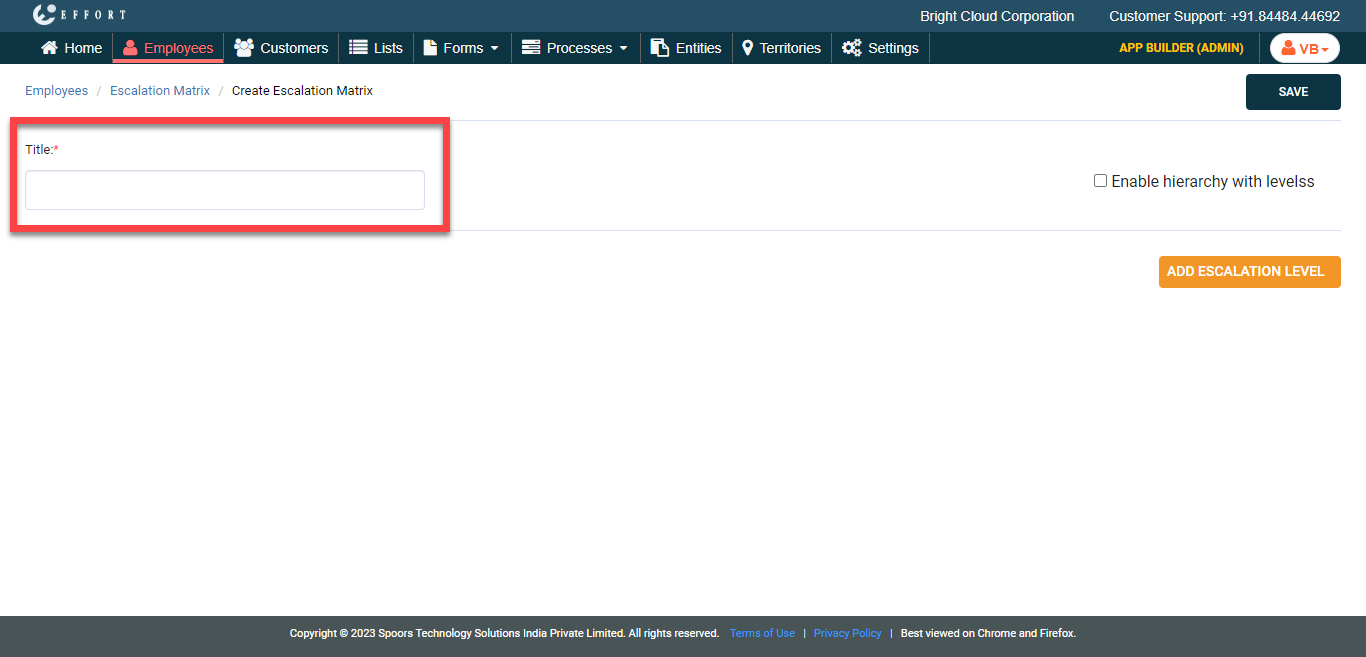
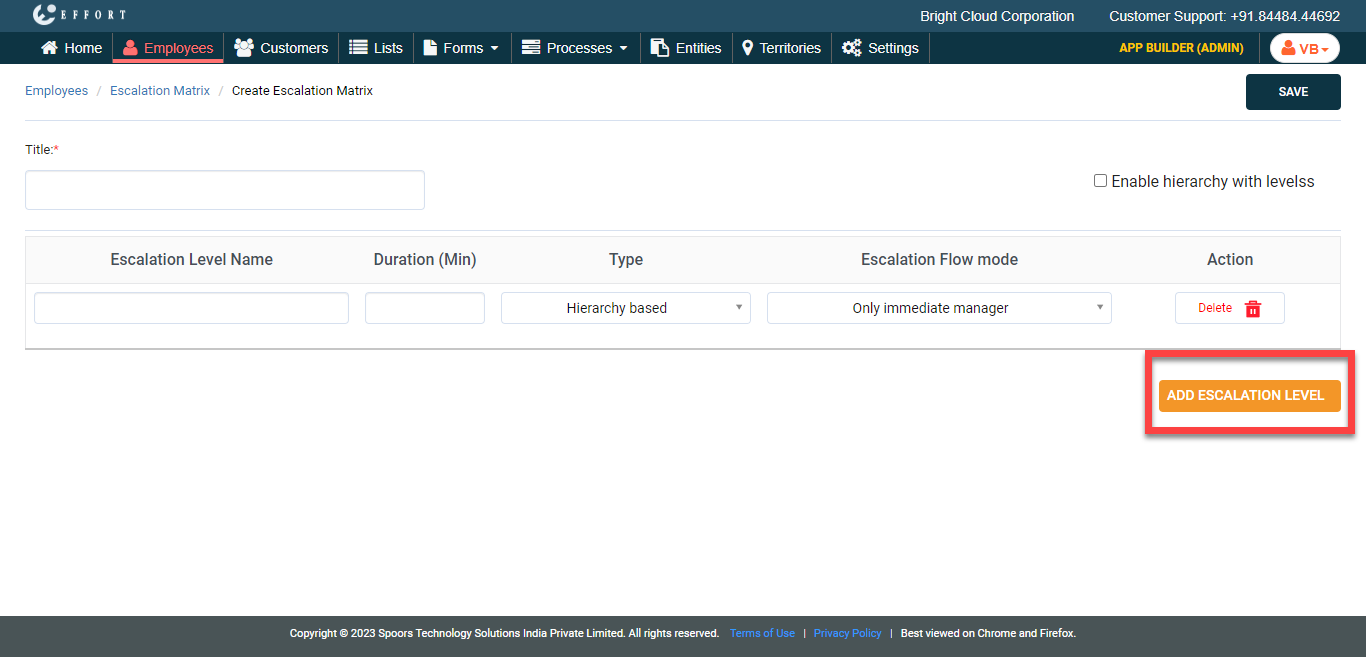
In the Title field, enter a title for the escalation
matrix.
-
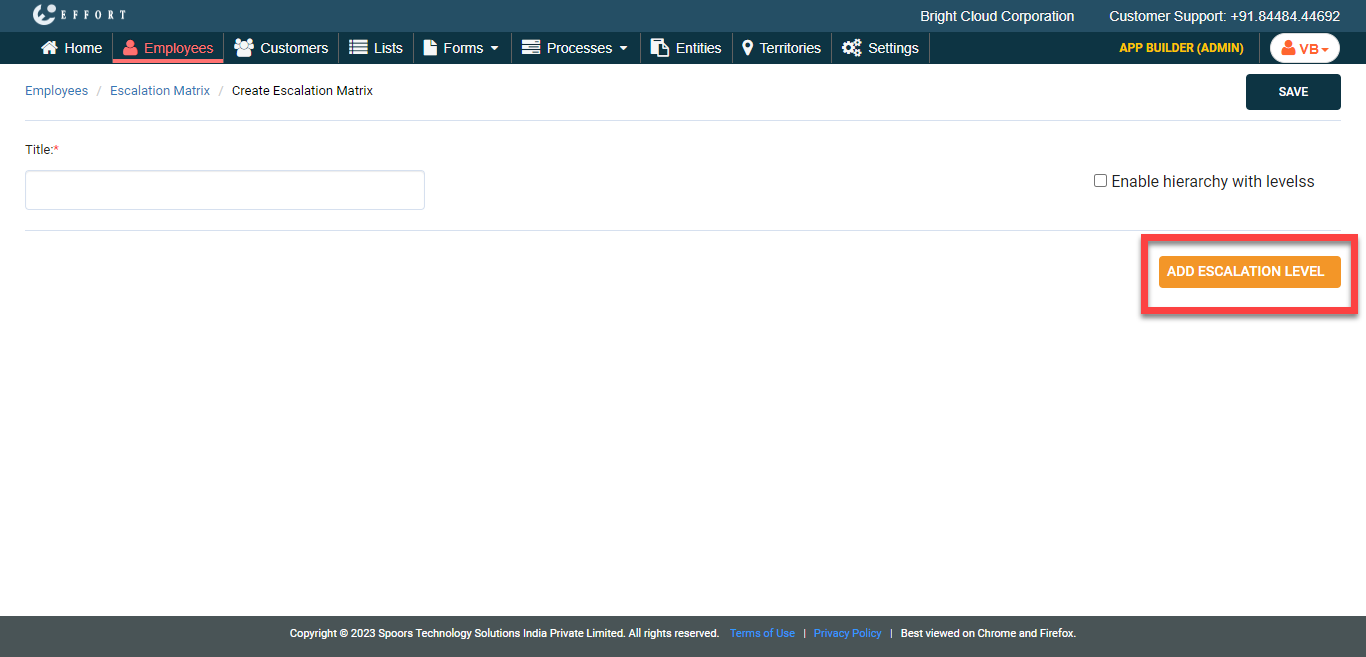
Click Add Escalation Level button and do the
following.
-
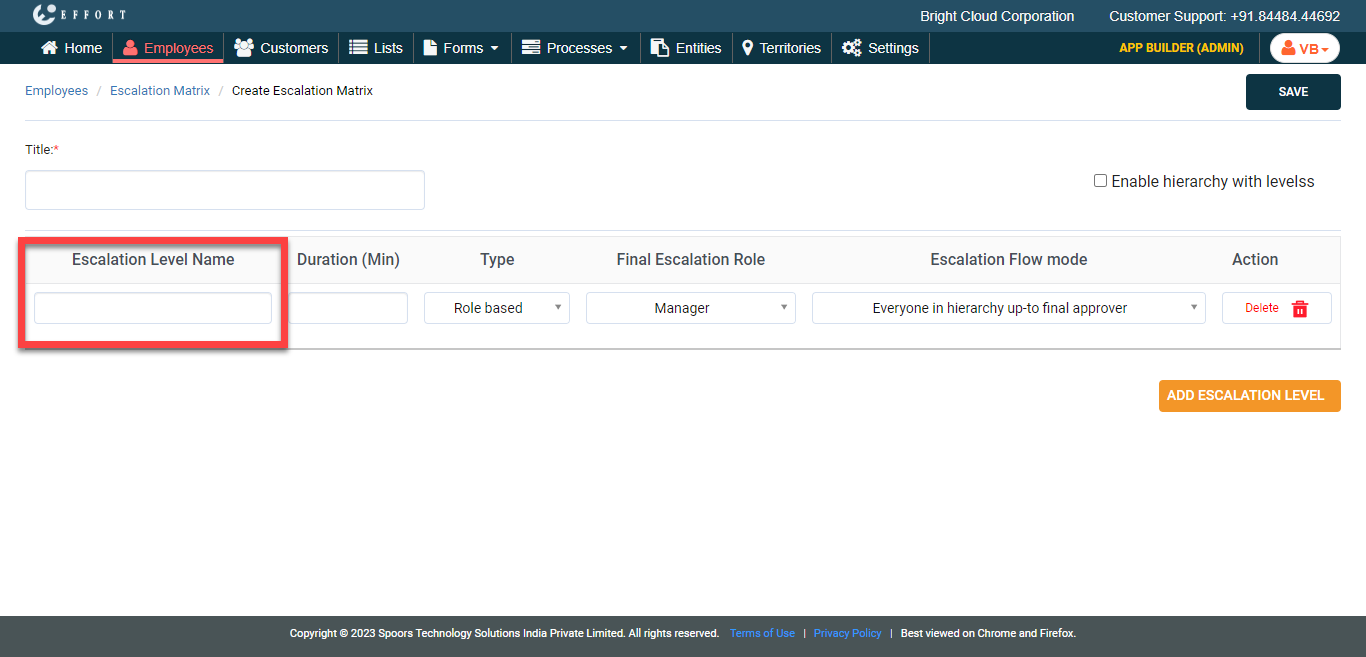
Enter the Escalation Level Name.
-
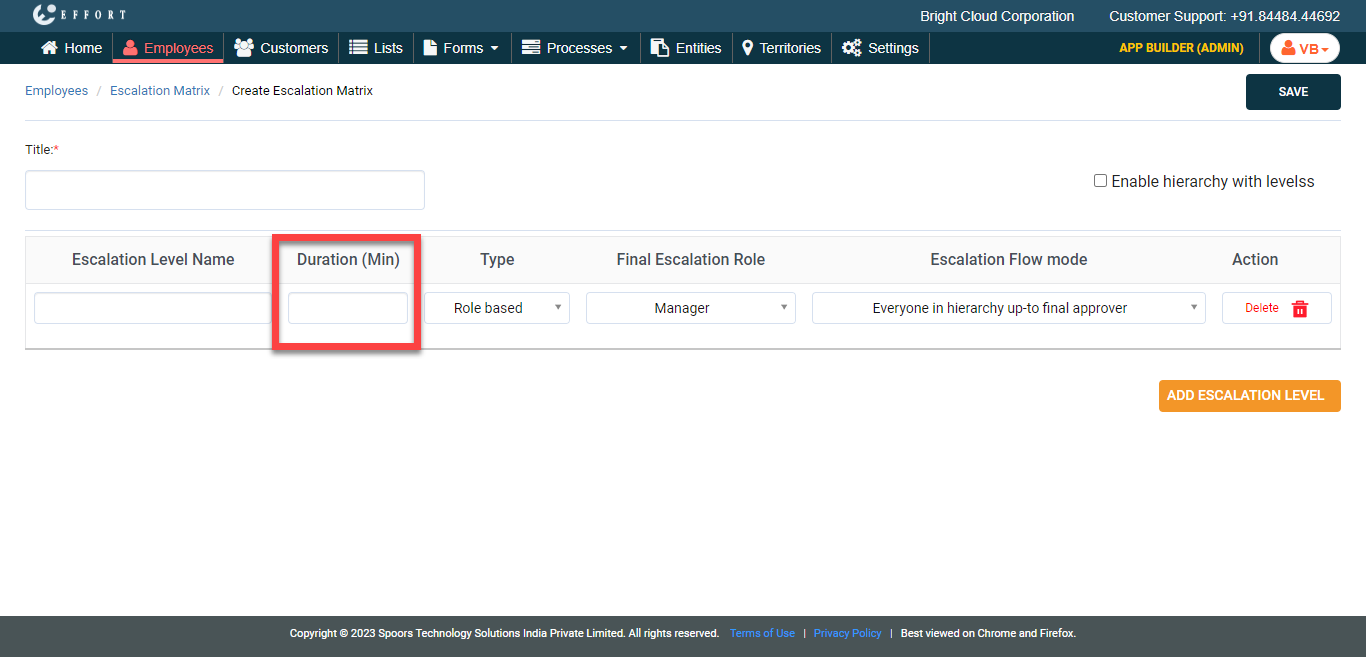
In the Duration field, define the duration to
report the escalation.
-
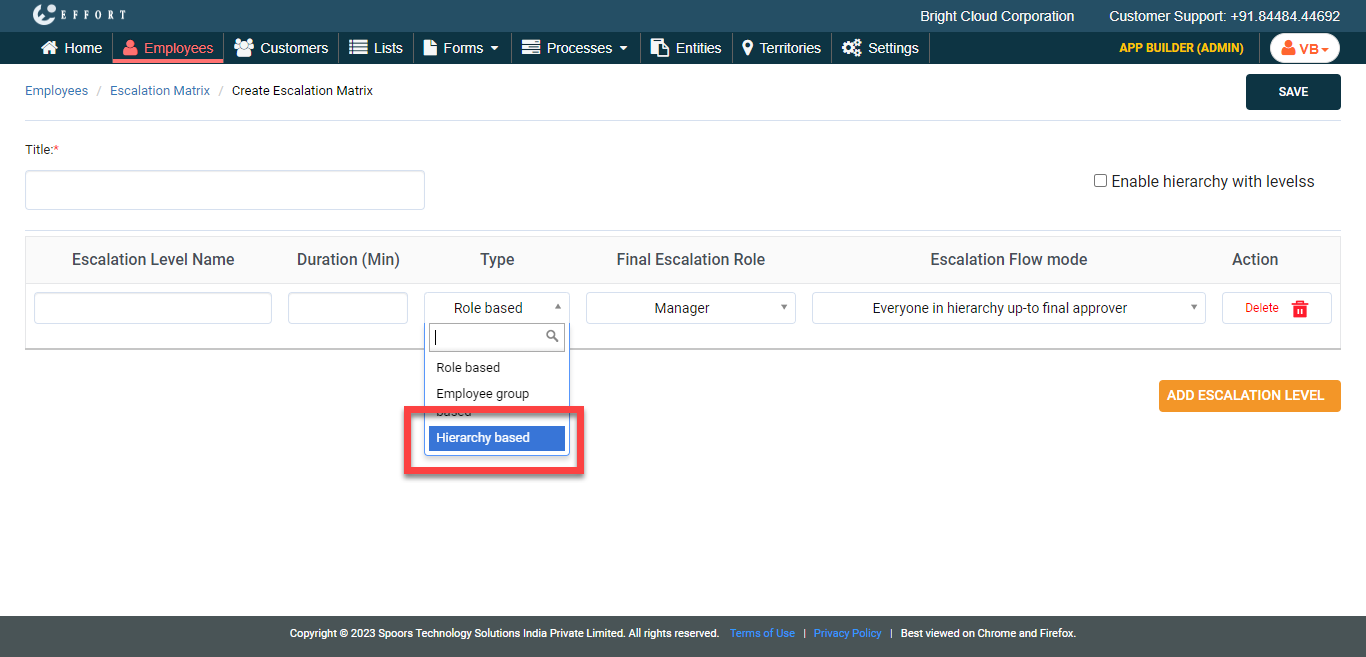
Under the Type column, select
Hierarchy based from the dropdown.
-
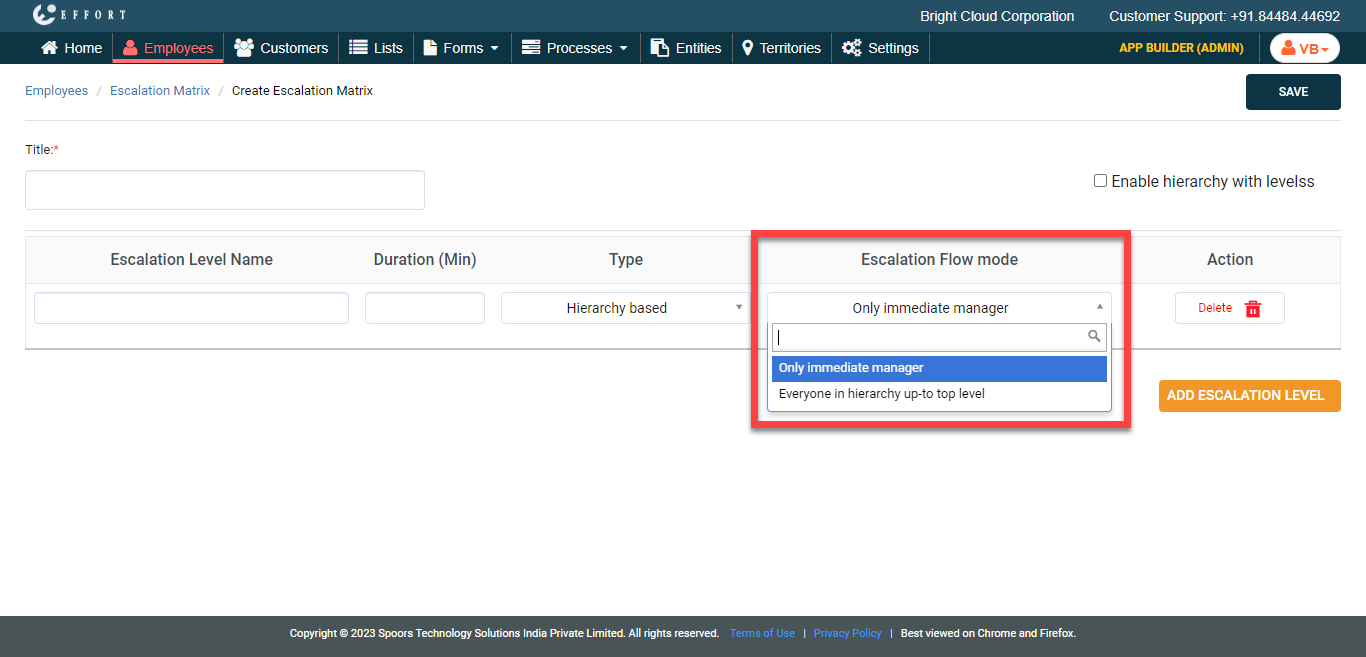
Under the Escalation Flow mode column, select
the escalation flow depending on your requirement.
-
Enter the Escalation Level Name.
- Optional:
If you want to add more escalation levels, click the Add Escalation
Level button again and repeat step 6.
- Click Save.